What does a JPG to PNG converter do?
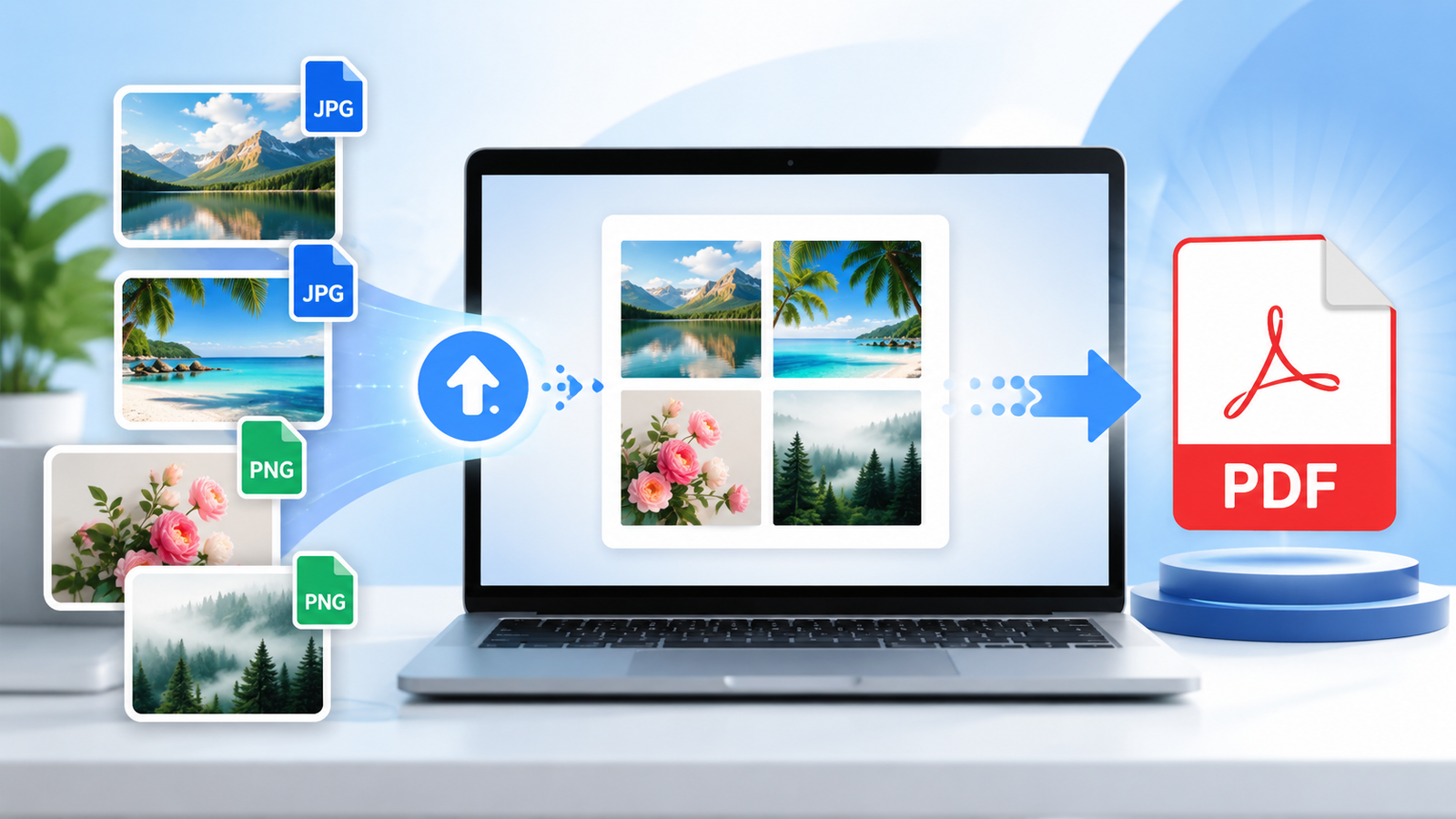
A JPG to PNG converter takes a JPEG photo and saves the same picture in the PNG format. JPG (also written JPEG) and PNG are the two most common image formats on the web, but they work in very different ways. JPG uses lossy compression: it throws away small details to keep photos small. PNG uses lossless compression: it stores every pixel exactly, and it supports transparency.
This tool reads your JPG file, draws it onto an HTML canvas inside your browser and exports the canvas as a PNG. The width, height and every visible pixel stay the same. You get a file that you can edit, re-save and share without adding any more JPEG damage.
How to convert JPG to PNG
- Add your images. Drag JPG or JPEG files onto the box above, or click it to pick files. You can add many at once.
- Optional: choose a colour to make transparent. Tick the box, pick the background colour (white is the default) and adjust the tolerance.
- Check the results. Each image shows a PNG preview, its size in pixels, and the original file size next to the new PNG size.
- Download. Click Download on any image, or Download all PNGs to save them one after another. Each file keeps its name with a .png ending.
Your photos are never uploaded. The conversion runs with JavaScript on your own device, so it works for private photos, ID scans and unpublished work. Once the page has loaded it even works offline.
Will converting JPG to PNG improve quality?
No, and it is worth being clear about this. When a photo was saved as JPG, some detail was thrown away for good. You may see blocky patches in smooth skies, or a faint halo around text and sharp edges. Converting to PNG copies the picture exactly as it is now, artefacts included. It cannot bring back detail that is no longer in the file.
What PNG does do is stop things from getting worse. Each time you edit and re-save a JPG, it is compressed again and loses a little more quality. A PNG can be opened and saved as often as you like without any further loss. That makes it a good working format while you edit.
Why the PNG file is usually bigger
Expect your PNG to be larger than the JPG, often several times larger for a normal photo. PNG stores every pixel without loss, and it is not designed for the fine, noisy detail of photographs. The converter shows both sizes for every file so you can see the difference. If small file size matters most, keep the JPG or try our JPG to WebP converter instead.
When PNG is the right choice
You need transparency
JPG has no transparency at all. If you want a logo, signature or product cut-out to sit on any background, it must be a PNG (or WebP). Use the transparent colour option above for simple backgrounds, or the Background Remover for photos.
You will keep editing
Designers often convert a JPG to PNG before cropping, adding text or retouching. Saving the work-in-progress as PNG avoids stacking up compression loss with every save.
Text, screenshots and graphics
For a screenshot, diagram or chart that was saved as JPG by mistake, PNG stops new blur appearing when you edit it further.
A form or app asks for PNG
Some websites, print shops, design tools and app stores only accept PNG uploads. Converting is the quickest way to meet the requirement without changing the picture.
For photos you simply want to share, email or post online, JPG is usually the better choice. It is smaller and every device opens it.
JPG vs PNG at a glance
| Feature | JPG / JPEG | PNG |
|---|---|---|
| Compression | Lossy (detail is discarded) | Lossless (every pixel kept) |
| Transparency | Not supported | Full alpha transparency |
| Best for | Photos and realistic images | Logos, text, screenshots, cut-outs |
| File size for photos | Small | Usually much larger |
| Quality after re-saving | Drops a little each time | Stays the same |
| Animation | No | Not in standard PNG |
| Support | Every device and app | Every device and app |
Making a JPG background transparent
Many people search for “JPG to PNG transparent” because they have a logo or signature on a plain white background. Changing the file type alone will not remove that background. The white pixels are part of the picture, so they stay white in the PNG.
That is what the optional Make one colour transparent setting is for. Tick it and pick the colour you want to remove. The tool then checks every pixel and turns any pixel close enough to that colour fully transparent. The thumbnail sits on a checkerboard pattern, so you can see exactly what became see-through. The status line also tells you what share of each image was removed.
Getting a clean result
- Start low. Tolerance controls how close a colour has to be. At 0% only an exact match is removed; JPEG files rarely have perfectly even colours, so 8–15% is a good start.
- Watch your subject. The setting removes the colour everywhere, not just around the edges. White text, highlights or a white shirt will vanish too. Lower the tolerance if that happens.
- Expect soft edges. JPEG compression leaves light fringes around shapes. A slightly higher tolerance cleans most of them, but very fine edges may stay a little rough.
- Use the right tool for photos. A person or product on a busy background needs proper cut-out detection. Use the Background Remover or read how to remove a background for free.
How this JPG to PNG converter works
Your browser already knows how to decode JPEG images, because it shows them on every website. The converter uses that built-in decoder. It loads each file you choose into memory, draws it at full size on an invisible canvas, and asks the browser to export the canvas as a PNG. If you turned on the transparent colour option, it changes the matching pixels before export. The result is turned into a download link on the page.
Because nothing is sent to a server, there is no upload wait, no daily limit and no watermark. Most photos convert in under a second on a modern phone or computer.
Good to know
- Photo metadata is removed. Camera details, date taken and GPS location stored in the JPG are not copied into the PNG. This is handy for privacy, but keep the original if you need that information.
- Orientation is applied. Modern browsers rotate phone photos the right way up before drawing them, so the PNG is saved in the orientation you see.
- Colour profiles are not copied. The PNG is saved in standard colours. Photos with a wide-gamut profile may look very slightly different in professional editing software.
- Very large images may fail. If an image is too big, the tool tells you instead of producing a broken file. Shrink it first with the Image Resizer.
- JPG files only. For safety, this converter accepts only real JPG/JPEG images; other or renamed files are rejected. For WebP images use the WebP to PNG converter.
Common uses for JPG to PNG conversion
Logos and signatures. Convert a scanned signature or a logo on white into a transparent PNG for documents, slides or a website header. Design work. Turn stock photos into PNG before layering text and graphics, so repeated saves do not add blur. Upload rules. Meet the requirements of a form, portal or template that only takes PNG. Stickers and overlays. Prepare simple graphics for chat stickers, thumbnails or video overlays that need a see-through background. Printing. Some print services prefer lossless files so their own processing does not add more compression.
Tips for the best results
- Always start from the best copy you have. PNG preserves what is there, so a higher-quality JPG gives a better PNG.
- Crop before you convert to cut away unneeded areas and reduce the PNG size. Try our Crop Image tool.
- Resize large photos if they are only for screens. A 4000-pixel-wide photo makes a very heavy PNG.
- Need a smaller file afterwards? Run the result through the Image Compressor, or convert to WebP with the PNG to WebP converter.
- Going the other way? Use PNG to JPG to shrink a PNG photo for sharing, or WebP to JPG for images saved from websites.
For more on file sizes, see our step-by-step guide on resizing images for faster website loading. Got iPhone photos in HEIC format? Read how to convert HEIC to JPG on any device first.