
How Teachers Can Use Random Numbers in the Classroom
Random numbers can make classroom activities fairer and more engaging. Explore simple ways teachers can use them for quizzes, game...
Read More →
Convert your PNG images to WEBP format instantly — smaller files, transparency preserved, better performance.
PNG and WEBP serve different purposes — here's what makes each one unique, and why converting between them matters.
PNG (Portable Network Graphics) is a lossless image format that supports full alpha-channel transparency. It's the go-to format for graphics, logos, icons, and any image that needs a transparent background.
WEBP is a modern image format developed by Google that provides superior lossy and lossless compression. It produces images 26% smaller than PNG at equivalent quality — making it the web's most efficient format.
A fast, reliable, and private conversion tool — purpose-built for PNG to WEBP with full transparency support.
Images are converted instantly using your browser's native Canvas API. No server processing, no waiting in queues.
WEBP supports alpha channels just like PNG. Your transparent backgrounds are preserved perfectly — no white fill, no quality loss.
Adjust the quality slider to find the perfect balance between file size and visual fidelity. 80% produces near-lossless results.
Simply drag your PNG onto the tool to get started. No navigating through file dialogs — just drop and convert.
Works perfectly on phones and tablets. Convert images on the go, right inside your mobile browser — no app needed.
Completely free with no sign up, no limits, and no hidden fees. Convert as many images as you need, forever.
All conversion happens locally in your browser. Your images never leave your device — zero privacy risk, zero data collection.
Download your WEBP file with one click. The file is named automatically based on your original PNG filename.
From developers to designers — anyone who works with images for the web can save time and bandwidth.
WEBP is the smart choice for any image that lives on the web. Here's where converting from PNG makes the biggest impact.
Replace every PNG on your site with WEBP and watch your page weight drop. Faster loads, better rankings, happier visitors — with transparency preserved.
E-commerce product photos with transparent backgrounds convert beautifully to WEBP — smaller files, crisp edges, and faster product pages.
Blog posts with large PNG graphics load noticeably faster as WEBP. Readers stay engaged when content appears instantly.
Showcase high-quality work with fast-loading WEBP images. Your portfolio looks stunning without making visitors wait.
First impressions matter. WEBP images ensure your landing page loads before visitors lose patience and click away.
Icons and UI elements with transparency convert perfectly to WEBP — smaller app bundles, faster downloads, crisper rendering on all devices.
Privacy isn't an afterthought — it's built into the core of how this tool works. Every pixel of your image stays on your machine from upload to download.
We never see, store, or transmit your files. There are no server logs, no cloud storage, and no data collection of any kind. Your images are yours alone.
Convert any PNG image to WEBP in three simple steps — transparency is always preserved.
Select your PNG file by clicking the box or dragging it into the upload area. Only PNG files are accepted.
Use the slider to choose compression quality. 80% is the sweet spot. Transparency is always preserved regardless of setting.
Click "Convert" to process the image, then download your new WEBP file. See the size savings instantly.
More handy utilities — all free, all private, at RandomCount.in.
Read our newest tutorials, guides, productivity tips, and helpful articles from RandomCount.
Random numbers can make classroom activities fairer and more engaging. Explore simple ways teachers can use them for quizzes, game...
Read More →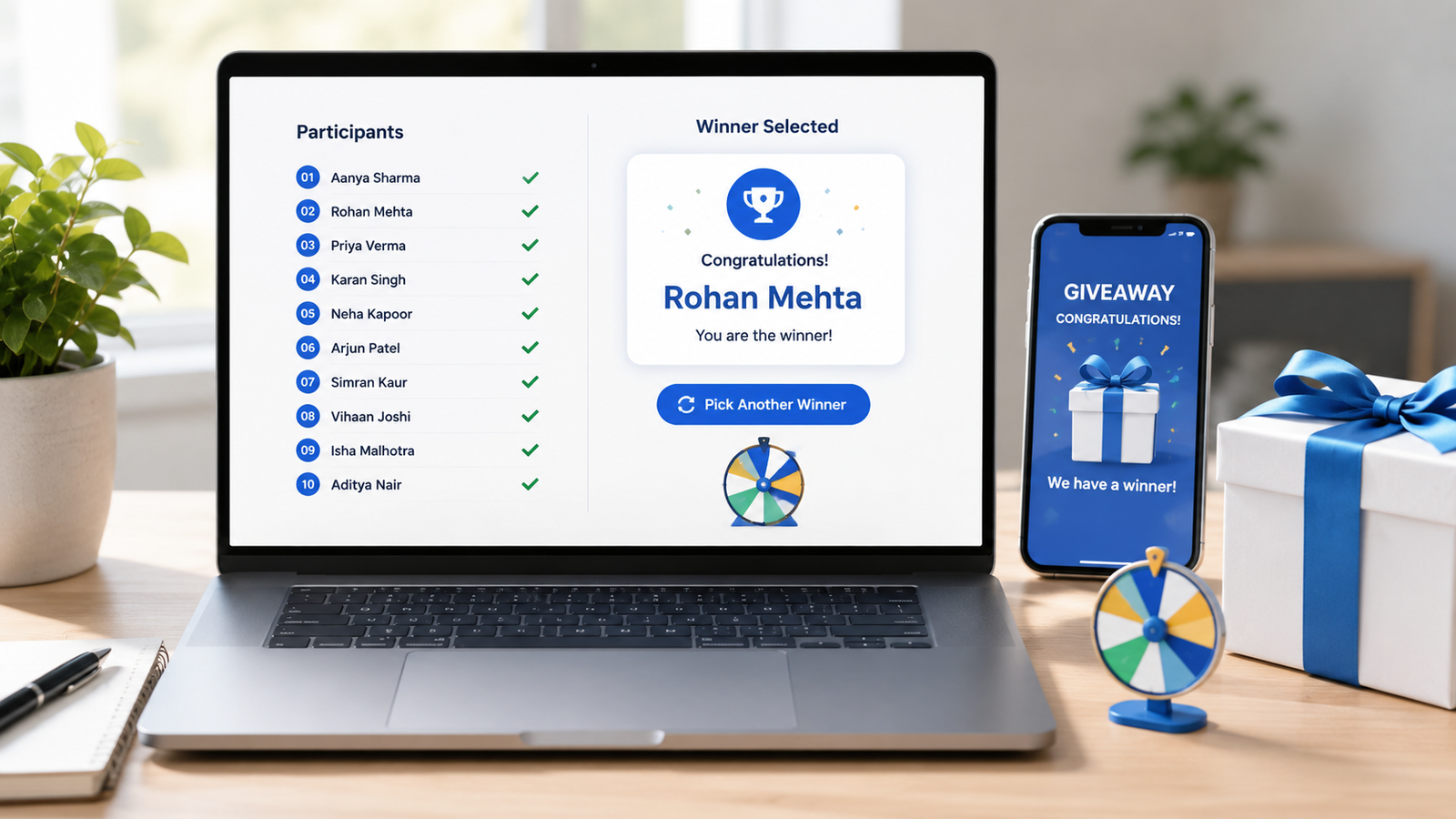
Learn how to choose giveaway winners fairly with a random tool. This practical guide covers entry lists, eligibility checks, rando...
Read More →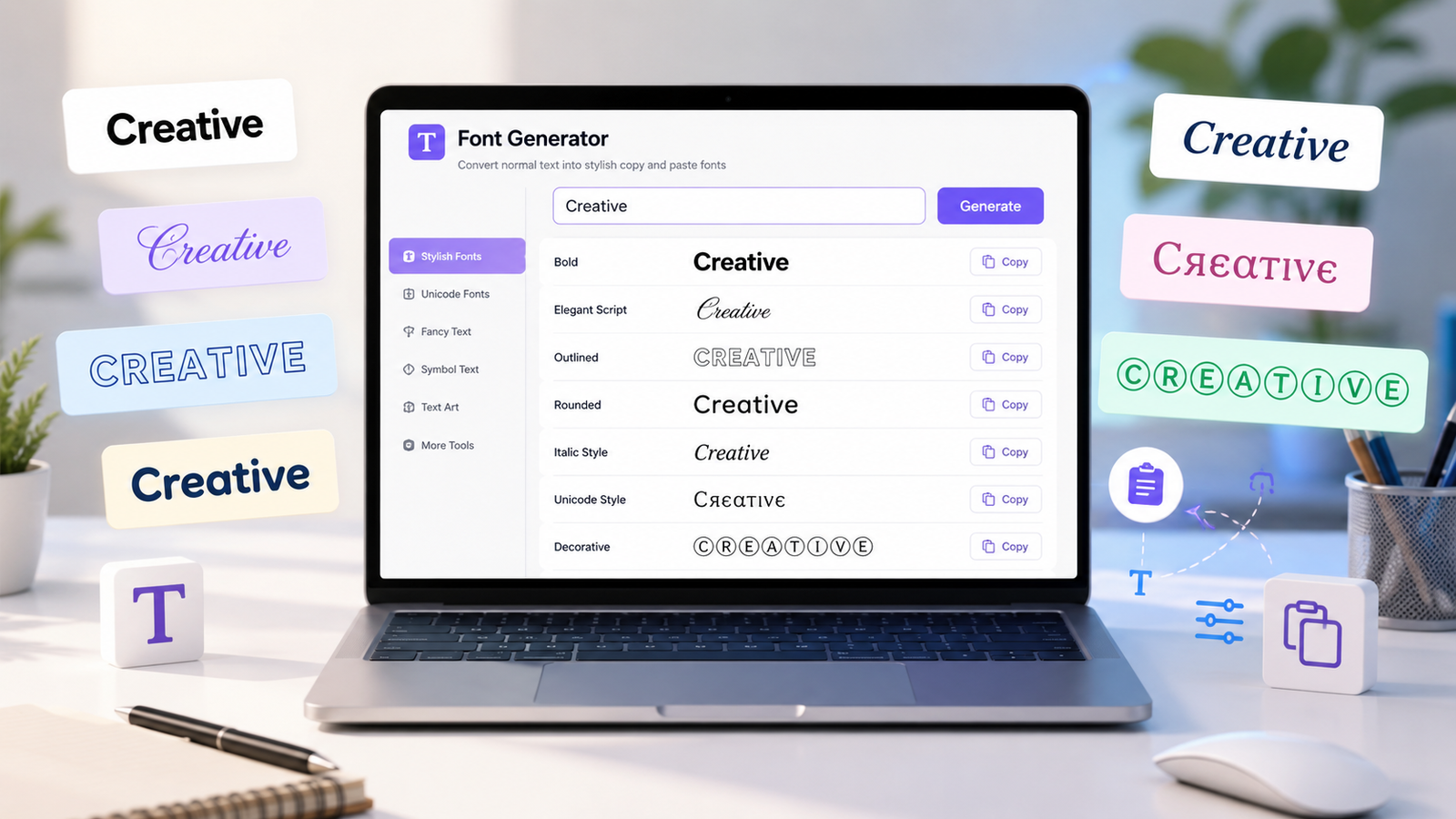
Create stylish copy-and-paste text with a font generator. Explore unique Unicode text styles for social media bios, captions, user...
Read More →Everything you need to know about converting PNG images to WEBP format.
A PNG to WEBP converter is an online tool that transforms PNG images into the WEBP format. WEBP is a modern image format developed by Google that provides superior compression — producing files that are 26% smaller than PNG at equivalent quality. This converter runs entirely in your browser, so your images never leave your device.
Yes, 100% free with no limitations. There's no sign up, no watermarks on output files, and no conversion limits. You can convert as many PNG images to WEBP as you need, forever, at no cost.
Yes! Unlike JPG, WEBP supports full alpha-channel transparency — just like PNG. When you convert a PNG with a transparent background to WEBP, the transparency is preserved perfectly. This is one of the biggest advantages of converting to WEBP instead of JPG.
WEBP files are 26% smaller than PNG at equivalent quality, which means faster page loads, lower bandwidth costs, and a better user experience. Google uses page speed as a ranking factor, so WEBP images can directly improve your SEO. They also help with Core Web Vitals metrics like Largest Contentful Paint (LCP).
Absolutely. This converter is fully responsive and works on any modern smartphone or tablet browser. Simply open the page, upload a PNG from your photo gallery, adjust the quality, and download the WEBP file directly to your device.
No — never. All conversion happens locally in your browser using the HTML5 Canvas API. Your images are never uploaded to any server. When you close the tab or convert a new image, the previous data is gone permanently. Nothing is stored, logged, or accessible to anyone.
Yes! WEBP supports full alpha-channel transparency, making it a true replacement for PNG. You get the same transparency capabilities as PNG — transparent backgrounds, semi-transparent overlays, and alpha blending — all at a significantly smaller file size. This is what makes PNG to WEBP such a powerful conversion.
WEBP is supported by over 97% of browsers globally, including Chrome, Firefox, Safari (iOS 14+ and macOS Big Sur+), Edge, Opera, and all Chromium-based browsers. The only notable exception is very old browser versions. For maximum compatibility, you can use the <picture> element with a PNG fallback.