
How Teachers Can Use Random Numbers in the Classroom
Random numbers can make classroom activities fairer and more engaging. Explore simple ways teachers can use them for quizzes, game...
Read More →
Generate HEX, RGB & HSL colors instantly. Pick brightness, gradients & build your own palette — all in one click.
One click. Infinite creative possibilities.
Get instant inspiration with one-click color generation for any project.
Perfect for web-safe design and CSS styling with exact HEX codes.
Precise development accuracy with RGB values for CSS and graphics.
Build lightweight palettes for creative projects using history.
Colors do more than look pretty — they influence how people feel, think, and act.
Every hue carries a psychological meaning. Red signals passion and urgency, blue conveys calm and trust, while yellow radiates optimism. Understanding these associations helps you choose colors that speak your message.
Colors trigger immediate emotional responses. Warm tones like orange and red energize viewers, while cool blues and greens create a sense of relaxation. The right color can make users feel welcomed, excited, or secure.
Consistent color usage increases brand recognition by up to 80%. From Coca-Cola's red to Tiffany's blue, strategic color choices make brands instantly identifiable without a single word.
Warm colors (red, orange, yellow) feel dynamic and close, making them great for CTAs. Cool colors (blue, green, purple) feel calm and distant, ideal for backgrounds and trust-building elements.
The colors you choose directly shape the user's mood and experience. A dark palette creates sophistication, while pastels feel playful. Always align your palette with the emotional response you want to evoke.
Proven pairings that look stunning in any design context.
Luxurious, prestigious, and timeless. Perfect for premium brands, VIP invitations, and high-end product packaging.
Clean, trustworthy, and professional. The go-to pairing for corporate brands, healthcare, and tech platforms.
Creative, fun, and energetic. Ideal for beauty brands, creative portfolios, and playful apps.
Natural, organic, and soothing. Excellent for eco-brands, wellness sites, and sustainable product lines.
Bold, modern, and industrial. Great for tech startups, fitness brands, and action-driven landing pages.
The right color strategy builds recognition, trust, and loyalty.
Color is the first thing people notice about a brand. A distinctive palette sets you apart from competitors and creates an immediate visual identity that sticks in consumers' minds long after they've left your page.
Blue consistently ranks as the most trusted color in branding — used by Facebook, LinkedIn, and major banks. Green signals safety and growth. If your brand depends on credibility, these hues are your best allies.
Deep purples, blacks, and golds are the hallmarks of luxury branding. These colors communicate exclusivity, elegance, and premium quality — think Rolex, Chanel, and high-end automotive brands.
Modern tech brands favor bold blues, vibrant accents, and clean dark modes. This palette communicates innovation, reliability, and forward-thinking — crucial for SaaS, apps, and digital products.
Vibrant gradients and bold primary colors dominate social platforms. From Instagram's gradient to X's black-and-white, social brands use color to stand out in crowded feeds and drive engagement.
Stuck in a creative rut? Let randomness spark your next great idea.
Break free from safe defaults with unexpected color combinations.
Discover fresh button, card, and background colors for interfaces.
Build cohesive multi-page themes with harmonious color systems.
Find high-contrast, attention-grabbing palettes for print and digital.
Explore subtle gradients and solid shades for any canvas or layout.
From digital screens to physical canvases — random colors fuel creativity everywhere.
Generate fresh palettes for posters, flyers, social media graphics, and digital art without spending hours brainstorming.
Quickly prototype multiple color schemes for landing pages, blogs, and dashboards. Click until you find the one that feels right.
Create scroll-stopping Instagram graphics, Pinterest pins, and Twitter banners with bold, unique color choices.
Design engaging mobile and desktop interfaces with vibrant buttons, clean backgrounds, and accessible contrast ratios.
Add an element of chance to traditional art, illustrations, and mixed media. Let randomness guide your next masterpiece.
Explore unexpected brand colors. Sometimes the most memorable logos come from combinations you'd never plan manually.
Design eye-catching stream overlays, HUD elements, and gaming graphics with dynamic, high-energy color schemes.
Designers, developers, creators — everyone needs color.
Find inspiration, build palettes, and experiment with color combinations for your next project.
Get exact color values in HEX, RGB, and CSS formats for immediate use in your code.
Discover colors that resonate with your brand and audience for social media and presentations.
The secret weapon behind faster, more creative workflows.
Skip the endless browsing of color charts. Generate, preview, and copy production-ready values in seconds — keeping your design momentum going without interruption.
Break out of your go-to palette. Random generation pushes you to try colors you'd never manually pick, often leading to surprisingly beautiful and effective combinations.
Build complete, harmonious color systems using the history feature. Generate primary, secondary, and accent colors that naturally work together for any project scale.
Maintain visual coherence across large projects. Using a generated palette ensures every button, background, and text element follows the same color logic.
Sometimes the best ideas come from happy accidents. A randomly generated color can spark an entire design concept you hadn't considered, making every click a potential breakthrough.
Accuracy, speed, and copy-ready code for every workflow.
Get precise color values with a single click. Copy to clipboard and paste directly into your stylesheet or code.
Create beautiful gradients without writing manual CSS. Export ready-to-use gradient code from the values panel.
Ensure accessibility compliance by previewing contrast between colors in the large preview window above.
While this page focuses on single colors and gradients, many users treat it as a full color palette generator. By generating multiple colors and saving them in history, you can create complete design systems.
Primary, secondary, and accent colors for cohesive web design.
Distinctive brand identities with memorable color combinations.
Consistent visual identities across all social platforms.
Colors for buttons, forms, alerts, and other UI elements.
Every time you generate a color, it gets saved in the history section. Compare, revisit, and build combinations naturally. Over time, this feature works like a built-in color palette generator — instead of starting from scratch, you build a visual collection of your favorite shades.
View multiple generated colors side by side for quick comparison.
Access previously generated shades anytime during your session.
Build natural color harmony and cohesive palettes over time.
Choosing the perfect color doesn't have to be complicated. Sometimes the best ideas come from unexpected inspiration. That's exactly what our random color picker is built for — giving you fresh, creative shades in one click.
Every time you generate a color, you instantly receive a clear visual preview, copy-ready color formats in HEX, RGB & HSL, and flexible gradient CSS. Whether you're a designer, developer, or creator exploring visuals, this color generator helps you experiment freely. No sliders. No complex settings. Just click and generate.
Explore more free tools from RandomCount — randomize, decide, convert, and create.
Custom random spin wheels for decisions and games.
Generate random numbers instantly.
Split names into fair, random groups.
Create strong and secure passwords.
Remove image backgrounds instantly.
Roll virtual dice for games and decisions.
Pick random items from any list.
Resize images quickly and easily.
Read our newest tutorials, guides, productivity tips, and helpful articles from RandomCount.
Random numbers can make classroom activities fairer and more engaging. Explore simple ways teachers can use them for quizzes, game...
Read More →
Learn how to choose giveaway winners fairly with a random tool. This practical guide covers entry lists, eligibility checks, rando...
Read More →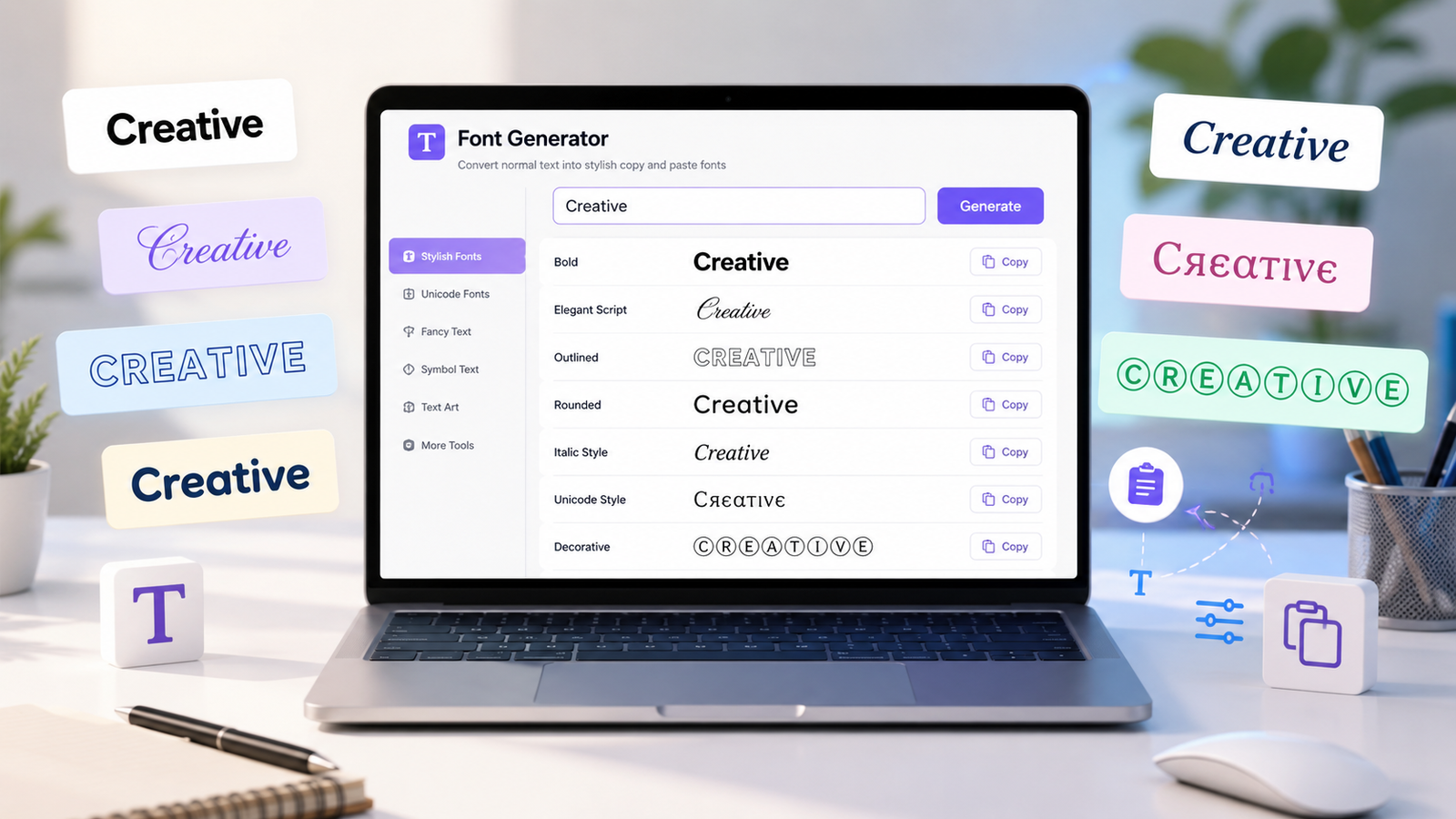
Create stylish copy-and-paste text with a font generator. Explore unique Unicode text styles for social media bios, captions, user...
Read More →Everything you need to know about our Random Color Picker