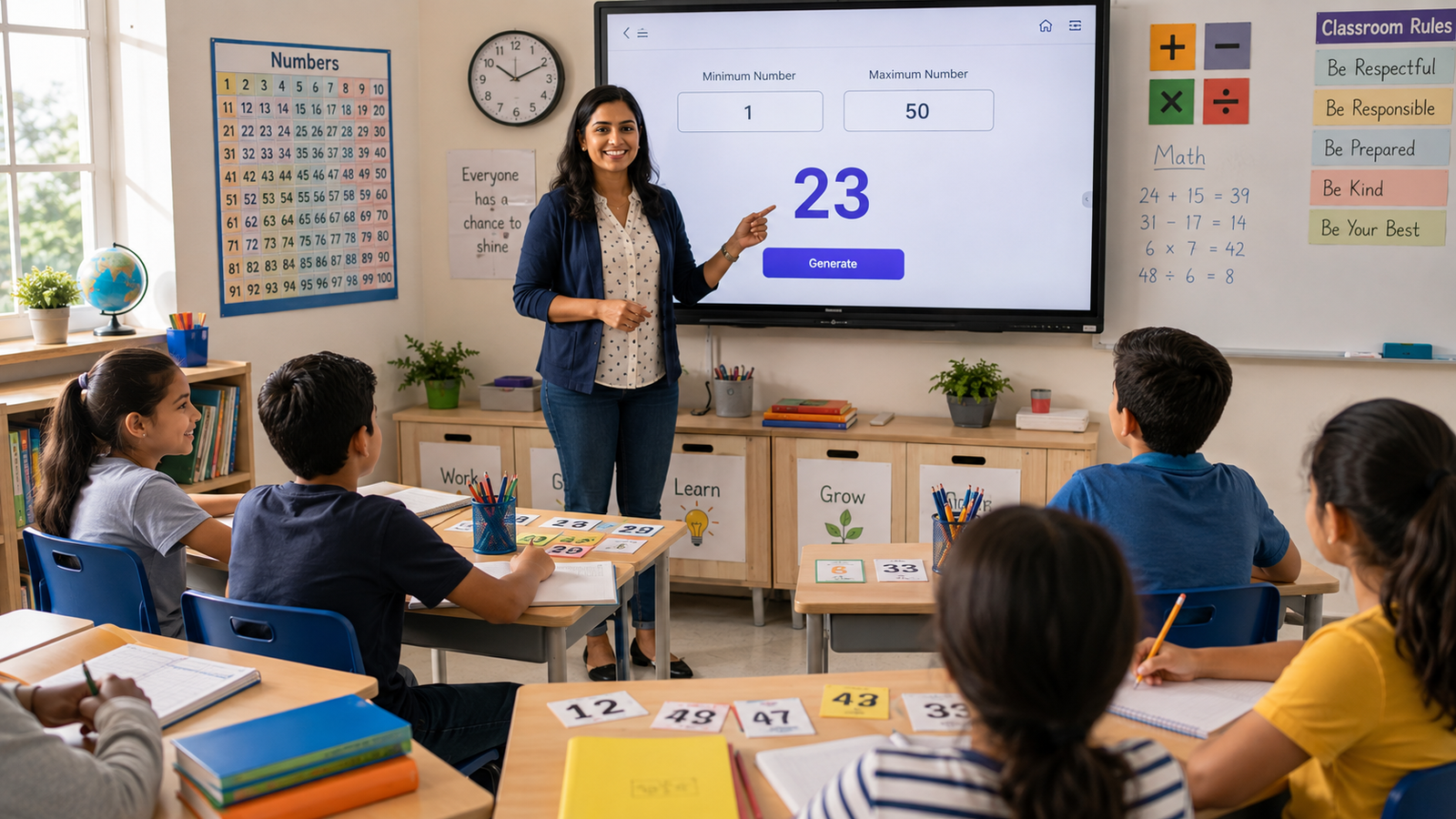
How Teachers Can Use Random Numbers in the Classroom
Random numbers can make classroom activities fairer and more engaging. Explore simple ways teachers can use them for quizzes, game...
Read More →
Convert your WebP images to standard JPG format instantly. Fast, free, and private.
Three simple steps to convert any WebP image to JPG.
Select your WebP file by clicking the box or dragging it into the upload area.
Choose the quality level and decide whether to fill transparent backgrounds with white.
Click Convert, then download your standard JPG file — ready to use anywhere.
WebP is a modern image format developed by Google that offers superior compression for web images.
WebP was created by Google as a modern replacement for JPEG and PNG, offering better compression at equal or higher quality.
WebP files are typically 25-35% smaller than equivalent JPEGs, making websites load significantly faster.
Smaller file sizes translate directly to quicker page loads, better Core Web Vitals, and improved search rankings.
Both lossy and lossless compression are supported, with lossless WebP being 26% smaller than PNG at the same quality.
WebP was purpose-built for the web, supporting transparency, animation, and color profiles in a single lightweight format.
Despite WebP's advantages, JPG remains the universal standard for compatibility and sharing.
Older browsers, desktop applications, and many email clients still can't open WebP. JPG works everywhere, period.
When you share a JPG, you never hear "I can't open this." It's the safest format for sending photos to anyone.
Every camera, phone, tablet, and computer natively opens JPG files — no plugins, no workarounds, no frustration.
Legacy photo editors, office suites, and publishing tools that predate WebP all handle JPG without any issues.
Most photo printers and print services expect JPG input. Converting ensures your images print correctly without color shifts.
JPG has been the world's most popular image format for three decades — for good reason.
Every device, operating system, and application made in the last 30 years can open and display JPG files.
JPG's lossy compression produces files small enough to email, upload, and store without hitting size limits.
Every social platform, website builder, and messaging app accepts JPG. No format-checking or re-saving needed.
Instagram, Facebook, X, and LinkedIn all optimize their pipelines around JPG. It's the native social media format.
From online banking to government portals, any system that accepts image uploads accepts JPG — no exceptions.
Built for speed, quality, and privacy. Everything runs in your browser.
Results appear in under a second. No server round-trips, no waiting — it all happens right here in your browser.
Adjust quality from 10% to 100% with a slider. Get the file size you need without sacrificing visible quality.
Drop your file directly onto the page. No browsing through folders, no complicated upload forms.
Full functionality on phones and tablets. Convert images on the go from any device with a browser.
Files never leave your device. All conversion happens locally in your browser — nothing is uploaded to any server.
No sign-up, no trial, no hidden limits. Unlimited conversions at zero cost, forever.
Your converted JPG is clean and unbranded. No watermarks, no overlays — just your image in a new format.
One click saves the converted JPG directly to your downloads folder. No email gate, no waiting.
JPG is the default format for sharing, uploading, and printing photos worldwide.
Native format for every platform
Photos, banners, thumbnails
Compact enough to send easily
Accepted by every portal
Standard for print services
PowerPoint, Keynote, Slides
We built this tool with privacy at its core. Your files never leave your device.
Files are read directly by your browser. No data is transmitted to any external server at any point.
Nothing is stored because nothing is uploaded. Close the tab and your images are gone — permanently.
All conversion runs in your browser using the Canvas API. Zero server involvement, zero risk.
No account, no email, no personal information. Just open the page and convert — anonymously.
No analytics on your images, no logging, no tracking. Your visual content is nobody's business but yours.
A growing suite of free, browser-based utilities for everyday tasks.
Read our newest tutorials, guides, productivity tips, and helpful articles from RandomCount.
Random numbers can make classroom activities fairer and more engaging. Explore simple ways teachers can use them for quizzes, game...
Read More →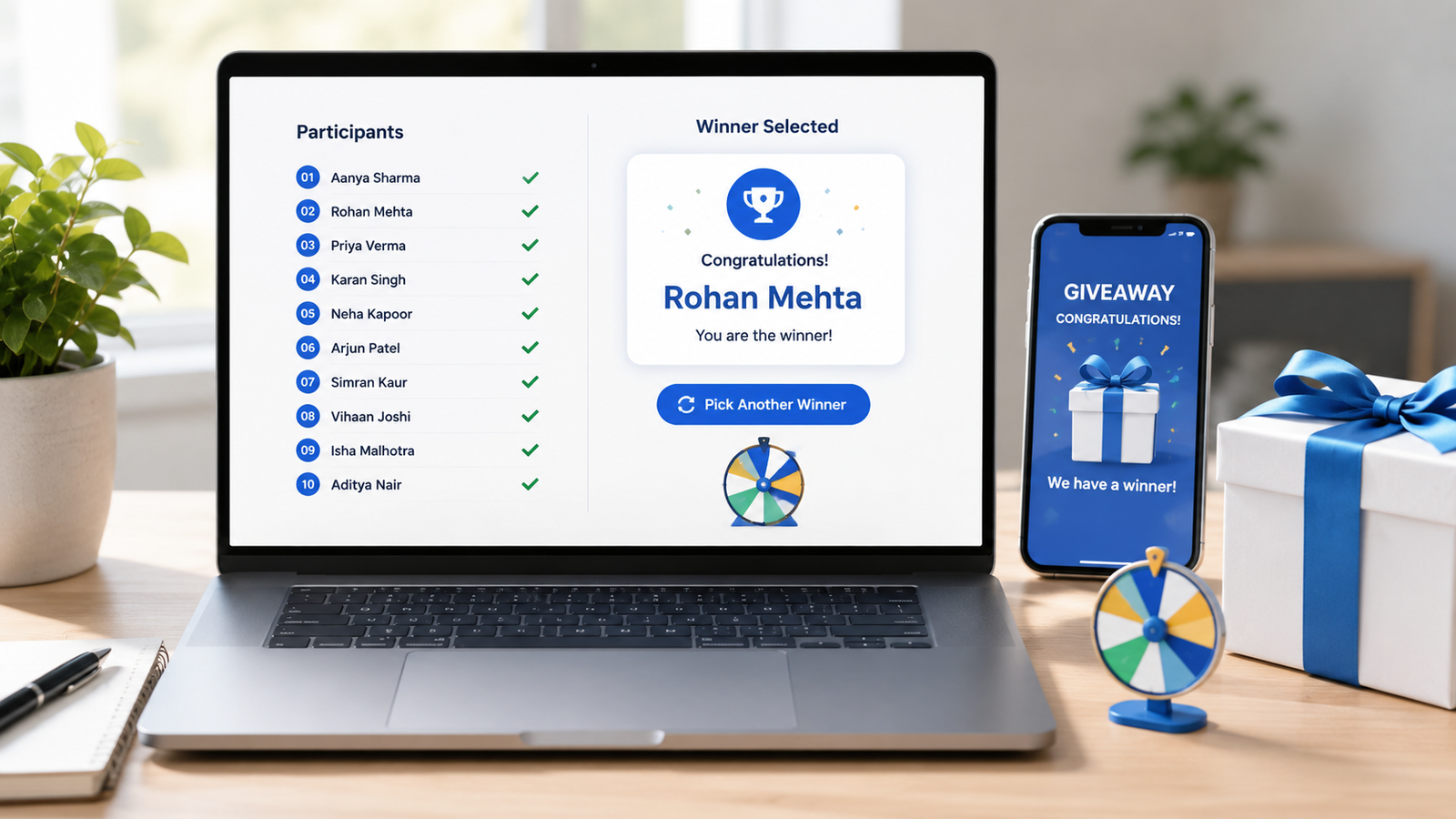
Learn how to choose giveaway winners fairly with a random tool. This practical guide covers entry lists, eligibility checks, rando...
Read More →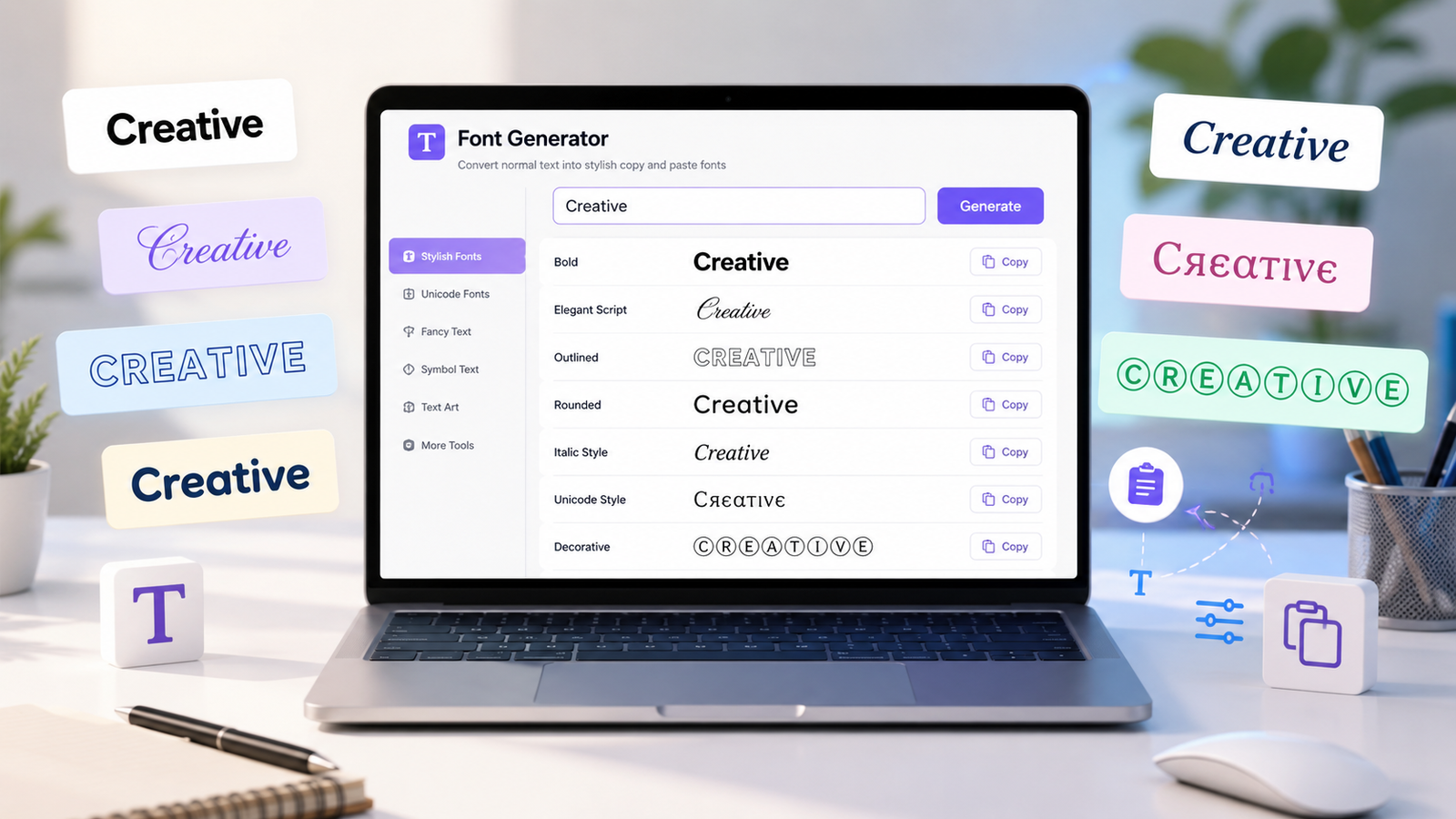
Create stylish copy-and-paste text with a font generator. Explore unique Unicode text styles for social media bios, captions, user...
Read More →Quick answers to common questions about WebP to JPG conversion.