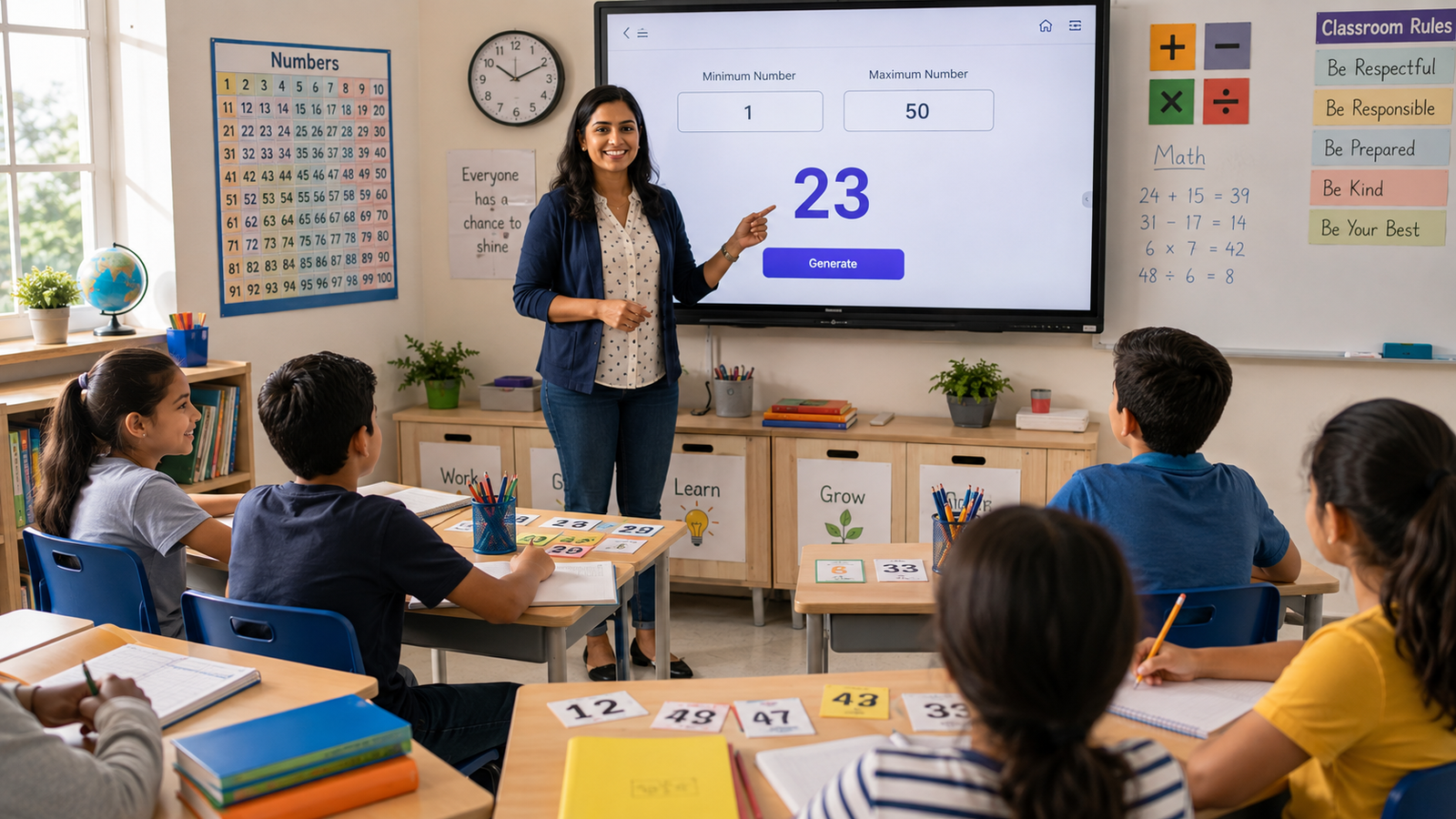
How Teachers Can Use Random Numbers in the Classroom
Random numbers can make classroom activities fairer and more engaging. Explore simple ways teachers can use them for quizzes, game...
Read More →
Change image dimensions, compress file sizes, and optimize photos for any platform — all inside your browser, completely free.
or click to browse from your device
Supports JPG, PNG, WebP, GIF, BMP · Max 50MB
The tool will automatically find the highest quality that fits under your target size using binary search compression.
JPG & WebP support compression. PNG is lossless — size is reduced by limiting colours.
An online image sizer is a browser-based tool that lets you resize images instantly — changing their pixel dimensions or reducing their file size — without installing any software. Everything happens right in your browser.
Whether you need to shrink a photo for a website, fit an image into a social media post, or reduce a file to meet an upload limit, an image sizer handles it in seconds. Your files stay on your device, and the results are ready to download immediately.
Oversized images are the #1 cause of slow websites. Resizing images to the correct dimensions can cut page load times by 50–70%, improving SEO and user retention.
Every platform has specific image size requirements. Resizing ensures your photos look sharp and aren't cropped awkwardly on Instagram, Facebook, Twitter, or LinkedIn.
Smaller image files take up less space on your device, cloud storage, and server. Over hundreds of images, the savings add up significantly.
Optimized images reduce bandwidth consumption, lower hosting costs, and deliver a snappier experience — especially on mobile networks.
Many platforms enforce maximum dimensions and file sizes. Resizing ensures your images meet upload limits on CMS platforms, job portals, and e-commerce sites.
Resize and compress in seconds — no waiting for software to load or navigating complex menus. Upload, adjust, download.
Works entirely in your browser. No downloads, no installs, no subscriptions. Open the page and start resizing immediately.
Smart compression finds the best quality for your target file size automatically. No manual trial-and-error with quality sliders.
Keep your image library organized with consistently sized files. Naming conventions and predictable dimensions make management effortless.
Resize images on any device — phone, tablet, or desktop. The tool is fully responsive and works in any modern mobile browser.
Set exact width and height in pixels. Lock the aspect ratio to prevent distortion, or unlock for freeform resizing.
Smart binary-search compression finds the highest quality that fits your target. Your images look great at any file size.
Most images are processed in under a second. Uses your device's native canvas engine for instant results.
Fully responsive design works perfectly on smartphones and tablets. Resize images on the go without any app.
Simply drag an image onto the tool to get started. No browsing through folders — just drop and resize.
Import JPG, PNG, WebP, GIF, and BMP files. Export in your preferred format with optimized compression.
No sign up, no watermarks, no hidden fees. Completely free to use, with unlimited image processing.
Download your resized or compressed image instantly with one click. Files are named automatically based on the operation.
Resize hero banners to exact container widths and compress thumbnails to under 50KB. Your site loads faster, ranks higher, and visitors stay longer.
Standardize all product images to the same dimensions and file size. Consistent sizing creates a professional, trustworthy storefront on any marketplace.
Resize once, post everywhere. Create platform-perfect images for Instagram squares (1080×1080), Facebook covers (820×312), and Twitter headers (1500×500).
Compress images to stay under email attachment limits (usually 25MB). Reduce photo sizes so emails load instantly for every recipient.
Showcase your work with fast-loading gallery images. Resize high-resolution photos to web-friendly dimensions without visible quality loss.
Insert crisp, correctly-sized images into slide decks. No more stretched or pixelated photos in your Keynote, PowerPoint, or Google Slides presentations.
Drag and drop or click to upload any JPG, PNG, or WebP image from your device. Up to 50MB supported.
Pick your mode: set new pixel dimensions, or enter a target file size in KB. The tool handles the rest automatically.
Preview the result, then download your optimized image. No watermarks, no waiting — just your resized file, ready to use.
Read our newest tutorials, guides, productivity tips, and helpful articles from RandomCount.
Random numbers can make classroom activities fairer and more engaging. Explore simple ways teachers can use them for quizzes, game...
Read More →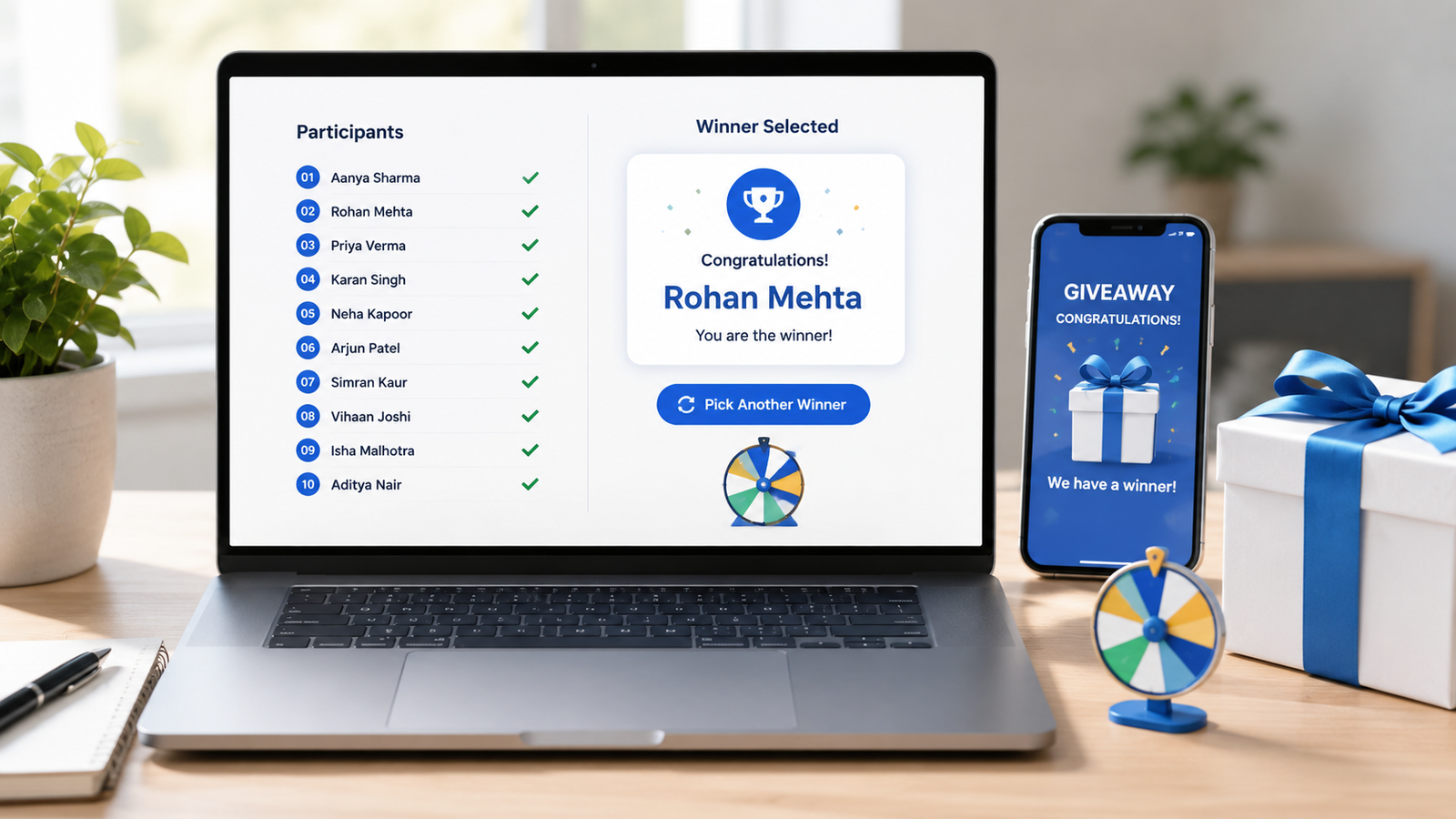
Learn how to choose giveaway winners fairly with a random tool. This practical guide covers entry lists, eligibility checks, rando...
Read More →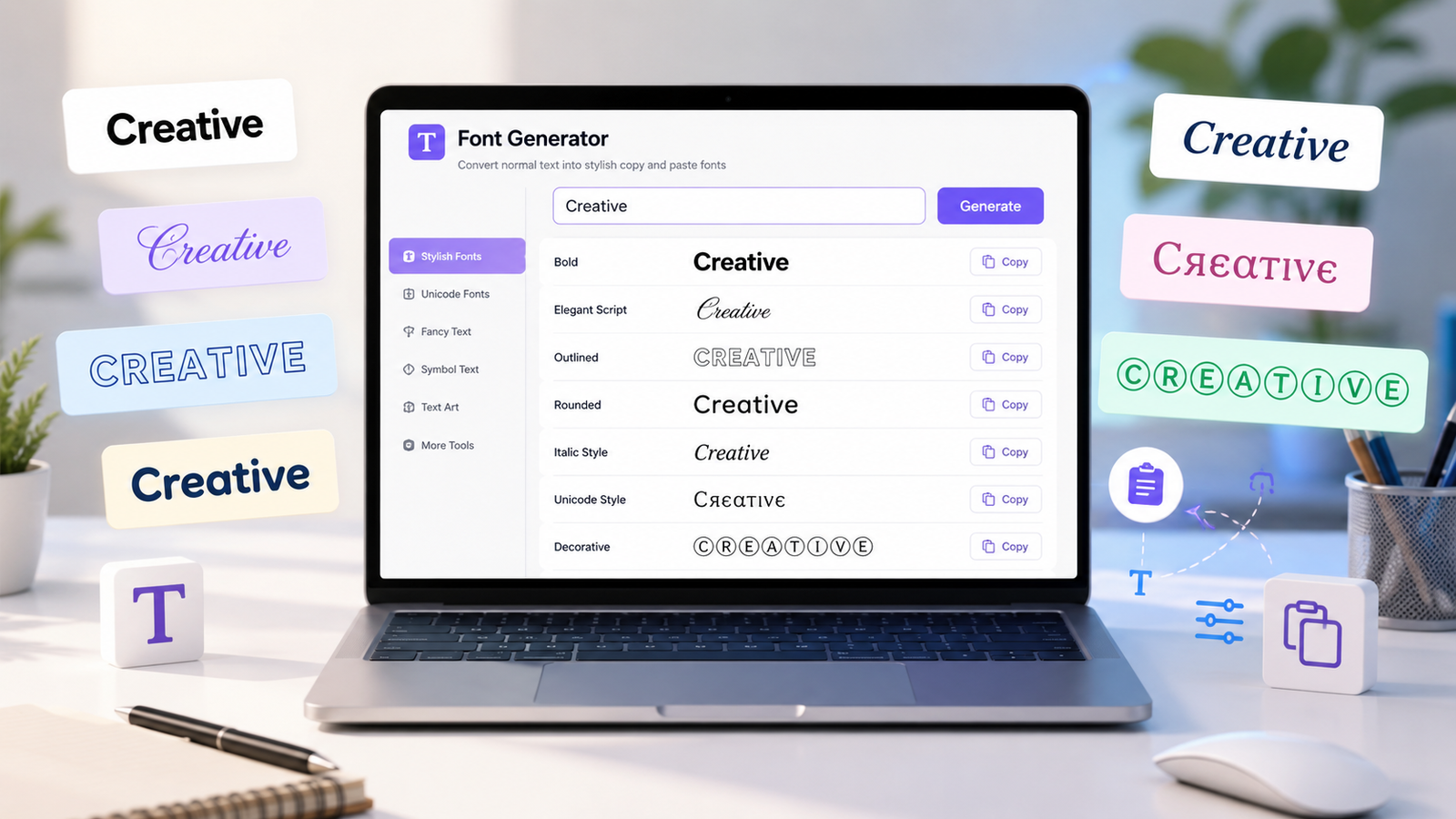
Create stylish copy-and-paste text with a font generator. Explore unique Unicode text styles for social media bios, captions, user...
Read More →Resizing changes the pixel dimensions (width × height) of your image — like shrinking a 4000×3000 photo to 1200×900. Compressing reduces the file size (KB/MB) while keeping the same dimensions, by removing unnecessary data. Both make files smaller, but they work differently.
Making an image smaller (downsizing) generally preserves quality well. Our tool uses high-quality interpolation to keep things sharp. Making an image larger (upsizing) will cause some blurriness since you can't create detail that wasn't in the original. For best results, always start with the highest-resolution version of your image.
You can upload JPG, PNG, WebP, GIF, and BMP files. For output, you can choose between JPG (best for photos and smallest file sizes), PNG (lossless, best for graphics with transparency), and WebP (modern format with excellent compression).
No — never. All processing happens entirely inside your browser using the HTML5 Canvas API. Your images stay on your device at all times. We don't store, log, or access your files in any way. This makes it safe for sensitive documents and personal photos.
The tool supports images up to 50MB. Since processing happens locally in your browser, very large images may take a few seconds longer depending on your device's performance. For the fastest results, we recommend images under 20MB.
Yes! The tool is fully responsive and works on all modern smartphones and tablets. Simply open the page in your mobile browser, upload a photo from your gallery, resize or compress it, and save the result back to your device.
When you set a target size (e.g., 200KB), our tool uses a binary search algorithm to find the highest JPEG/WebP quality level that still fits within your target. This means you get the best possible image quality at your desired file size — no guesswork needed.
Yes, 100% free forever. No sign up, no watermarks, no hidden fees, no usage limits. Resize and compress as many images as you need — we believe useful tools should be accessible to everyone.