
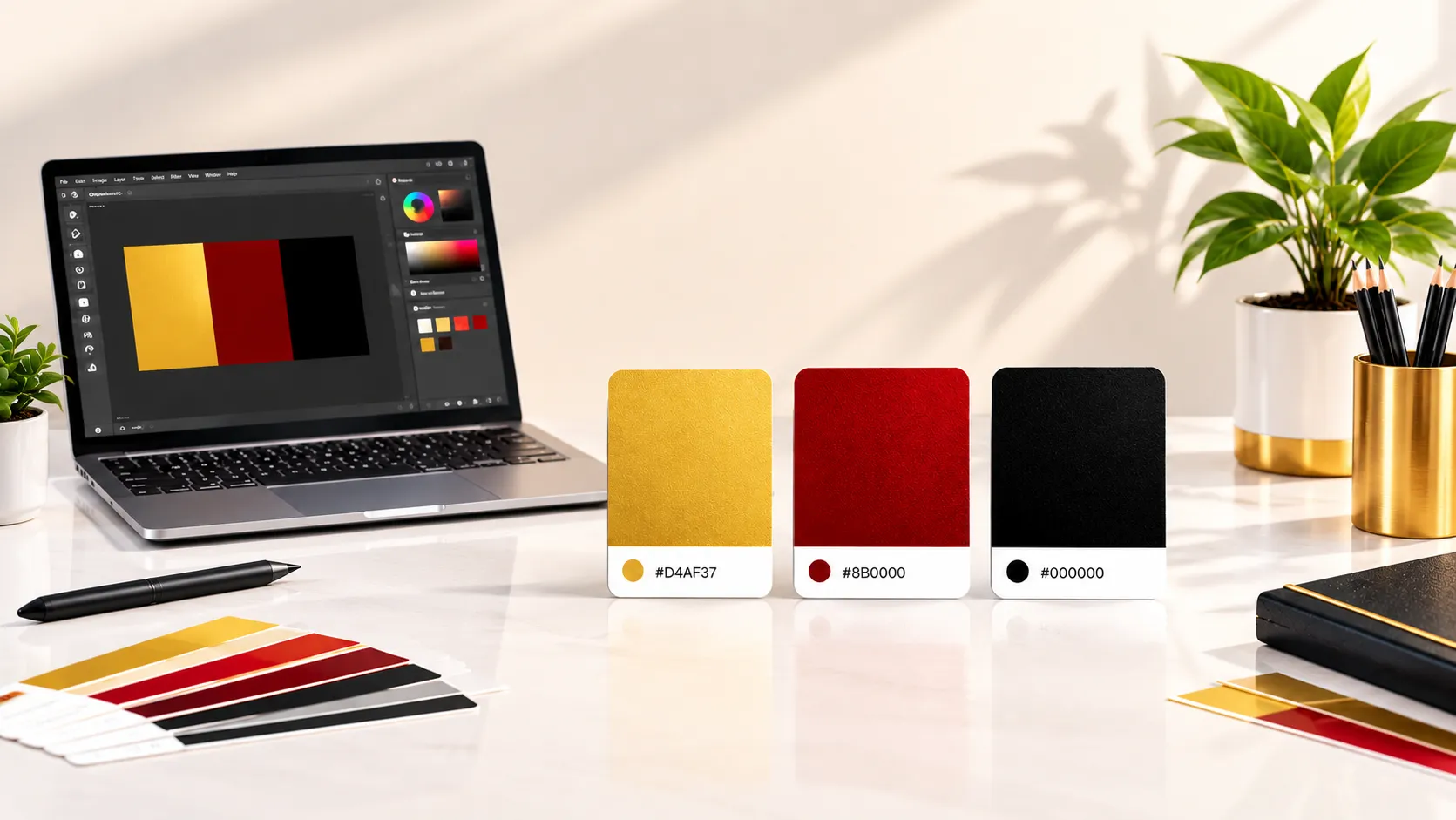
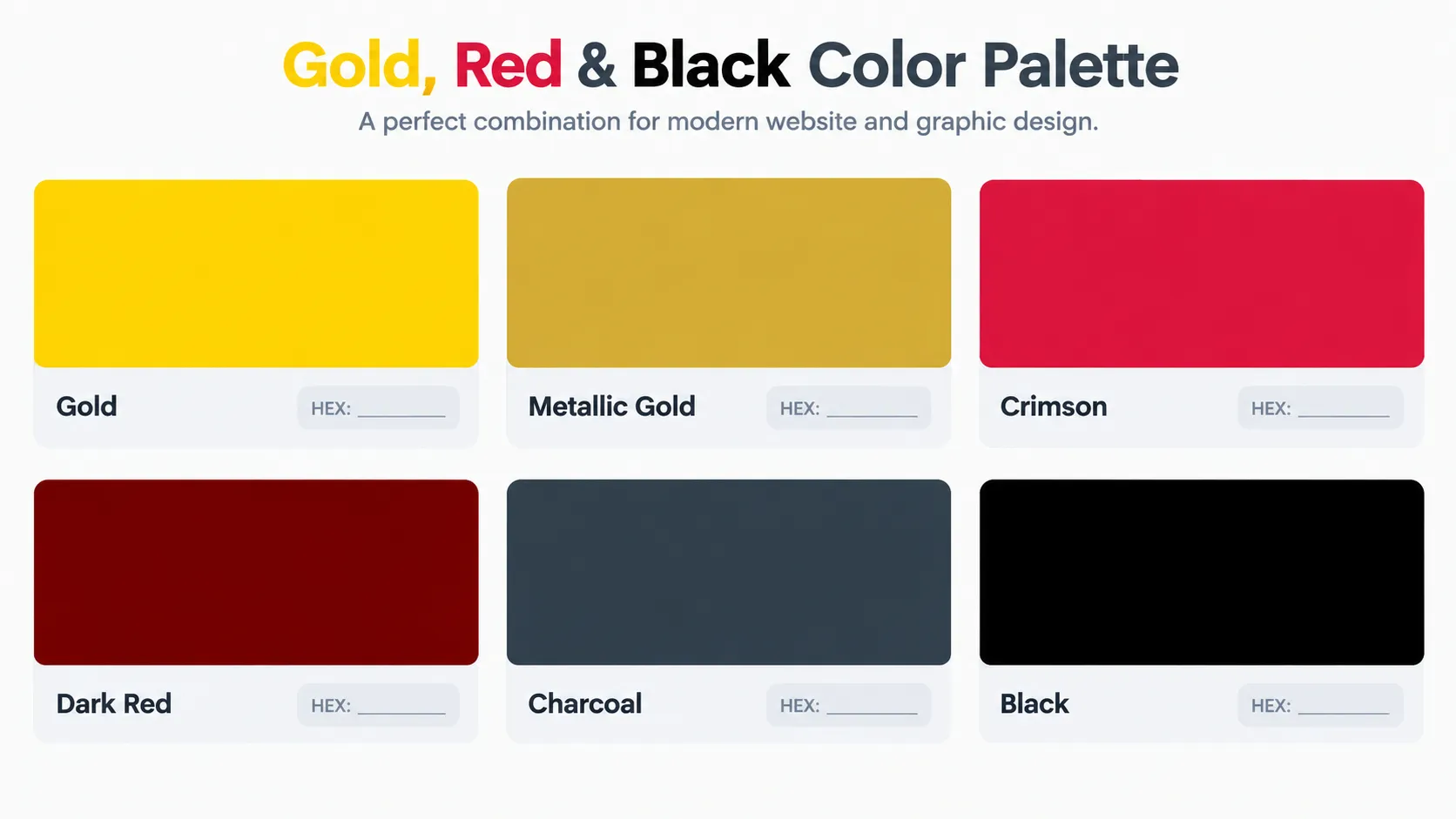
Gold, red and black can create anything from a bold promotional graphic to a clean, premium-looking website. The result depends on the shades you choose and how you use them. A bright gold may work well for a festive banner, while a softer gold can suit a website with a dark background.
This guide covers gold, red and black HEX color codes with their RGB values, five ready-to-use color combinations, and CSS examples. It also explains how to choose suitable shades, check text contrast, and avoid common color mistakes in websites, logos, posters, and social media designs.
What Are Gold, Red and Black Hex Color Codes?
It usually begins with a hash symbol, followed by six hexadecimal characters.
Each pair of characters describes the intensity of red, green and blue in the color. Designers often use HEX values because they're easy to copy into website stylesheets, design tools and graphics software.
The three main colors have different strengths. Gold adds warmth and a premium feel, red creates energy and visual emphasis, while black provides depth and structure. Used thoughtfully, they can work together without making a design look crowded.
For example, if you are designing a website button, you could use #8B0000 as the background and #FFFFFF for the button text. A gold border such as #D4AF37 can add emphasis without introducing another dominant color. Always preview the actual button and check its text contrast before using it on a live page.
Gold Color Hex Codes and Popular Shades
Gold is a useful choice when you want a design to feel celebratory, refined or premium. However, not every gold shade creates the same effect. A bright yellow-gold feels lively, while a darker metallic gold looks more traditional.
Here are some useful gold color codes for different projects:
-
Classic Gold — HEX: #FFD700; RGB: (255, 215, 0). A bright gold-yellow shade for decorative details and festive graphics.
-
Golden Yellow — HEX: #FFC000; RGB: (255, 192, 0). A vivid option for promotional designs and highlights.
-
Soft Gold — HEX: #E6C56E; RGB: (230, 197, 110). A softer shade for borders, backgrounds and understated accents.
-
Antique Gold — HEX: #C9A227; RGB: (201, 162, 39). A deeper gold for vintage-inspired designs and traditional branding.
For a richer gold accent, try #D4AF37 (RGB: 212, 175, 55) against a black or charcoal background. It can work well for a logo, invitation, product label, or website accent. Remember that a single HEX value creates a flat digital color rather than a reflective metallic finish. To suggest real gold, use carefully placed highlights, gradients, or texture, and check that decorative effects do not reduce text readability.
For more background on this color, explore Adobe's guide to the color gold.
Red Color Hex Codes for Bold Designs
Red is hard to overlook. It can make a sale banner stand out, bring energy to a sports graphic or give a logo a confident appearance. But choosing the right red matters because bright scarlet, deep crimson and dark maroon produce noticeably different results.
Here are four red shades worth keeping in your color library:
-
Pure Red — HEX: #FF0000; RGB: (255, 0, 0). A vivid red for simple graphics and strong accents.
-
Firebrick — HEX: #B22222; RGB: (178, 34, 34). A darker, less vivid red for headings and decorative elements.
-
Scarlet — HEX: #FF2400; RGB: (255, 36, 0). A bright, energetic shade for promotional artwork.
-
Burgundy — HEX: #800020; RGB: (128, 0, 32). A deep red for formal invitations and sophisticated designs.
When combining red and gold, decide which color should attract attention first. A deep red background with a narrow gold border can suit a celebration poster, while a white background with red headings and small gold details may work better for a clean website layout. Preview the combination at its actual display size before using it in your final design.
Use bright red selectively for buttons, labels or key messages so that the most important element remains easy to spot.
Adobe's red color guide offers additional inspiration for selecting and combining red shades.
Black Color Hex Codes for Clean, Modern Layouts
Pure black creates a strong, dramatic base, but softer dark shades can make a website or graphic feel more comfortable and less harsh.
Consider these options:
-
Pure Black — HEX: #000000; RGB: (0, 0, 0). A classic choice for text, borders and dark backgrounds.
-
Jet Black — HEX: #0A0A0A; RGB: (10, 10, 10). An almost-black shade for sleek digital layouts.
-
Rich Black — HEX: #0B0B0D; RGB: (11, 11, 13). A subtle alternative to pure black for dark interfaces.
-
Soft Black — HEX: #1C1C1C; RGB: (28, 28, 28). A slightly lighter shade for backgrounds that feel less stark.
Small gold text, for example, may look attractive on a large screen yet become difficult to read at smaller sizes.
For a simple website layout, use black or charcoal for the main background, white for paragraphs, and gold for selected headings or decorative borders. Avoid relying on gold alone to communicate important information, such as an error message or required form field. Use clear labels or other visual cues as well.
For more information, see Adobe's explanation of black and its design uses.
Best Gold, Red and Black Color Combinations
The same three colors can produce very different results depending on how much of each color you use. A black background with a small gold accent feels different from a white layout with red headings and gold borders. The five palettes below show how to distribute these colors for different design purposes.
-
Luxury Black and Gold
Use #000000 for the main background, #D4AF37 for decorative accents, and #FFFFFF for supporting text. This combination can suit premium product graphics, invitations and elegant branding. Check gold text against black at the intended font size before publishing.
-
Red, Black and Gold
Combine #8B0000, #0A0A0A and #FFD700. Use dark red as the main accent, black for structure and gold for selected details. This palette can work for celebration posters, seasonal campaigns and promotional graphics.
-
Modern Red and Charcoal
Pair #FF2400 with #2F2F2F and #FFFFFF. Use bright red for buttons, labels or selected headings rather than every element. This helps maintain a clear visual hierarchy in sports graphics and modern website layouts.
-
Soft Gold and Dark Gray
Combine #E6C56E, #36454F and #FFFFFF. The dark gray gives the palette a softer foundation than pure black, while gold adds warmth. Try it for portfolio pages, editorial graphics and understated branding.
-
Minimal Black, White and Red
Use #000000, #FFFFFF and #DC143C. Let black and white handle most of the layout, then use crimson for a button, label or important detail. This approach works well when the design needs a simple, high-contrast appearance.
A useful way to compare palettes is to apply each option to the same sample layout. Keep the heading, paragraph and button text unchanged, then switch only the colors. Comparing the options side by side makes it easier to see which palette feels balanced and which one makes the text or main action harder to notice.
Before choosing a final palette, preview the actual text, buttons and backgrounds together. A combination that looks attractive as color swatches may not provide enough contrast for small text. Screen previews also cannot guarantee an exact printed result, so request a proof when print color accuracy matters.
|
Color Name |
HEX Code |
RGB Value |
|---|---|---|
|
Classic Gold |
|
255, 215, 0 |
|
Golden Yellow |
|
255, 192, 0 |
|
Rich Gold |
|
212, 175, 55 |
|
Soft Gold |
|
230, 197, 110 |
|
Antique Gold |
|
201, 162, 39 |
|
Pure Red |
|
255, 0, 0 |
|
Firebrick |
|
178, 34, 34 |
|
Scarlet |
|
255, 36, 0 |
|
Burgundy |
|
128, 0, 32 |
|
Pure Black |
|
0, 0, 0 |
|
Jet Black |
|
10, 10, 10 |
|
Rich Black |
|
11, 11, 13 |
|
Soft Black |
|
28, 28, 28 |
How to Use These HEX Codes in CSS
You don't need advanced coding skills to apply a HEX color to a website. In CSS, you can assign a code to a background, heading, border or button.
For example:
body {
  background-color: #000000;
  color: #FFFFFF;
}

h1 {
  color: #D4AF37;
}

button {
  background-color: #8B0000;
  color: #FFFFFF;
}
In this example, the page uses a black background and white text, the main heading appears in gold, and the button uses dark red. You can replace any HEX value with another shade from the lists above.
You can also define reusable color variables to keep a website consistent:
:root {
  --gold: #D4AF37;
  --red: #8B0000;
  --black: #000000;
  --white: #FFFFFF;
}
CSS variables let you reuse the same colors throughout a website. For example, you can assign gold to headings and dark red to buttons, then update the relevant variable when you want to change that shade. This is especially useful when several pages share the same design.
If you're experimenting with combinations, try the RandomCount Color Picker to generate shades and explore HEX, RGB and HSL values. You can also read our guide to using a random color picker for design ideas for inspiration before settling on a final palette.
Tips for Choosing the Right Color Palette
A palette should do more than look attractive in a color chart. Before using it in a finished design, check whether the text is readable, important elements stand out and the colors still work at smaller screen sizes.
Keep a clear visual hierarchy. Gold can highlight headings, red can draw attention to a key action, and black can provide a stable background.
Check text contrast before publishing. White text on a black background generally provides strong contrast, but small gold text on a white background may be difficult to read. Test the exact foreground and background colors with a contrast checker instead of judging them by appearance alone. Under WCAG Level AA, normal text generally needs a contrast ratio of at least 4.5:1, while large text needs at least 3:1. These requirements help make text more readable for people with different visual needs.
Consider your audience. Color meanings vary with culture and context. Gold may suggest celebration or prestige, while red can represent excitement, warning or good fortune depending on the situation. Think about the message your audience should receive.
Preview different screen sizes. A color combination that looks balanced on a desktop may feel overpowering on a mobile phone. Check headings, buttons, borders and body text at different sizes.
Test before printing. Screen colors use light, while printed colors depend on ink or toner. A HEX code is a useful digital reference, but the printed result may differ. Request a proof when color accuracy matters.
Frequently Asked Questions
1. What is the HEX code for gold?
The standard digital gold color is #FFD700. For a deeper, more metallic-looking shade, you can use #D4AF37. The best choice depends on whether you want a bright yellow-gold or a richer gold accent.
2. What are the HEX codes for red and black?
Pure red uses #FF0000, while pure black uses #000000. You can also try crimson #DC143C for a deeper red and soft black #1C1C1C for a slightly less harsh background.
3. Do gold, red and black work well together?
Yes. Gold adds warmth, red creates emphasis, and black provides a strong foundation. For a balanced design, use black as the main color, gold for highlights and red for selected buttons or important details.
4. How do I use gold, red and black HEX codes in CSS?
Use the color property for text and background-color for backgrounds. For example, background-color: #000000; creates a black background. You can then use color: #D4AF37; to style a heading in gold.
5. How can I check whether my color combination is readable?
Preview the colors together and check the contrast between text and its background. The W3C WCAG guidelines recommend a contrast ratio of at least 4.5:1 for normal text and 3:1 for large text at Level AA. Use a contrast checker to test your actual color values.
6. What is the difference between HEX and RGB color codes?
HEX and RGB are two ways to represent digital colors. A HEX code uses six hexadecimal characters after the # symbol, while RGB lists red, green and blue values ranging from 0 to 255. For example, #D4AF37 is equivalent to RGB (212, 175, 55). Both formats can represent the same color, so you can use the one supported by your design tool.
Final Thoughts
Gold, red and black HEX codes give you a flexible starting point for websites, logos, posters and social media graphics. Use the reference table to compare shades, then try a small number of combinations that suit your design rather than using every color equally.
Before publishing, preview the palette on actual headings, buttons and backgrounds. Check text contrast on desktop and mobile screens, and request a print proof when color accuracy matters. A successful palette should support the purpose of the design while keeping important information easy to see and read.