
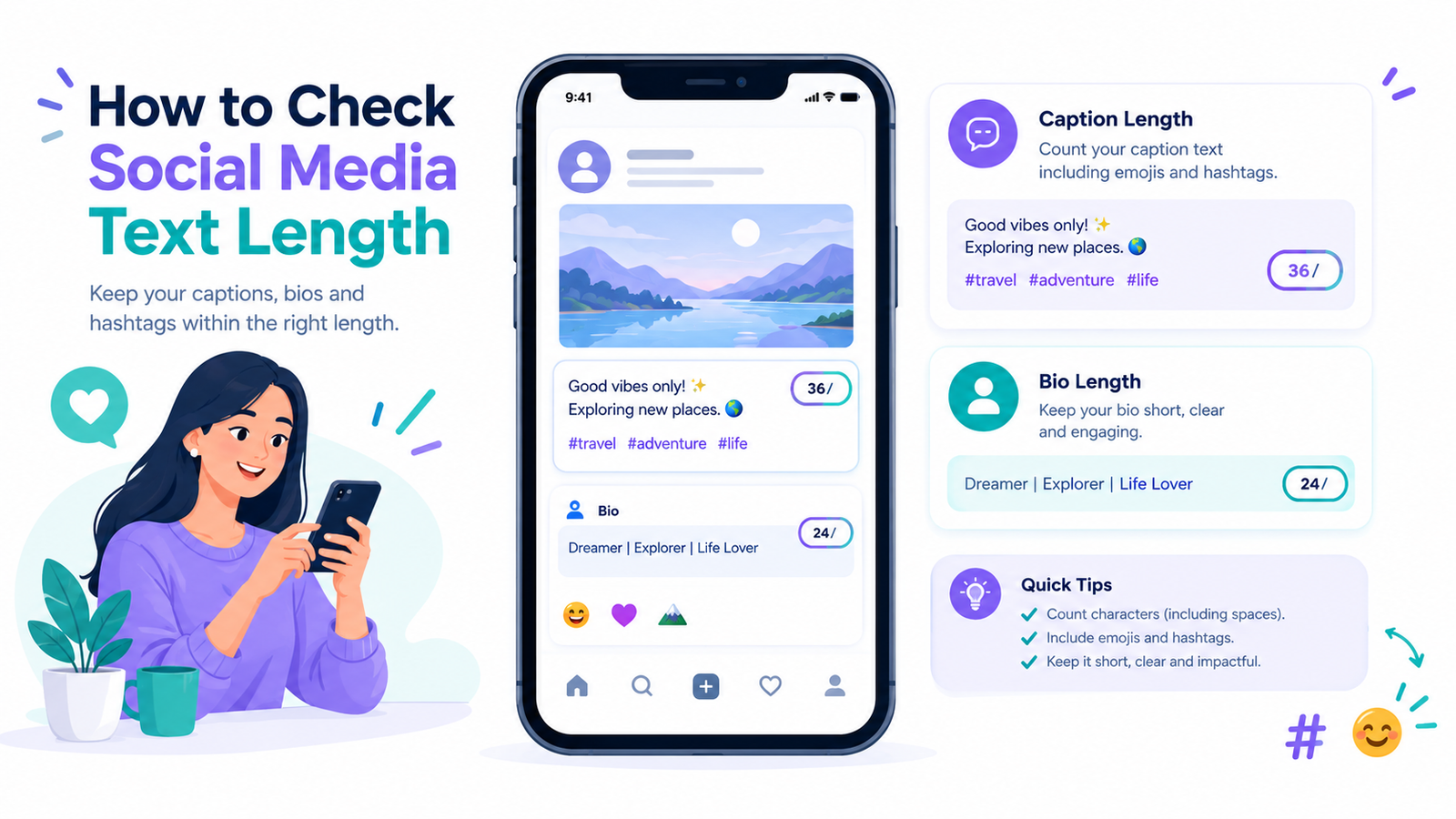
Have you ever written the perfect TikTok caption, added a few hashtags, and then discovered that your text wouldn't fit?
Knowing the TikTok caption and bio character limits can save time when you're preparing a post or updating your profile. The important detail is that TikTok uses different text fields for video captions, photo post titles, photo descriptions and profile bios.
This guide explains the documented publishing limits, shows how spaces and emojis affect text counts, and shares practical ways to shorten captions without losing their meaning.
What Is the TikTok Caption and Bio Character Limit in 2026?
TikTok uses different text limits for different publishing fields. Its Content Posting API documentation sets a maximum of 2,200 UTF-16 runes for video captions, 90 for photo post titles, and 4,000 for photo post descriptions. These figures apply to the documented API fields and should not automatically be treated as limits for every field in the TikTok app. The profile bio limit is commonly reported as 80 characters, but check the allowance displayed in your account before relying on that number.
Here's a quick overview:
| TikTok text field | Documented limit or guidance |
|---|---|
| Video caption through the Content Posting API | Up to 2,200 UTF-16 runes |
| Photo post title through the Content Posting API | Up to 90 UTF-16 runes |
| Photo post description through the Content Posting API | Up to 4,000 UTF-16 runes |
| TikTok profile bio | Commonly reported as 80 characters; verify the current limit in your account |
Before using these figures, identify where you plan to publish the text. A caption entered directly in TikTok may be handled differently from text submitted through a third-party scheduler or the Content Posting API. If your text is close to a limit, check the requirements of the specific publishing method rather than relying on a general character counter alone.
Why Does Your TikTok Caption Need the Right Length?
A TikTok caption should add context to your video rather than repeat everything viewers can already see or hear. It might explain a recipe step, identify a travel destination, share a useful tip or invite viewers to answer a relevant question.
For example, a cooking video could use a caption such as “Try chilling the dough for 20 minutes before baking. Would you add chocolate chips?” This gives viewers a practical tip and a natural reason to respond without turning the caption into a long explanation.
Before publishing, ask whether each sentence adds useful information. If a phrase repeats the video, remove it unless the repetition serves a clear purpose.
How to Count TikTok Caption Characters Correctly
For everyday writing, a character counter usually counts letters, numbers, spaces and punctuation. Hashtags and mentions also take up space because they're part of the caption itself.
Consider this example:
“Weekend coffee run ☕ #CoffeeTime”
The count includes the words, spaces, coffee emoji, hashtag symbol and hashtag text. Removing one hashtag or shortening the opening phrase may give you more room without changing the meaning.
There's one technical detail worth knowing. TikTok's developer documentation specifies certain limits in UTF-16 units. Some characters, including many emojis, can occupy more than one UTF-16 unit. As a result, a basic visual character count and an API count might not always match.
Example: Visible Characters vs. UTF-16 Units
Consider this short text:
Hi 😀
The text “Hi 😀” contains four visible characters when the emoji is treated as one displayed symbol: H, i, a space and the emoji. In UTF-16, it occupies five code units because the grinning-face emoji is represented by a surrogate pair. This example shows why a displayed-character count may differ from a UTF-16 count.
For example, the emoji 😀 appears as a single symbol, but JavaScript counts it as two UTF-16 code units. This is why a character counter may show a different result from a tool that measures UTF-16 units. You can learn more from MDN's explanation of JavaScript string length
Some symbols and emoji need more than one UTF-16 code unit to represent them. This is why a counter that measures displayed characters may return a different result from a tool that counts UTF-16 units. For a technical explanation, see the Unicode FAQ on UTF-16.
This difference matters most when a caption is close to a technical limit. A visible-character counter may not match a tool that measures UTF-16 code units, so leave some room below the maximum and confirm the count in the publishing method you plan to use.
For routine editing, a character counter on RandomCount can help you measure text before posting. If you're publishing through a scheduling service, however, confirm that your text fits the specific publishing method's requirements.
What Is the TikTok Bio Character Limit?
Your TikTok bio is a short introduction that helps visitors understand your profile. An 80-character bio limit is commonly reported, but the official developer references linked in this article document publishing limits for video captions and photo posts, not the profile bio. Because the bio limit may depend on the current interface, check the character allowance shown when editing your profile before relying on a specific number.
A useful bio quickly tells visitors what you share and who your content is for. For example, “Quick vegetarian dinners for busy weekdays” gives a clearer idea of the account than a broad phrase such as “Food and lifestyle.”
For example:
- Quick vegetarian dinners for busy weekdays
- Weekend travel guides and local food finds
- Beginner-friendly workouts you can do at home
- Budget gadgets tested for everyday use
Each example communicates a clear topic without wasting space on a long introduction.
Before writing your bio, ask yourself one question: if someone visits your profile for five seconds, what should they remember? Start there, then remove anything that doesn't support that message.
Example of a social media profile bio and character counter
How to Write a Better TikTok Bio Within the Limit
The easiest way to write a strong bio is to focus on one main idea. Trying to mention your job, hobbies, location, business, personal motto and every interest can make the result feel crowded.
Start with your account's main topic, then explain what visitors can expect from your content.
- Choose one main subject, such as budget cooking, travel or fitness.
- Write a short phrase that describes what you share.
- Remove unrelated interests, repeated words and decorative symbols that don't help explain your profile.
- Check the finished bio in TikTok and make sure it fits the limit shown in your account.
For example, a beginner cooking account could use “Simple meals for first-time cooks.” This tells visitors what the account offers without spending space on a long introduction.
Use a call to action only when it gives visitors a clear next step, such as checking a recipe collection or visiting a relevant link in your profile.
Do Hashtags, Spaces and Emojis Count?
Yes. Spaces, punctuation, hashtags and mentions form part of the caption text. Emojis can require extra attention because one displayed symbol may use multiple UTF-16 code units.
For example, adding “#WeekendTravel” uses space for both the hashtag symbol and its letters. Before publishing, remove unrelated hashtags and unnecessary words, then check the complete caption using a counting method suited to your publishing workflow. Avoid adding text simply to fill the available space.
How a TikTok Character Counter Can Help
When a caption feels too long, compare your original draft with a shorter version before removing useful details. For example, a travel caption can lead with the destination and one practical tip instead of a long introduction. Check both versions with a character counter, then read them again to make sure the shorter caption still communicates the main point.
Use the RandomCount character counter to measure a caption and compare drafts before publishing. A general-purpose counter may not use the same counting method as TikTok's Content Posting API, however. If your text is close to the documented limit, check the requirements of your publishing tool and confirm the final text there before posting.
A character count is only one part of a caption review. Before publishing, check that the opening explains the post, the hashtags match the content, and the final wording is easy to understand. If you use a scheduling tool, compare its accepted limit with the limit documented for your publishing method. This extra check can help prevent last-minute edits without making the caption less useful to readers.
Common Mistakes to Avoid When Writing TikTok Text
One common mistake is applying a limit from one text field to another. TikTok's developer documentation gives separate limits for video captions, photo post titles and photo descriptions, so check the relevant field before publishing.
Another mistake is adding hashtags simply to fill the available space. Choose tags that accurately describe the post instead of including unrelated terms.
A crowded bio can also make an account difficult to understand. Focus on the main topic and remove details that don't help visitors decide whether to follow you.
Finally, remember that staying within a character limit does not guarantee a successful post. Your text still needs to be accurate, relevant and compatible with the publishing method you're using.
Frequently Asked Questions
1. Can I add hashtags to my TikTok caption after posting?
You may be able to edit the caption on an already published post if the editing option is available for your account and post. Open the post and check its available options. If caption editing is not offered, review the alternatives available in TikTok before deciding how to update the content.
2. What should I include in a TikTok bio?
Include your account's main topic and the type of content visitors can expect. If relevant, add a short call to action that points people toward your content or profile link. Keep the bio focused on one clear message and check the character allowance shown in your account before saving it.
3. Do hashtags and emojis count toward TikTok caption length?
Hashtags, mentions, spaces and punctuation are part of your caption text. Many emojis occupy more than one UTF-16 unit, so a counter that measures visible characters may show a different total from one that measures UTF-16 units. If your text is close to a documented API limit, check the counting method used by your publishing tool.
4. How can I check my TikTok caption length?
Paste your caption into a character counter such as RandomCount to review its length. Then check the text in the TikTok composer or publishing tool you intend to use. If you're publishing through an API, make sure your validation method matches its documented counting requirements.
5. How can I make my TikTok caption shorter without losing its meaning?
Start by removing repeated ideas, unnecessary introductions, and hashtags that don't relate to the video. Keep the main message, useful details, and any call to action you need. Then check the character count to make sure the revised caption fits your publishing limit.
Final Thoughts
The right TikTok text limit depends on the field and publishing method you're using. Check the relevant limit, keep your wording focused, and verify the final caption in your intended publishing workflow. A clear message matters more than using every available character.
Before publishing, keep these three checks in mind:
- Confirm the applicable limit for your text field and publishing method.
- Remove unnecessary wording while keeping the main message clear.
- Review the finished text in TikTok or your intended publishing tool.