
How Teachers Can Use Random Numbers in the Classroom
Random numbers can make classroom activities fairer and more engaging. Explore simple ways teachers can use them for quizzes, game...
Read More →
Simply select or drag-and-drop an image, and background removal starts instantly.
Background is removed automatically when you select an image. No need to press a separate button.
After processing completes, both the original image and the transparent PNG will appear here.
Your image starts processing automatically as soon as you upload or drag & drop it. No extra steps needed.
Download high-quality transparent PNG images with clean and accurate background removal.
A clean, safe, and user-friendly experience.
Save time and effort with AI-powered background removal that delivers professional results in seconds.
Advanced AI algorithms detect and separate subjects from backgrounds with precision, handling even complex edges like hair and fur.
Get your background removed in seconds. No waiting around — upload, process, and download almost instantly.
You don't need Photoshop or any design experience. Just upload your image and let the tool do all the work for you.
No software to install, no sign-up required. Open your browser, upload an image, and get results right away from any device.
Everything you need to remove backgrounds quickly and professionally.
Smart AI identifies subjects and separates them from backgrounds with high accuracy.
Output retains high resolution and clarity, preserving every detail of your subject.
Get results in seconds, not minutes. Our optimized pipeline delivers speed without sacrificing quality.
Download your result as a transparent PNG file, ready for any design or editing software.
Works perfectly on phones and tablets. Remove backgrounds on the go from any device.
Clean output with no watermarks or branding added to your processed images.
Remove backgrounds without paying a cent. No hidden charges or subscription required.
Your images are processed securely and automatically deleted after 24 hours. Privacy comes first.
Four simple steps to get a clean, transparent background for any image.
Drag and drop or click to select any JPG, PNG, or WEBP image from your device.
Our AI automatically identifies the main subject in your photo with edge-level precision.
The background is cleanly separated and removed, leaving only your subject on a transparent canvas.
Save the result as a high-quality transparent PNG, ready for any project or platform.
From professionals to students — anyone who needs clean, background-free images.
Quickly isolate subjects for composites, mockups, and creative projects.
Create clean presentation visuals, project images, and report graphics with ease.
Create professional product listings with clean, white or transparent backgrounds.
Make eye-catching posts, stories, and thumbnails with clean cutouts.
Produce polished marketing materials, team photos, and brand assets efficiently.
Speed up post-processing by quickly isolating subjects for compositing and retouching.
Create professional profile photos with clean backgrounds for resumes and portfolios.
Prepare thumbnails, overlays, and visual assets for blogs, videos, and newsletters.
See how people are using background removal in their everyday workflows.
What you gain by removing backgrounds from your images.
Remove distracting elements and let your subject stand out with a clean, focused presentation.
Elevate the quality of your visuals with polished, studio-grade cutouts that impress clients and audiences.
Maintain consistent, on-brand visuals across all channels with clean subject isolation and transparent backgrounds.
Eliminate clutter and draw attention directly to what matters most — your product, person, or subject.
Transparent PNGs integrate seamlessly into any design tool — Photoshop, Canva, Figma, and more.
Full alpha channel support means your cutouts blend perfectly into any background or layout.
Explore more free tools from RandomCount — randomize, decide, convert, and create.
Read our newest tutorials, guides, productivity tips, and helpful articles from RandomCount.
Random numbers can make classroom activities fairer and more engaging. Explore simple ways teachers can use them for quizzes, game...
Read More →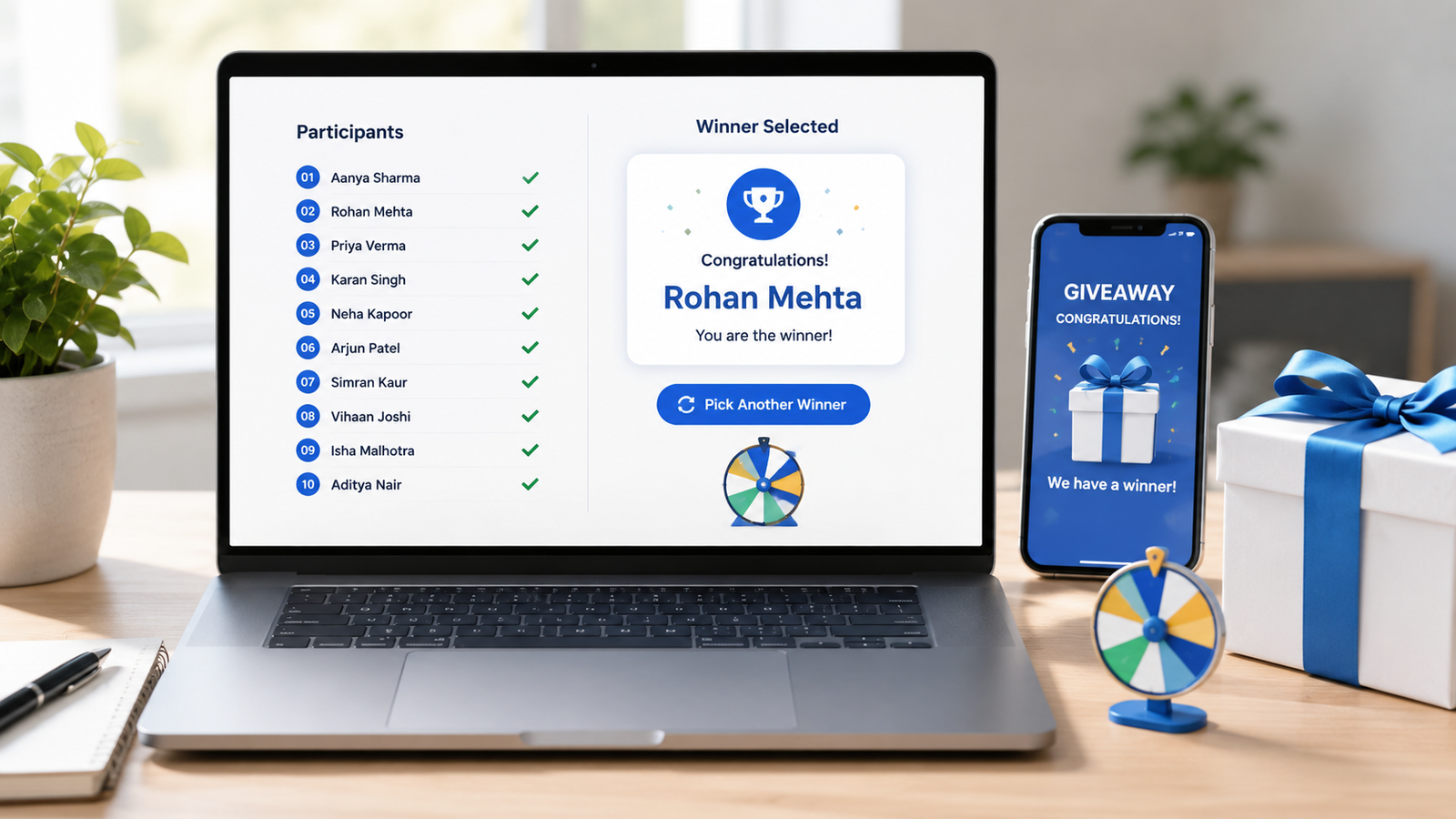
Learn how to choose giveaway winners fairly with a random tool. This practical guide covers entry lists, eligibility checks, rando...
Read More →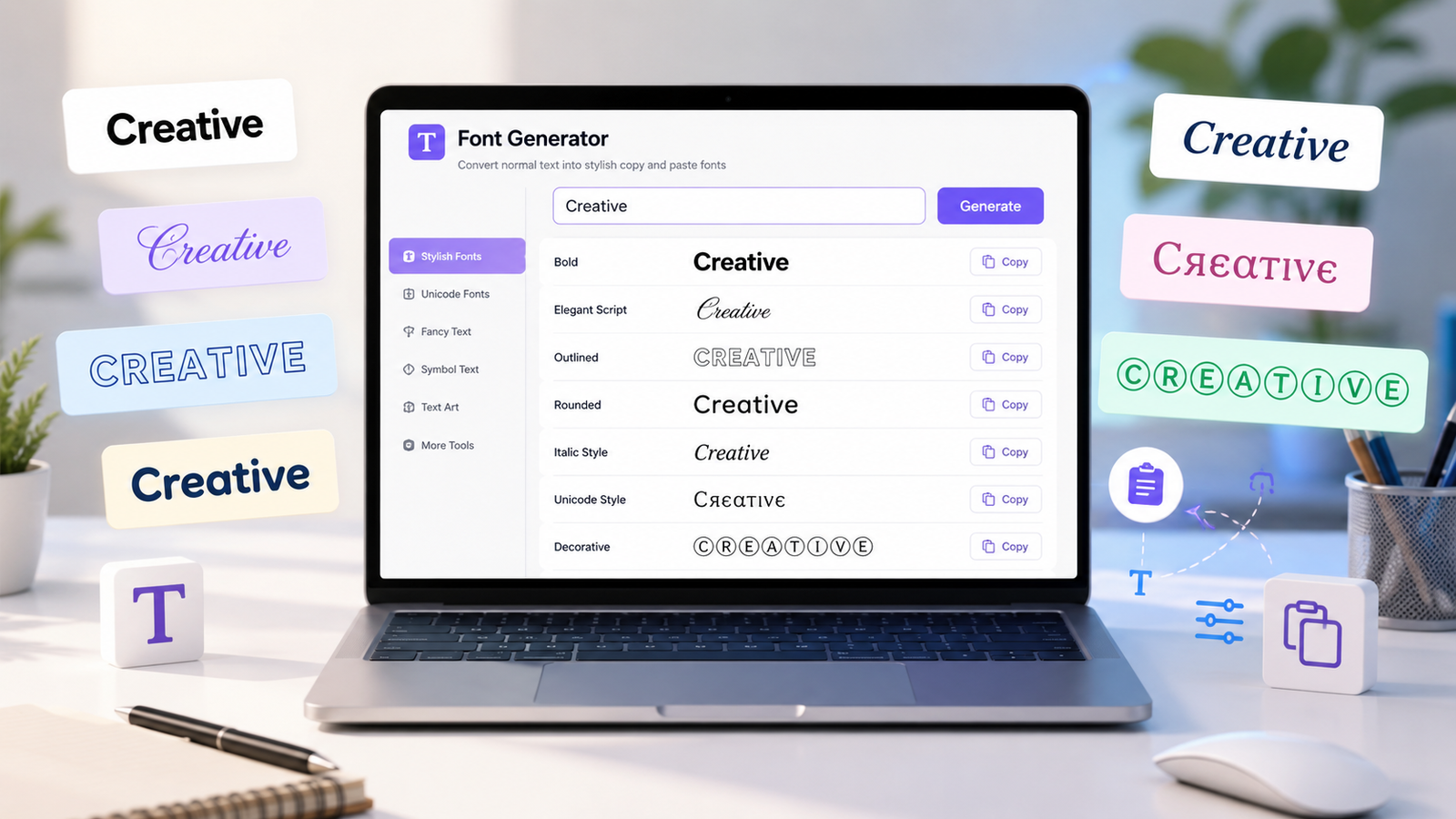
Create stylish copy-and-paste text with a font generator. Explore unique Unicode text styles for social media bios, captions, user...
Read More →Got questions? Here are the answers to the most common ones.
A background remover is a tool that automatically erases the backdrop from an image, leaving the subject on a transparent background. Designers, sellers, and social media creators use it for clean product shots and profile pictures. RandomCount's free background remover works online and auto-deletes your uploads within 24 hours.