
How Teachers Can Use Random Numbers in the Classroom
Random numbers can make classroom activities fairer and more engaging. Explore simple ways teachers can use them for quizzes, game...
Read More →
Combine multiple images into a single PDF document. Free and easy.
No images added yet.
Select one or multiple images (JPG, PNG) from your device.
Use the arrows on the thumbnails to reorder the pages.
Choose your settings and click Download to get your PDF file.
Transform loose image files into structured, professional PDF documents in seconds.
Turn any JPG or PNG image into a high-quality PDF document instantly right in your browser.
Merge several images into a single, organized multi-page PDF file with one click.
Share images as a universal PDF instead of sending multiple loose files to colleagues or clients.
Convert images to PDF directly online — no software downloads, extensions, or plugins required.
Skip the heavy desktop tools. Our converter works entirely on the web on any device.
PDFs provide structure, security, and consistency that loose image files simply can't match.
Group related images together in one file instead of managing dozens of separate JPGs scattered across folders.
Send a single PDF instead of multiple image attachments. It's cleaner, more professional, and easier for recipients to handle.
Present your images with consistent sizing, margins, and orientation for a polished, business-ready appearance.
PDFs open perfectly on every device and OS without layout shifts — unlike images that may display differently depending on the viewer.
PDFs are designed for print. Convert images to PDF to ensure proper page sizing and high-quality printing every time.
Why PDF remains the world's most trusted format for sharing visual and text content.
PDFs lock in your formatting. What you see is exactly what your recipient sees — no shifting elements or broken layouts.
Whether it's a phone, tablet, or desktop, PDFs display identically across all platforms without compatibility issues.
Print-ready formatting ensures your images come out on paper exactly as they look on screen, with correct sizing and margins.
PDFs can be password-protected and encrypted, adding a layer of security that standard image files don't support.
Combine multiple high-resolution images into a single, well-compressed PDF that's easy to store, email, and share.
Everything you need to create perfect PDFs from your images, right in your browser.
Convert and combine images into a PDF in seconds. No waiting, no server delays — it all happens instantly.
Upload and combine dozens of images into a single, multi-page PDF document effortlessly.
Simply drag your image files into the upload zone. No need to click through file menus.
Maintain the original resolution and clarity of your images in the final PDF document.
Works perfectly on smartphones and tablets. Convert images to PDF on the go without needing a desktop.
Your images never leave your device. All processing is done locally in your browser for maximum privacy.
Get a clean PDF without any branded watermarks or restrictions on usage.
Completely free to use with no sign-ups, no limits, and no premium paywalls.
From students to professionals — anyone who works with images needs a reliable PDF converter.
Combine assignment screenshots and notes into organized PDFs for submission.
Create lesson materials by grouping educational diagrams and photos together.
Convert scanned receipts, IDs, and forms into professional PDFs for record-keeping.
Compile product images and invoices into neat PDFs for clients and vendors.
Present mood boards, concepts, and mockups in a single, sequential PDF.
Deliver work to clients as clean PDF documents instead of scattered image files.
Share proof sheets and photo collections as a downloadable PDF portfolio.
Bundle infographics, reference images, and visual assets for blogs and videos.
See how people use this tool to streamline their daily workflows.
We built this tool with privacy at its core — your images never leave your device.
Files are processed entirely in your browser. Nothing is uploaded to external servers.
Once you close the tab or click Clear, all images are instantly removed from memory.
Use the tool anonymously. No sign-up, no email, no personal data collected ever.
Your sensitive documents and photos remain completely private throughout the process.
All conversion happens locally using JavaScript. Your data never leaves your computer.
Explore more free tools from RandomCount — randomize, decide, convert, and create.
Read our newest tutorials, guides, productivity tips, and helpful articles from RandomCount.
Random numbers can make classroom activities fairer and more engaging. Explore simple ways teachers can use them for quizzes, game...
Read More →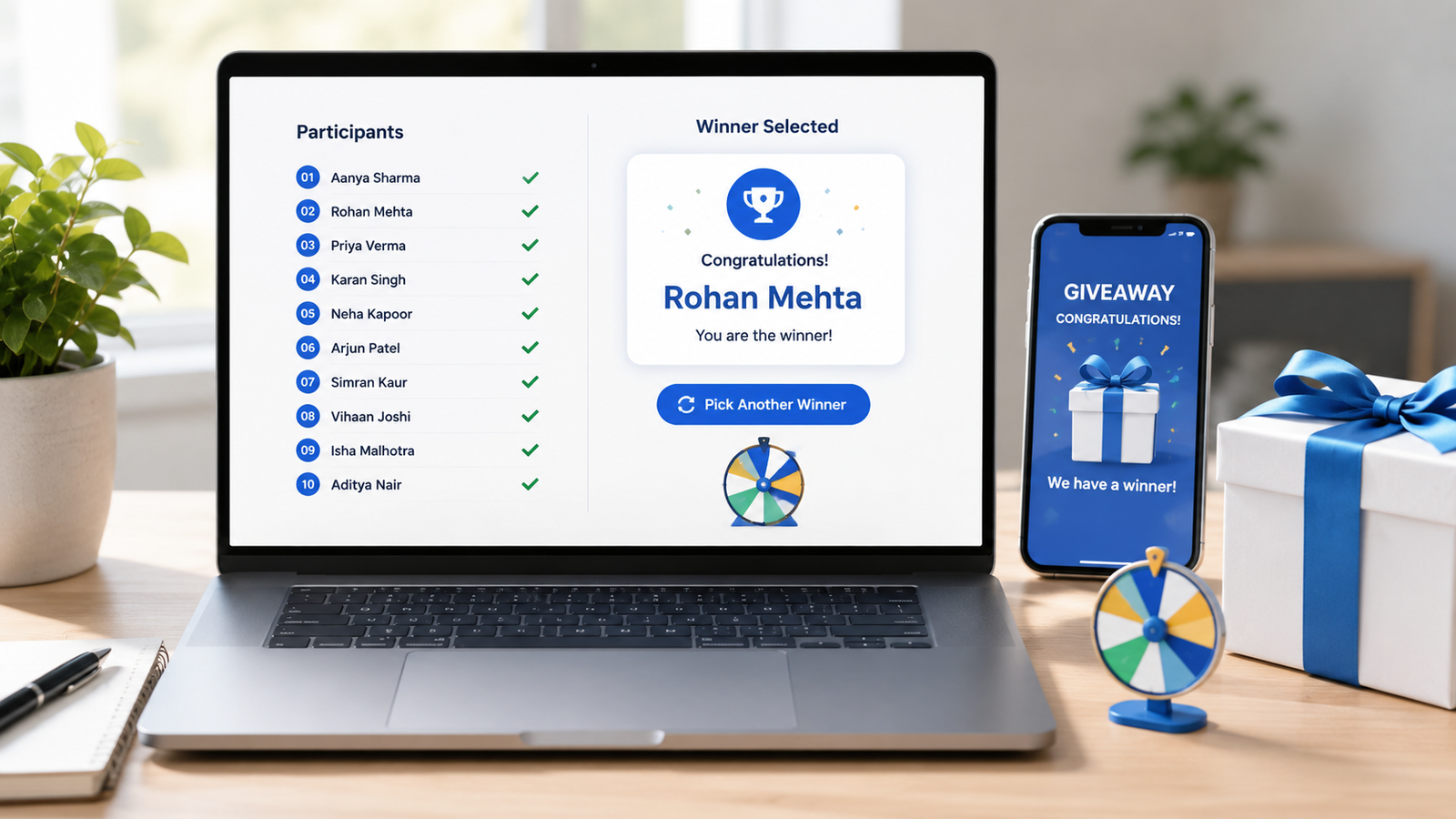
Learn how to choose giveaway winners fairly with a random tool. This practical guide covers entry lists, eligibility checks, rando...
Read More →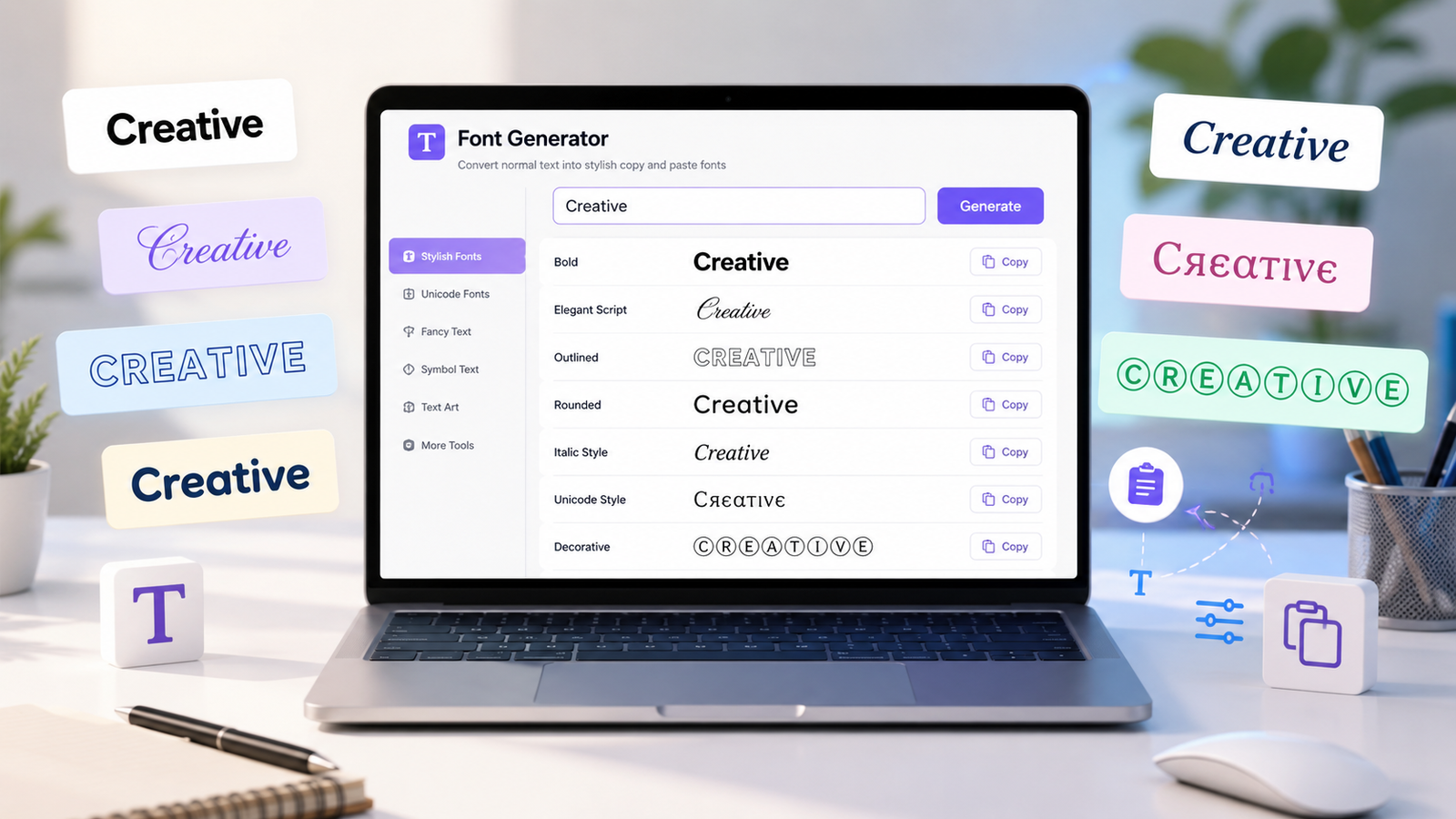
Create stylish copy-and-paste text with a font generator. Explore unique Unicode text styles for social media bios, captions, user...
Read More →Something went wrong.