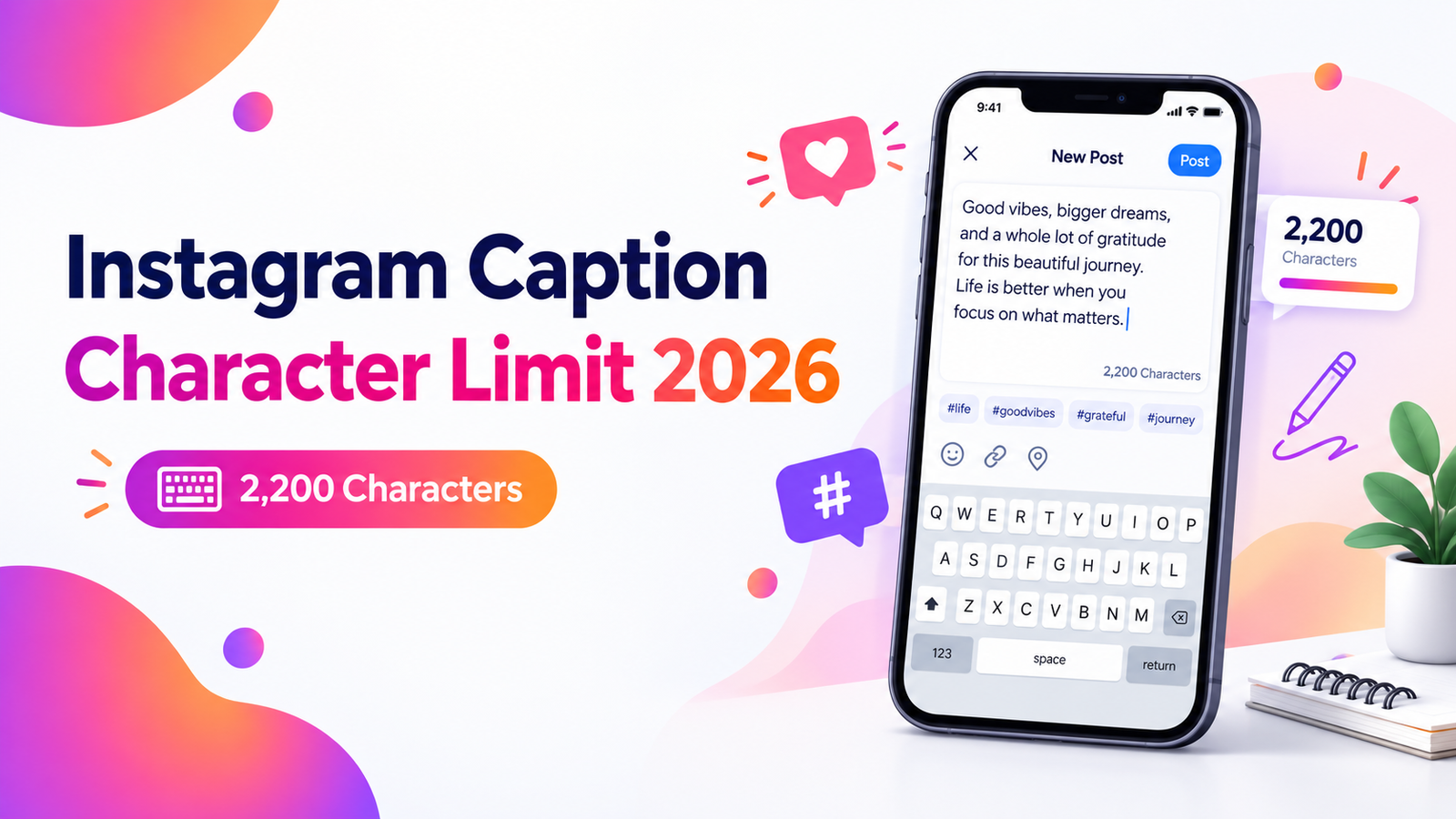
Instagram Caption Character Limit 2026: Complete Guide
Learn the Instagram caption character limit in 2026, what counts as a character, how much text people see first, and simple tips f...
Read More →
Paste your text below to instantly count words, characters, sentences, paragraphs, and estimated reading time.
🔒 100% private — all counting happens in your browser. You've analyzed
Finished counting words? Style your text with our stylish font generator, shuffle entries using the random list picker, or generate a secure random password — every tool is free and runs privately in your browser.
Six simple steps to get the most from your free word count tool.
Simple on the outside, powerful on the inside. Built for speed and accuracy.
Whether you're writing an academic essay, crafting a blog post, or preparing a professional report, keeping track of your word count is essential. Many platforms and assignments have strict limits—exceeding them can cost you marks, engagement, or credibility.
Our online word counter gives you more than just a number. It provides a complete text analysis dashboard—characters, sentences, paragraphs, and estimated reading time—all updated in real time as you write.
We stripped away the clutter to build a tool that actually respects your time and privacy.
From search rankings to assignment rules, the length of your text has real consequences.
Built with the three pillars of a great online tool in mind.
Fast, free, and private — everything you need from a modern text counter.
From students to professionals — our tool helps anyone who works with text.
Read our newest tutorials, guides, productivity tips, and helpful articles from RandomCount.
Learn the Instagram caption character limit in 2026, what counts as a character, how much text people see first, and simple tips f...
Read More →
Learn how to turn randomly generated teams into organized, enjoyable groups with clear roles, simple rules, fair participation, be...
Read More →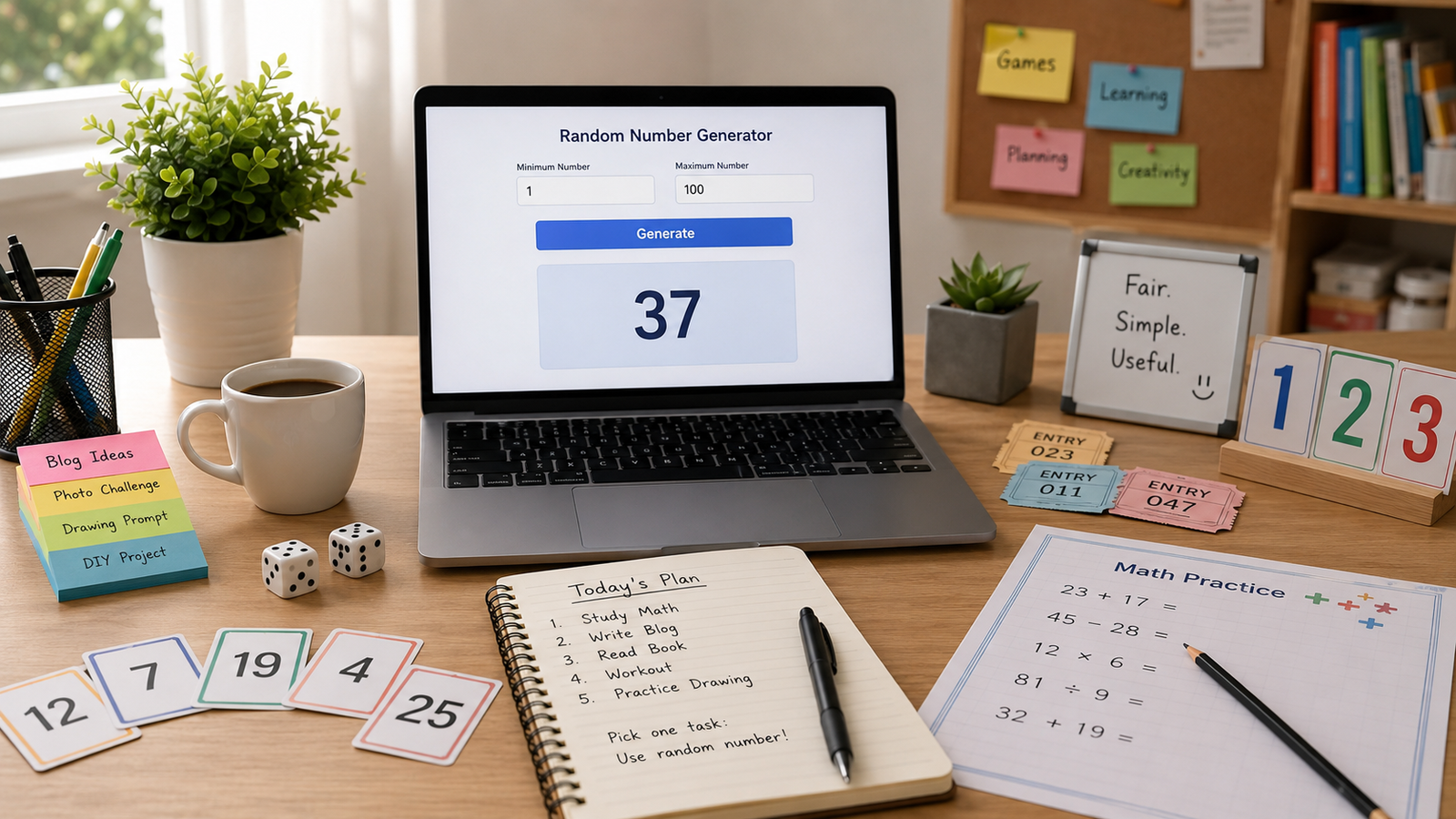
Discover practical ways to use a random number generator for games, study sessions, classroom activities, task selection, creative...
Read More →Explore our complete suite of free random tools built for creators, students, and professionals.
Clear, plain-English answers to the questions writers ask most.
A word counter is an online tool that instantly counts the words, characters, sentences, and paragraphs in a piece of text. Writers, students, marketers, and editors use it to meet length requirements and improve readability. RandomCount's free word counter calculates every figure live as you type, with no signup or installation.
A character count is the total number of individual characters in a text, usually reported both with and without spaces. It is essential for platforms with strict limits, such as tweets, SMS, and SEO meta tags. RandomCount's word counter shows both character totals in real time alongside your word count.
Reading time is an estimate of how long an average person takes to read a text, expressed in minutes. It is found by dividing the word count by an average reading speed of roughly 200–238 words per minute. RandomCount's word counter displays your estimated reading time automatically as you write.
Everything you need to know about our free word counter tool.
A word counter is an online tool that instantly tallies the words, characters, sentences, and paragraphs in any text you type or paste. Writers, students, and marketers use it to meet length limits and check readability. RandomCount's free word counter updates every count live as you write, with no signup.
To count words online, paste or type your text into a word counter and the total appears instantly — there is no software to install or button to press. On RandomCount, your word, character, sentence, and reading-time counts update in real time as you edit, entirely inside your browser.
RandomCount is completely free to use, with no signup, login, or hidden fees on any tool. Every utility — from the word counter to the password generator — works without limits or watermarks. The site is supported independently, so you can use all features as often as you like, forever.
RandomCount does not store your data on any server. All processing — counting words, removing backgrounds, generating passwords — happens locally in your browser, so your text and images never leave your device. This privacy-first design means nothing is uploaded, logged, or shared with third parties at any point.
Reading time estimates how long an average person needs to read a piece of text, shown in minutes. It is calculated by dividing the total word count by an average reading speed of about 200–238 words per minute. RandomCount's word counter displays your estimated reading time live as you type.
A blog post should typically be 1,500–2,500 words to rank well in search, though the ideal length depends on the topic and intent. In-depth guides perform best when longer, while news updates can be shorter. Use RandomCount's word counter to track your length and hit your target as you write.
You can count characters without spaces using a character counter that separates the two totals. This matters for platforms with strict limits, like meta descriptions or tweets. RandomCount shows both characters with spaces and characters without spaces at the same time, alongside word and sentence counts, updating instantly.
RandomCount offers a Word Counter plus image tools (Background Remover, HEIC to JPG, Image Resizer, SVG Converter) and generators (Spin Wheel, Coin Flip, Dice Roller, Color Picker, Font Generator, Random Number, Password, Team, and List). Every tool is free, private, and runs in your browser without signup.
RandomCount works fully on mobile, tablet, and desktop, with a responsive layout that adapts to any screen size. Because every tool runs in the browser, there is no app to download. You can count words, remove image backgrounds, or generate passwords on a phone exactly as you would on a computer.
RandomCount's word counter is highly accurate, counting words the same way standard editors do by splitting text on spaces and line breaks. It also separates characters, sentences, and paragraphs precisely. Because counting runs locally and updates instantly, the totals always match your current text with no rounding or delay.