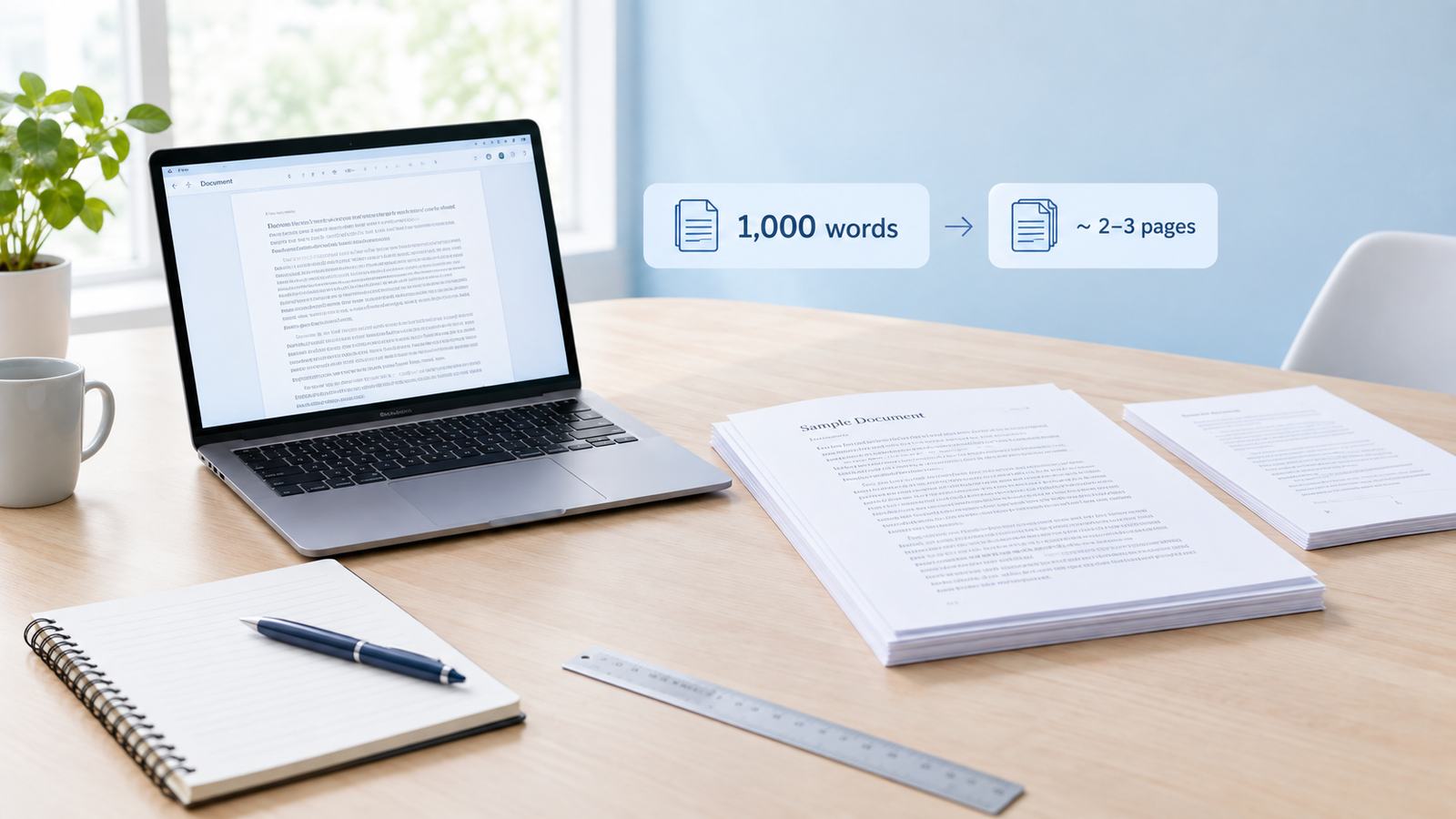
What is a words to pages converter?
A words to pages converter estimates how many pages a piece of writing will fill based on its word count. Teachers, universities, publishers and employers often set length in pages: “a two-page cover letter”, “a five-page essay”, “a ten-page report”. Meanwhile, your word processor shows you a word count. This tool connects the two, so you can tell whether 1,200 words is enough for a three-page assignment before you start formatting.
The RandomCount converter adjusts the estimate for the font, font size and line spacing you use. It also shows single-spaced, double-spaced and handwritten equivalents so you can compare layouts at a glance.
How the converter works
The converter starts from a typical number of words per page for each font at 12 pt, single spaced, with 1-inch margins on A4 or US Letter paper. Times New Roman fits about 500 words per page. It then adjusts that figure in two ways:
- Font size: text area grows with the square of the font size, so words per page change by (12 ÷ your size)². Going up to 14 pt fits about 27% fewer.
- Line spacing: words per page are divided by the spacing. Double spacing (2.0) halves the words per page, and 1.5 spacing fits two thirds as many.
Finally, pages = words ÷ words per page. With 1,000 words in Times New Roman 12 pt double spaced, that is 1,000 ÷ 250 = 4 pages.
How many pages is 1,000 words?
With Times New Roman 12 pt and 1-inch margins, Wider fonts such as Arial or Verdana, and layouts with more paragraphs, headings and lists, push the same text onto more pages. Read the full explanation in how many pages is 1000 words.
Words to pages chart
Based on 12 pt Times New Roman, 1-inch margins on A4 or US Letter paper.
| Words | Single spaced | 1.5 spaced | Double spaced |
|---|---|---|---|
| 250 words | 0.5 pages | 1 page | 1 page |
| 300 words | 0.5 pages | 1 page | 1 page |
| 500 words | 1 page | 1.5 pages | 2 pages |
| 650 words | 1.5 pages | 2 pages | 2.5 pages |
| 750 words | 1.5 pages | 2.5 pages | 3 pages |
| 800 words | 1.5 pages | 2.5 pages | 3 pages |
| 1,000 words | 2 pages | 3 pages | 4 pages |
| 1,200 words | 2.5 pages | 3.5 pages | 5 pages |
| 1,500 words | 3 pages | 4.5 pages | 6 pages |
| 2,000 words | 4 pages | 6 pages | 8 pages |
| 2,500 words | 5 pages | 7.5 pages | 10 pages |
| 3,000 words | 6 pages | 9 pages | 12 pages |
| 4,000 words | 8 pages | 12 pages | 16 pages |
| 5,000 words | 10 pages | 15 pages | 20 pages |
| 10,000 words | 20 pages | 30 pages | 40 pages |
Words per page by font
Fonts with wider letters fit fewer words on a line. These are the averages the converter uses at 12 pt with 1-inch margins:
| Font (12 pt) | Single spaced | Double spaced | 1,000 words (single / double) |
|---|---|---|---|
| Calibri | ~550 words | ~275 words | 1.8 / 3.6 pages |
| Times New Roman | ~500 words | ~250 words | 2 / 4 pages |
| Helvetica | ~470 words | ~235 words | 2.1 / 4.3 pages |
| Arial | ~450 words | ~225 words | 2.2 / 4.4 pages |
| Verdana | ~400 words | ~200 words | 2.5 / 5 pages |
| Courier New | ~375 words | ~188 words | 2.7 / 5.3 pages |
Pages to words: how many words do I need?
Working backwards from a page requirement? Multiply the pages by the words per page. In 12 pt Times New Roman with 1-inch margins:
| Pages | Single spaced | Double spaced |
|---|---|---|
| 1 page | ~500 words | ~250 words |
| 2 pages | ~1,000 words | ~500 words |
| 3 pages | ~1,500 words | ~750 words |
| 5 pages | ~2,500 words | ~1,250 words |
| 8 pages | ~4,000 words | ~2,000 words |
| 10 pages | ~5,000 words | ~2,500 words |
| 15 pages | ~7,500 words | ~3,750 words |
| 20 pages | ~10,000 words | ~5,000 words |
What changes the page count?
- Font. Calibri fits roughly 10% more words per page than Times New Roman, and Arial roughly 10% fewer.
- Line spacing. Double spacing halves the words per page, which is why most essays are about 250 words per page.
- Paragraphs, headings and lists. Every short line, heading and blank line uses space without adding many words. Dialogue-heavy writing fills pages quickly.
- Margins and paper size. This converter assumes 1-inch margins. Wider margins mean fewer words per page.
- Title pages, references and images. Cover pages, reference lists, tables and pictures add pages but usually don't count towards a word limit.
Academic formatting styles
MLA style
A readable 12 pt font such as Times New Roman, double spaced, with 1-inch margins. Expect about 250 words per page, so a 5-page MLA essay is roughly 1,250 words.
APA style (7th edition)
Double spaced with 1-inch margins. APA accepts several fonts, including 12 pt Times New Roman, 11 pt Calibri and 11 pt Arial. Choose the matching options above for an accurate count.
Chicago style
Usually 12 pt Times New Roman, double spaced, with at least 1-inch margins, which is about 250 words per page in the main text.
Handwritten work
Handwriting varies a lot, but a lined A4 or Letter page usually holds about 250 words. Large or spaced-out handwriting can be closer to 150–200.
Common essay and document lengths
- Common App personal essay: up to 650 words, about 1.3 pages single spaced or 2.6 pages double spaced. See the Common App essay word limit.
- Cover letter: usually 250–400 words, which fits on one page. See how many words a cover letter should be.
- 5-paragraph school essay: roughly 500–800 words, or 2 to 3 pages double spaced.
- 5-minute speech: about 650 words, or 1.3 pages single spaced. Check timing with the Words to Minutes Calculator.
- Novel: commonly 70,000–100,000 words. Printed books hold fewer words per page than a document, often about 250–300, so a novel usually runs to a few hundred printed pages.
Tips for meeting a page requirement
- Follow the required format first. Set the font, size, spacing and margins your teacher or style guide asks for before judging the length.
- Add substance, not padding. If you are short, add an example, a counter-argument or evidence. Markers notice enlarged fonts, extra-wide margins and stretched spacing.
- Trim repetition if you are long. Cut introductions that repeat the question, remove filler words and merge paragraphs that make the same point.
- Check both limits. If an assignment gives both a page range and a word limit, the word limit is usually the one that counts. Check it with the Word Counter.
- Writing for social media instead? The Character Counter checks platform limits.
Treat the result as a close estimate. Your word processor's page count after formatting is the final answer, because headings, paragraph breaks and images change the layout.
Single, 1.5 or double spacing: which should you use?
Double spacing is the default for most school and university essays, manuscripts sent to publishers and documents that will be marked by hand. The extra space between lines leaves room for comments and makes long text easier to read on paper. MLA, APA and Chicago all use double spacing for the main text.
1.5 spacing is common for dissertations, theses and reports at many universities and businesses. It looks more open than single spacing without using twice as much paper.
Single spacing suits cover letters, CVs, business letters, memos and most documents read on screen. It keeps a cover letter to one page and looks professional when printed. If your instructions don't mention spacing, ask, because spacing changes the page count more than any other setting.
Why page counts differ between Word and Google Docs
The same text can fill a different number of pages in Microsoft Word, Google Docs, Pages or LibreOffice. Each program has its own default font, size, line spacing and space after paragraphs. For example, recent versions of Word start new documents in Aptos 11 pt (older versions used Calibri 11 pt) with slightly increased line spacing and extra space after each paragraph, while Google Docs starts with Arial 11 pt. Default margins and paper size (A4 or US Letter) can also differ by region.
To compare like with like, set the font, size, spacing and margins manually in your document before checking the length. Then pick the same options in this converter. If the numbers still differ slightly, it is usually because of paragraph spacing, headings or a title page.
Planning an essay by pages
Converting a page requirement into words makes planning much easier. Suppose you need a 4-page double-spaced essay. That is roughly 1,000 words. A simple structure might be:
- Introduction: about 100–150 words (half a page) that states your argument clearly.
- Three body sections: about 230–260 words each (roughly one page each), with a point, evidence and explanation.
- Conclusion: about 100–150 words that sums up and answers the question.
Writing to a word budget for each section stops you from spending two pages on the introduction and rushing the end. Track your progress with the Word Counter as you write.