What is a password strength checker?
A password strength checker estimates how hard a password would be for an attacker to guess. Simple checkers only count characters and tick boxes: is there a capital letter, a number, a symbol? That is not enough. “P@ssw0rd1” ticks every box, yet it is one of the first passwords any attacker tries.
This password checker goes further. It estimates entropy from the characters you use, then looks for the patterns real attackers exploit: very common passwords, dictionary words with look-alike swaps, keyboard runs like “qwerty”, sequences like “abc” or “123”, repeated characters, years and dates. Each pattern lowers the score. You get a strength rating from Very weak to Very strong, two rough crack-time estimates, a checklist and specific tips.
Privacy first: the whole check runs in JavaScript inside your browser. Your password is not sent to our server or any other server, not written to logs, and not saved in cookies or local storage. Even so, it is good practice to test a similar password rather than the real one you use for banking or email.
How to test password strength
- Type a password into the box. It is hidden by default; press Show to see what you typed.
- Watch the meter. It updates with every key press and moves from Very weak to Very strong.
- Read the two entropy figures. The character-pool estimate is the best case. The estimated entropy after pattern checks is the more realistic number.
- Compare the crack times for a throttled online attack and a fast offline attack.
- Work through the checklist and suggestions, then try again until the meter turns green.
- Press Clear when you are done. Closing the tab also removes everything.
How this password security checker works
Step 1: the character-pool estimate
Entropy measures how many guesses a password could take, written in bits. Every extra bit doubles the number of possible passwords. For a truly random password, entropy is the length multiplied by log2 of the pool of characters it could contain.
| Characters used | Pool size | Bits per character | 8 chars | 12 chars | 16 chars |
|---|---|---|---|---|---|
| Lowercase only | 26 | 4.7 | 37.6 | 56.4 | 75.2 |
| Lower + uppercase | 52 | 5.7 | 45.6 | 68.4 | 91.2 |
| Letters + digits | 62 | 5.95 | 47.6 | 71.5 | 95.3 |
| All printable ASCII | 95 | 6.57 | 52.6 | 78.8 | 105.1 |
Notice that adding length helps more than adding character types. Going from 8 to 16 lowercase letters adds 37.6 bits. Adding symbols to an 8-character password adds only 15.
Step 2: pattern penalties
The pool figure is only true when every character is chosen at random. People rarely do that, so the checker splits your password into pieces and finds the cheapest way an attacker could guess each piece:
- Common passwords: a built-in list of about 200 of the most widely used passwords, such as 123456, password, qwerty and iloveyou. A match costs only a few bits.
- Words and leetspeak: common words and names, also checked after undoing swaps like @→a, 0→o, 3→e, $→s and 1→i. Swaps add only a bit or two.
- Word-like letters: runs of letters that look like real words are scored per word rather than per letter, because attackers combine large word lists.
- Keyboard patterns: runs such as qwerty, asdf, zxcvbn and 1qaz2wsx.
- Sequences: abcd, 4321 and similar runs, forwards or backwards.
- Repeats: aaaa, 1111, or a block repeated like abcabc.
- Years and dates: 1990, 2024, 12/05/1990 and 120590 are tiny search spaces.
The final estimate is the lower of the pool figure and the pattern figure. This approach is inspired by well-known open-source estimators, but it uses much smaller built-in lists. A real attacker’s lists are far larger, so a password that passes here can still be weaker than shown. Treat the result as a guide, not a guarantee.
Password crack time: online vs offline
How long would it take to crack a password? It depends on the kind of attack. In an online attack, someone types guesses into a real login page. Good services slow this down with rate limits and lockouts, so we assume about 100 guesses per hour. In an offline attack, a database of password hashes has been stolen and the attacker tests guesses on their own hardware. With a fast, unsalted hash and modern graphics cards, around 10 billion guesses per second is a reasonable rough figure. Slow hashes such as bcrypt or Argon2 cut that rate dramatically.
| Random password type | Entropy | Online (~100/hour) | Offline (~10 billion/sec) |
|---|---|---|---|
| 8 lowercase letters | 37.6 bits | ~119,000 years | ~10 seconds |
| 8 letters + digits (lowercase) | 41.4 bits | ~1.6 million years | ~2.4 minutes |
| 8 mixed characters (all 95) | 52.6 bits | billions of years | ~4 days |
| 12 lowercase letters | 56.4 bits | billions of years | ~55 days |
| 5 random words (7,776-word list) | 64.6 bits | billions of years | ~45 years |
| 12 mixed characters (all 95) | 78.8 bits | billions of years | ~860,000 years |
| 16 mixed characters (all 95) | 105.1 bits | billions of years | trillions of years |
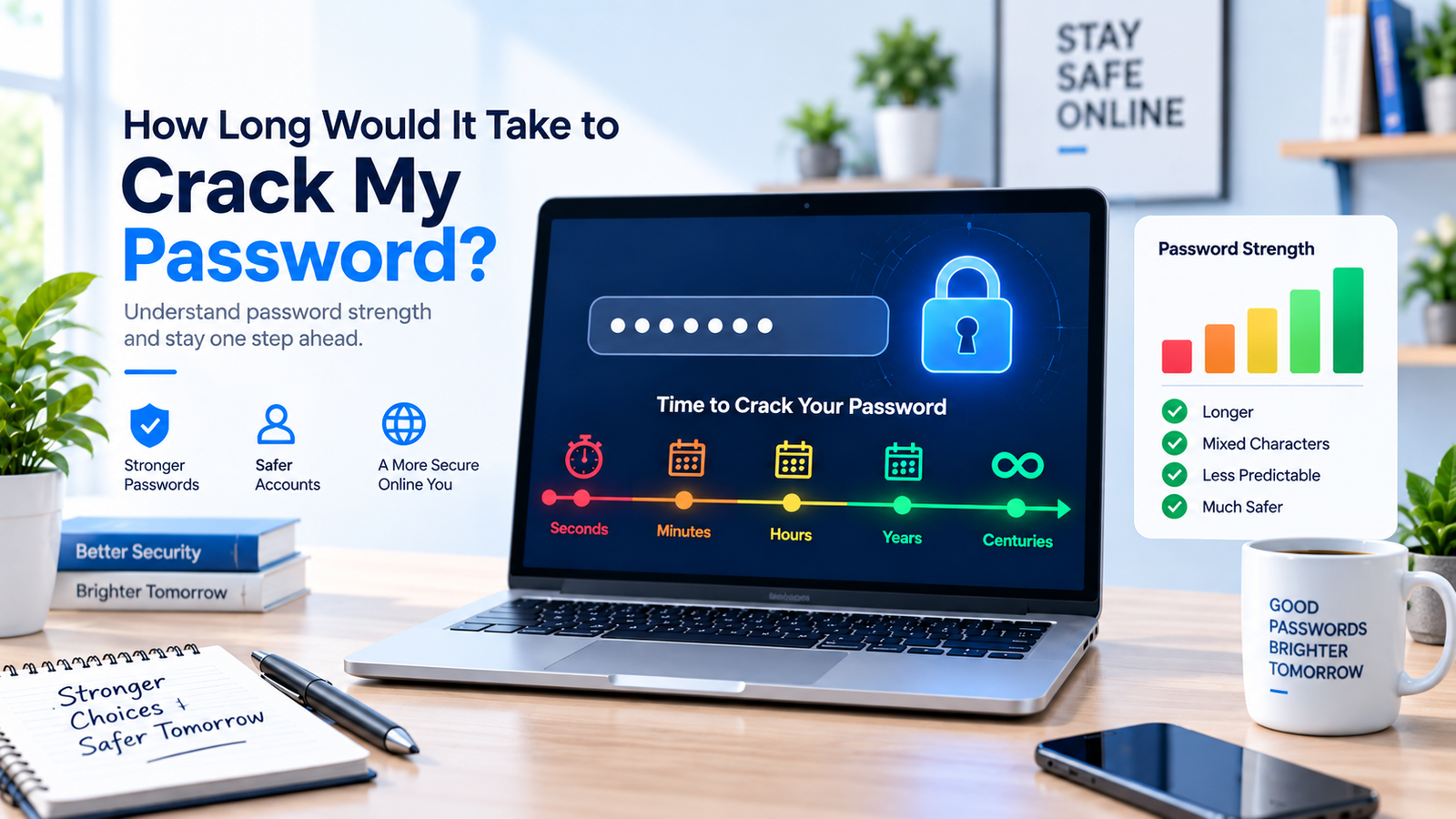
These figures are averages (half the possibilities tried) and apply only to truly random passwords. A password made from a name and a birth year is guessed far faster. For a deeper explanation, read our guide how long would it take to crack my password.
What makes a strong password?
- Length first. Aim for at least 12 characters, and 16 or more for important accounts.
- True randomness. A password picked by a generator beats one you invent, because people follow patterns without noticing.
- A unique password for every account. Reuse is the biggest real-world risk: when one site leaks, attackers try the same email and password everywhere else.
- No personal details. Names, pets, birthdays, phone numbers and favourite teams are easy to find on social media.
- No predictable tweaks. Capital first letter, “1!” at the end, or swapping a for @ are among the first rules attackers apply.
Passphrases: strong and easy to remember
A passphrase is several random words joined together, such as four to six words picked by dice or a generator. Five truly random words from a 7,776-word list give about 64 bits of entropy, which is far stronger than a typical 8-character password and much easier to type. The key word is random: a song lyric, quote or phrase you made up yourself is much easier to guess.
Use a password manager
Nobody can remember dozens of unique, random passwords. A reputable password manager creates and stores them for you, fills them in automatically and warns you about reused passwords. You only need to remember one strong passphrase for the manager itself. Turn on two-factor authentication for your most important accounts as well, so a stolen password alone is not enough.
Common password mistakes this checker catches
Famous passwords
123456, password, qwerty and iloveyou appear near the top of every leaked-password list. They are tried in the first second of any attack.
Word + year + symbol
“Summer2024!” looks complex but follows the most common recipe of all. The checker flags the word and the year separately.
Keyboard walks
1qaz2wsx and asdfgh feel random to type but are well-known patterns included in attack lists.
Leetspeak swaps
P@ssw0rd and S3cur1ty fool simple checkers. Attackers undo these swaps automatically, so they add very little strength.
Make a strong password in seconds
The quickest fix is to let a tool do the random part. Use our Random Password Generator to create a long password with letters, numbers and symbols, then test the style here. Our guide to the random password generator and creating strong, secure passwords explains the settings. Other tools you may find handy: the Character Counter to check length limits on sign-up forms, and the Random Number Generator for random PINs that avoid birthdays.