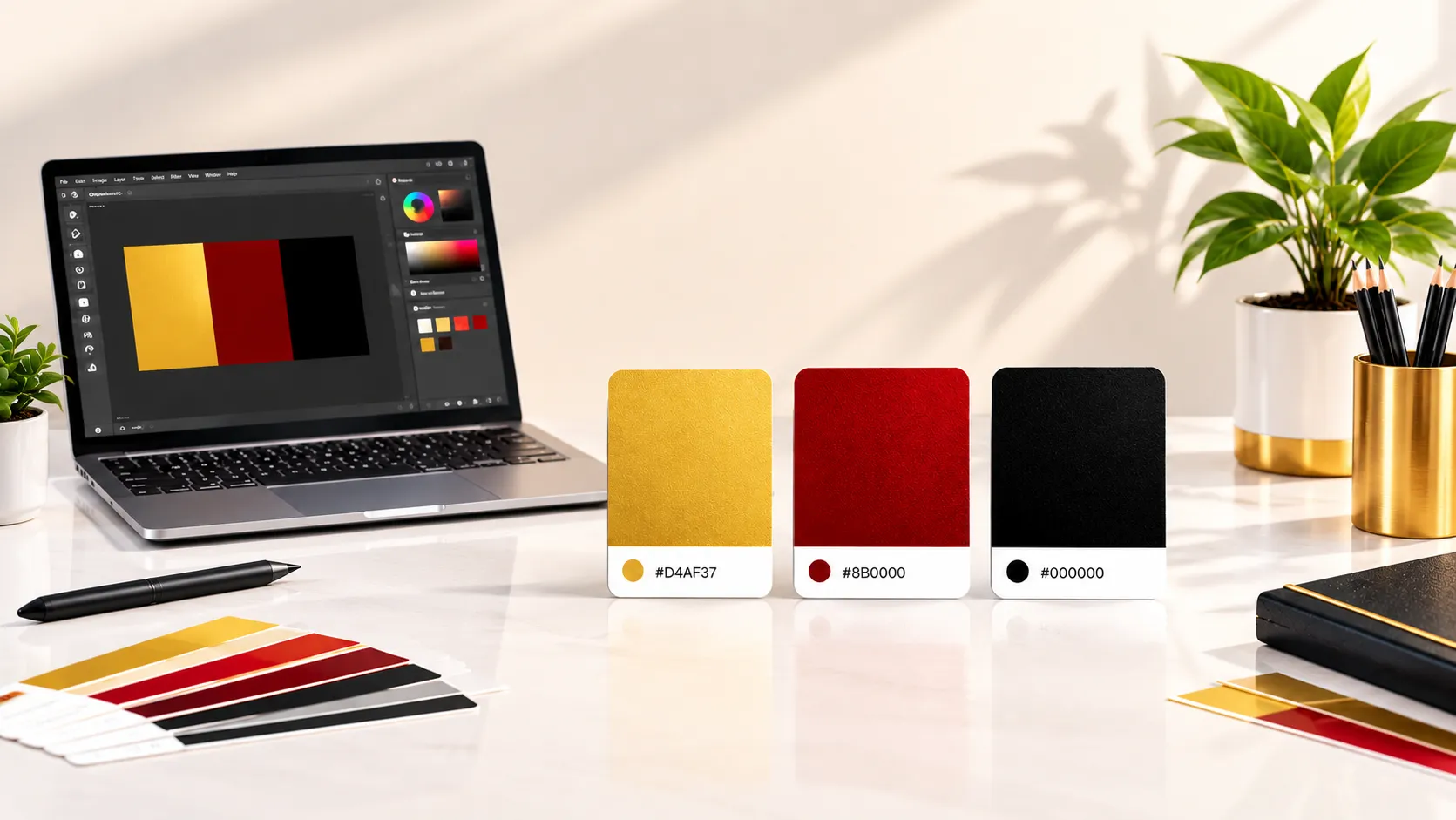

Choosing colors sounds easy until you actually have to pick one. You may open a color palette, scroll through dozens of shades, change the brightness, compare two similar tones, and still wonder which option looks better. This is especially common when working on a website, social media post, poster, presentation, logo concept, or personal project.
A random color picker can make this process more interesting. Instead of starting with the same colors you normally choose, you can generate a shade and use it as a starting point for your next idea. Sometimes the result will not fit your project at all. Other times, a completely unexpected color can become the key part of the design.
Random color selection is not about letting chance control your entire design. It is about using randomness as a source of inspiration and then applying your own judgment. With a little experimentation, a simple color picker can help you discover combinations you may not have considered before.
What Is a Random Color Picker?
A random color picker is an online tool that generates a color without requiring you to manually search through a large color chart. Depending on the tool, the result may be provided as a HEX, RGB, or HSL value.
For example, a web designer may need a new accent color for a button. Instead of trying hundreds of shades manually, they can generate a few random options, save the interesting ones, and test them within the design.
If you want to experiment with colors directly, you can try the RandomCount Random Color Picker and generate different shades for your project.
Looking for fresh color inspiration? Try our Random Color Picker to generate unique HEX, RGB, and HSL colors for your next design project.
Why Random Colors Can Help With Design
Most people have a small group of colors they naturally prefer. A designer might repeatedly choose blue and gray, while another person may always use warm shades such as orange and red. Familiar choices are not necessarily bad, but relying on them every time can make experimentation difficult.
Random color generation introduces a small element of surprise. A shade you would never normally choose might work surprisingly well when placed beside the right background or typography.
It can also reduce the time spent searching for inspiration. Instead of asking yourself which color to try next, you can generate several options and quickly decide whether any of them are worth exploring.
For better website color choices and readability, check the MDN guide to using color wisely.
1. Start With One Random Color
One of the easiest ways to use a random color picker is to generate only one color at a time. Do not worry about creating a complete palette immediately.
Generate a color and ask a few simple questions. Does it suit the purpose of the design? Is it too bright or too dark? Could it work as an accent? Would it look better as a background? Does it complement the existing colors?
If the answer is no, generate another option. The goal is not to accept every result. The goal is to find something interesting enough to continue exploring.
2. Use Random Colors as Accent Colors
You do not have to rebuild an entire design around a randomly generated shade. In many cases, using the color as an accent is a better approach.
For example, imagine that your website already uses a white background and dark text. A newly generated color could be tested on buttons, small icons, borders, highlights, or decorative elements.
This method keeps the main design stable while giving you room to experiment. If the new shade works well, you can gradually use it in more places.
3. Build a Simple Three-Color Palette
Once you find one color you like, you can create a small palette around it. A simple starting point is a primary color, a supporting color, and an accent color.
The primary color can be used for major visual elements. The supporting color can appear in backgrounds or secondary sections, while the accent color can draw attention to important details.
You do not need to make every color equally strong. In fact, designs often feel cleaner when one color has a clear leading role and the others support it.
4. Test Light and Dark Versions
A color can look completely different depending on what surrounds it.
When you find an interesting random color, try lighter and darker variations. A lighter version may work well as a background, while the original shade could be better for buttons or headings.
This simple comparison can turn one random result into several useful design options.
5. Think About Contrast and Readability
A beautiful color is not automatically a useful color. If text is difficult to read against its background, the design becomes frustrating for visitors.
Contrast is particularly important for websites, dashboards, forms, buttons, and other interfaces. The Web Content Accessibility Guidelines include minimum contrast requirements for normal and large text. For normal text, WCAG 2.1 specifies a minimum contrast ratio of 4.5:1 in the relevant success criterion.
For more information about color contrast and accessibility, see the W3C guidance on Contrast (Minimum).
Before finalizing a random color, always check how readable your text remains. A color that looks impressive in isolation may need adjustment when used with real content.
6. Use Random Colors for Social Media Graphics
Social media designs often need strong visual variety. If every post uses exactly the same background and accent colors, the overall feed can start to feel repetitive.
A random color picker can provide new starting points for posts, stories, banners, thumbnails, and promotional graphics.
For brand accounts, however, randomness should still have limits. Your main brand colors should remain recognizable. Random shades are better used for secondary graphics, campaign variations, seasonal posts, or creative experiments.
7. Try Random Colors for Posters and Presentations
A randomly generated shade can become the background of a title slide, the highlight color of an infographic, or an accent in a poster layout.
If the first color feels too strong, reduce its visual presence instead of immediately rejecting it. You might use it for a thin border, a small shape, or a highlighted word.
This approach is useful because a color does not have to dominate the design to make an impact.
8. Keep a Shortlist of Colors You Like
Generating colors is only half the process. You should also keep track of the shades that have potential.
Save the HEX values of colors that catch your attention. After generating several options, compare them side by side. You may notice that certain colors work better together than they did individually.
A small collection of saved colors can gradually become your own personal palette library. It also saves time when you begin another project later.
9. Do Not Let Randomness Replace Design Principles
Random generation is useful for exploration, but it should not replace basic design judgment. A color still needs to fit the purpose of the project.
A playful poster may benefit from bright and energetic colors, while a professional document may need a quieter palette. A children's activity page can use cheerful combinations, whereas a business report may need a more restrained appearance.
Think of the random color as a suggestion rather than a final answer. Generate it, test it, adjust it, and decide whether it actually improves the design.
10. Common Mistakes to Avoid
One common mistake is using too many random colors at once. A design can quickly become confusing when every section has a different strong color.
Another mistake is ignoring readability. Bright text on a bright background may look interesting in a design editor but become difficult to read in practice.
It is also easy to use a random color simply because it is unusual. Being different is not always the same as being effective. The color should support the message and structure of the design.
Finally, avoid changing colors constantly after choosing a palette. Once you have a workable combination, use it consistently throughout the project.
Simple Workflow for Using a Random Color Picker
If you are unsure where to begin, follow this simple process:
- Decide what you are designing.
- Generate one random color.
- Save the HEX or RGB value if you like it.
- Test the color against your planned background.
- Try a lighter or darker variation.
- Add one supporting color if necessary.
- Check text readability and contrast.
- Use the final palette consistently across the design.
This process keeps experimentation simple. You are not trying to create the perfect palette in one click. You are gradually narrowing down the choices until you find something that fits.
Who Can Benefit From a Random Color Picker?
Designers can use random colors to explore new visual directions, while developers can use HEX or RGB values when testing interface elements. Students can experiment with presentation themes, and social media creators can discover fresh colors for graphics.
Even beginners can benefit because they do not need advanced color theory knowledge to start experimenting. A generated color provides a starting point, and the rest comes down to testing and observation.
Frequently Asked Questions
What is a random color picker?
A random color picker is an online tool that generates color values automatically. It can provide formats such as HEX, RGB, or HSL, depending on the tool.
How can a random color picker help designers?
It can provide quick inspiration, reduce time spent searching through color charts, and encourage designers to experiment with shades they may not normally choose.
Can I use a random color for a website?
Yes. A generated color can be used for backgrounds, buttons, borders, icons, highlights, or other interface elements. Always test readability and contrast before publishing.
What is the HEX color format?
HEX is a common way of representing colors in web design. It normally uses six characters after a hash symbol, such as a combination of numbers and letters representing the red, green, and blue components.
Should I use many random colors in one design?
Usually, it is better to keep the palette limited. One primary color supported by a few complementary shades can create a cleaner and more consistent result.
Are random colors suitable for branding?
They can be useful during the exploration stage, but established brands generally need consistent colors for recognition. Random colors are better used for experimentation or secondary creative materials.
How do I know if a color is readable?
Place the color with the actual text or interface element you plan to use and check the contrast. Do not judge the color only by looking at it on its own.
Can beginners use a random color picker?
Yes. A random color picker is simple enough for beginners and can be useful for learning how different shades behave when placed beside backgrounds, text, and other colors.
Final Thoughts
Choosing colors does not always need to be a long process. A random color picker gives you a quick way to step outside your usual choices and discover new possibilities.
The best approach is to treat randomness as creative inspiration rather than a strict rule. Generate a color, test it, compare it with your existing palette, and make adjustments where necessary. Pay attention to contrast, readability, purpose, and consistency before using the final combination.
Whether you are designing a website, social media post, presentation, poster, or personal project, a small unexpected color choice can sometimes lead to a much better idea. If you are stuck with the same familiar shades, try generating a few new ones and see where they take your next design.