
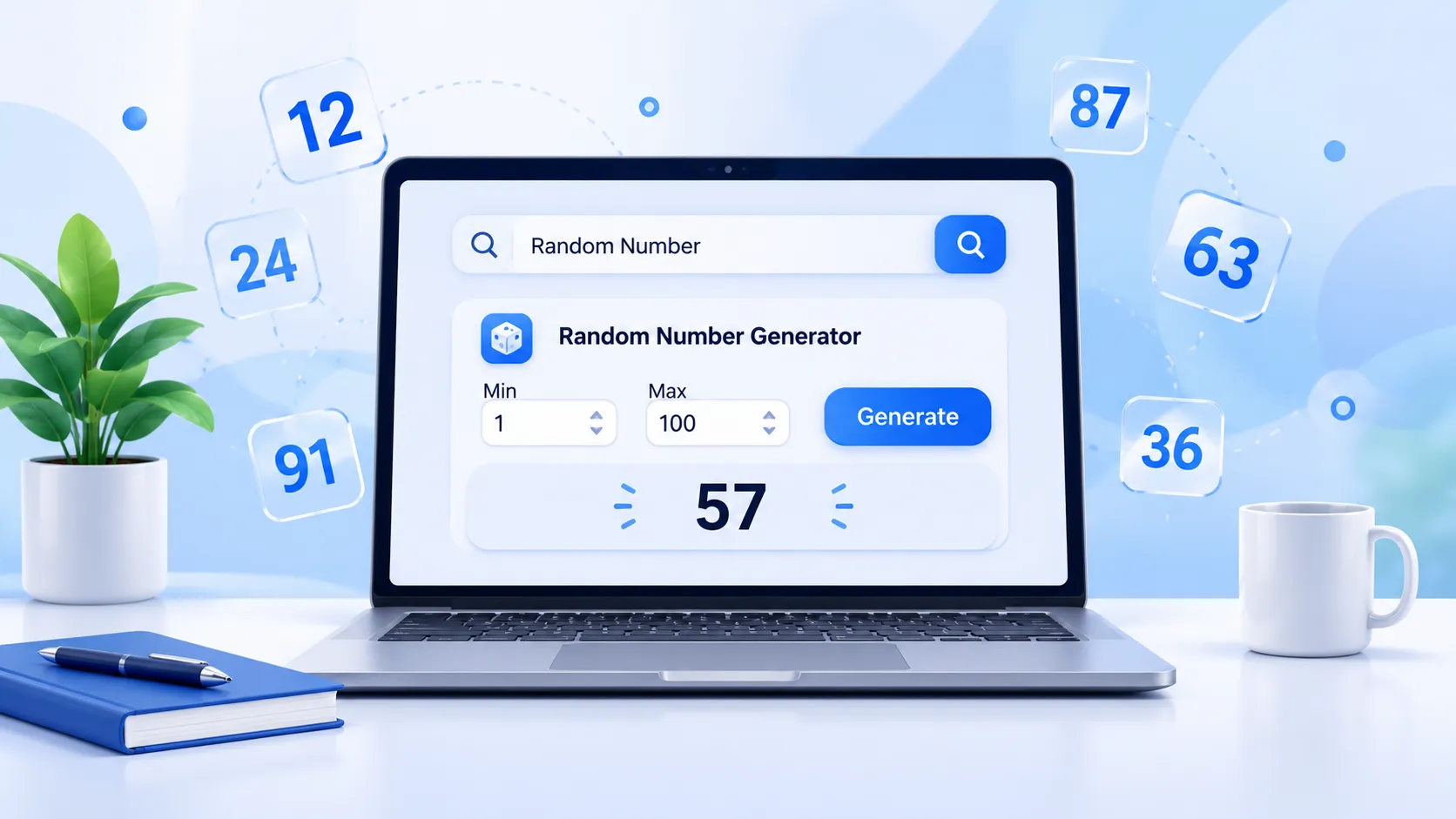
Choosing a number for a classroom quiz, game, giveaway, or everyday decision can be easier with a random number generator. Google's random number generator lets you select a number directly from Search by setting a minimum and maximum value, when the interactive feature is available.
However, choosing one number is different from selecting several unique numbers. If you are preparing a classroom activity, organizing a raffle, or creating a list of random selections, you may also need to control the number of results and decide whether duplicates are allowed.
This guide explains how Google's random number generator works, how to select a custom number range, how to generate multiple numbers without repeats, and when a dedicated online tool may be a better option.
What Is Google's Random Number Generator?
Google's random number generator is a built-in interactive feature that may appear in Google Search when you search for "random number generator." It allows you to enter a minimum and maximum value and generate a number within the selected range without visiting another website.
For example, if you set the minimum to 1 and the maximum to 20, you can generate a number for a classroom question, board game, or small group activity. The feature is designed for quick selections rather than advanced tasks such as generating a large list of unique numbers.
The appearance and availability of this feature can vary depending on Google's Search interface and device. If the interactive generator does not appear, you can use another online tool to complete the selection.
Google Search includes several interactive features that can help with everyday tasks, calculations, and quick decisions. You can explore Google's official Search help resources to learn more about using Search effectively.
Follow these steps to use Google's random number generator:
-
Open Google in your web browser.
-
Search for "random number generator."
-
Look for the interactive generator in the search results.
-
Enter your preferred minimum value.
-
Enter your preferred maximum value.
-
Select the generate control to receive a random number.
For example, entering 1 as the minimum and 50 as the maximum allows you to generate a number within that range. You can use the result to choose a quiz question, decide a game turn, or select one numbered entry from a list.
Before using the result, check that the displayed minimum and maximum values match your requirements. If the interactive feature is unavailable in your Search results, consider using a dedicated online random number generator instead.
For example, if a classroom has 25 numbered questions, you can set the range from 1 to 25 and use the generated result to choose a question for students to answer. If you need to select several different questions, check whether the generator supports multiple selections or use a tool with duplicate controls.
How to Use RandomCount's Online Random Number Generator
When a task requires several random numbers, a dedicated generator can provide more control than a basic single-number selection. For example, a teacher preparing a quiz with 30 questions may want to select five different questions for a revision activity.
RandomCount's online random number generator provides single-number and multiple-number options, allowing you to choose a range and specify how many results you need.
To generate multiple numbers, follow these steps:
-
Open the RandomCount Random Number Generator.
-
Select Multiple Numbers.
-
Set the minimum value to 1 and the maximum value to 30.
-
Enter 5 as the required quantity.
-
Turn off Allow Duplicate Numbers if you need five different results.
-
Select Generate to create the number list.
-
Use Copy All Numbers to copy the generated results.
For a single selection, use the single-number option and enter your preferred minimum and maximum values. When you need a list of different selections, use Multiple Numbers and check the duplicate setting before generating. This helps you choose the correct mode for the activity instead of generating results that need to be adjusted manually.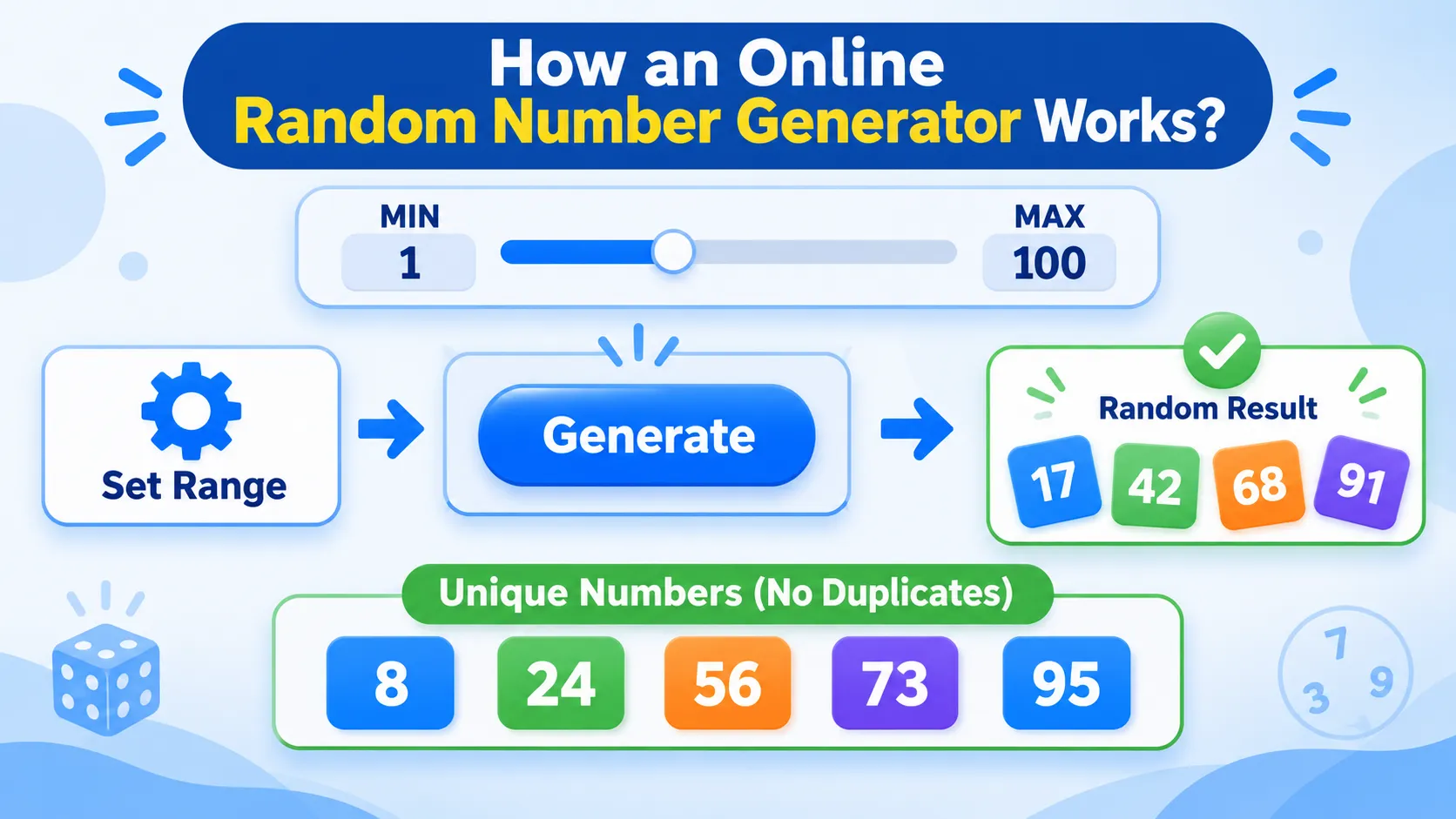
The multiple-number option supports up to 100 results in one session. When duplicates are disabled, the requested quantity must not exceed the number of available whole numbers in the selected range.
For example, the generator might return 3, 8, 14, 21, and 27. These five values represent different questions from the available list. Your actual results will depend on each new generation.
Before using the results, check the selected range, requested quantity, and duplicate setting to make sure they match the rules of your activity.
When Should You Use an Online Random Number Generator?
Google Search is convenient for a quick selection, such as choosing one question number or deciding who goes first in a game. However, some activities require more than one result.
For example, a teacher may need five different question numbers for a revision session, while an event organizer may need to select several raffle winners. In these situations, a dedicated online random number generator can save time by allowing users to set a range, choose the number of results, and control whether duplicates are allowed.
A dedicated tool can also provide options such as:
-
Generating several numbers in one click.
-
Choosing a minimum and maximum value.
-
Allowing or preventing duplicate results.
-
Copying the complete number list.
-
Working with positive and negative number ranges.
You can try the RandomCount Random Number Generator to explore single-number and multiple-number generation in one place.
A basic search generator is usually enough when you need one quick selection. However, a dedicated online tool can be more convenient when your activity requires several different numbers, a specific quantity of results, or a copyable list. Consider the selection rules before choosing a generator so that the results match your requirements.
How to Generate Random Numbers Between Two Values
A custom number range defines the lowest and highest values that a generator can select. For example, if you need a whole number between 25 and 75, set 25 as the minimum and 75 as the maximum. The generator should return a value within those limits, including the endpoints when the range is inclusive.
This is useful when the available choices have a clear numerical limit, such as numbered tickets, quiz questions, or game entries.
Here are a few practical examples:
| Purpose | Minimum | Maximum |
|---|---|---|
| Classroom question | 1 | 30 |
| Board game | 1 | 6 |
| Percentage exercise | 0 | 100 |
| Ticket selection | 1 | 500 |
| Practice calculations | 10 | 90 |
Before generating a result, check the minimum value, maximum value, and number format required for your activity. A percentage exercise may use whole numbers from 0 to 100, while some calculations require decimal values. Make sure the selected generator supports the format you need before relying on its result.
Before generating a number, make sure the minimum value is not greater than the maximum value. The selected range should also contain enough possible values for the number of results you need.
For example, a range from 1 to 10 contains ten possible whole numbers. You can select five unique numbers from this range, but you cannot generate 12 different whole numbers without expanding the range or allowing duplicates.
If your activity requires decimal values or negative numbers, check whether the selected generator supports those formats before generating your results.
For example, when selecting a ticket number from 1 to 500, entering 1 as the minimum and 500 as the maximum keeps the selection within the eligible ticket range. If only 120 tickets are included in the draw, however, the eligible range should reflect those 120 entries rather than the total number of possible tickets.
Can You Generate Multiple Numbers Without Repeats?
Generating multiple random numbers without repeats is useful when every selection must be different. Once a value has been selected, it is not available for another selection in the same draw.
For example, imagine a teacher has 10 students numbered from 1 to 10 and wants to select four students for a classroom activity. A result such as 2, 5, 7, and 9 would provide four different selections without repeating a student.
This can be useful for games, practice exercises, or activities where repeated results are acceptable.
The distinction is also important in programming. Python's official random module documentation explains how sampling without replacement works when selecting distinct items from a sequence.
On RandomCount, you can control repeated results through the Allow Duplicate Numbers setting in Multiple Numbers mode. Turn this setting off when selecting different students, raffle entries, or quiz questions. Leave it enabled when repeated values are acceptable.
For a fair selection, also make sure that each eligible person or entry has the correct number assigned before generating results. Preventing duplicate numbers avoids selecting the same number twice, but it does not correct missing entries or an incorrectly prepared participant list.
Always check that your selected range contains enough possible values.
How Do Random Number Generators Work?
Many digital applications use pseudorandom number generators (PRNGs) to produce number sequences that appear random. These generators use mathematical algorithms to calculate values rather than relying on a new physical random event for every result.
A PRNG typically starts with an initial value called a seed. If the same algorithm uses the same seed and conditions, it can reproduce the same sequence. This makes pseudorandom generation useful for simulations, software testing, and many everyday applications.
A useful distinction is that a sequence that looks random is not necessarily unpredictable enough for every purpose. The quality of a pseudorandom generator depends on its algorithm and implementation. For everyday selections, the main concern is choosing a generator that meets the activity's requirements, while security applications need a specifically designed cryptographic approach.
However, not every random number generator is suitable for security-related tasks. Applications involving passwords, authentication tokens, and encryption keys require stronger randomness than ordinary games or classroom activities.
For web applications, the MDN Web Docs guide to Crypto.getRandomValues() explains how JavaScript can obtain cryptographically strong random values through the Web Crypto API.
Python also provides a dedicated secrets module for security-sensitive random generation. Its official secrets module documentation explains why this module is preferable to the standard random module for generating sensitive values.
The important difference is the intended use. A general-purpose generator may be suitable for selecting quiz questions or creating game results, while security-sensitive applications need a cryptographically secure random source.
Practical Ways to Use a Random Number Generator
A random number generator can help with many everyday activities where a selection needs to be made from a defined list of options. Its usefulness depends on the number of available choices and the rules of the activity.
Classroom activities: Teachers can select question numbers, assign practice exercises, or decide the order in which students present their work.
Games: Players can use random numbers to choose turns, create challenges, or select numbered game options.
Research and practice: Students and researchers can generate sample identifiers or randomized practice datasets. Formal studies should use an appropriate and documented sampling method.
Giveaways: Organizers can assign numbers to eligible entries and select winners according to clearly explained rules. Keeping a record of the entries and final selection can help make the process easier to review.
Everyday decisions: When several options are equally acceptable, a random number can help make a quick selection without manually choosing one.
For larger lists of names or entries, a random list picker may be more suitable than manually assigning numbers.
Before a selection, prepare the complete list of eligible participants and check that every entry follows the same rules. For public giveaways, explain how the winner will be selected and keep a record of the final result. These steps make the process easier to understand and review.
If you are organizing a promotional draw, read our guide on how to pick giveaway winners fairly with a random tool for practical steps to prepare entries and document the selection process.
Google Random Number Generator vs Online Tools
Google Search and dedicated online tools both provide ways to generate random numbers, but their controls serve different needs. Google's interactive feature is convenient for quick selections, while a dedicated generator may offer additional options for producing multiple results and managing duplicates.
Google's generator is suitable for quick, single-number selections when its interactive feature is available. A dedicated tool may be more practical when you need several results, duplicate controls, or a list that can be copied.
The following comparison highlights the available options described in this guide.
| Feature | Google Search | RandomCount |
|---|---|---|
| Single random number | Available when the feature appears | Available |
| Custom number range | Available when controls appear | Available |
| Multiple number generation | Check current interface | Available, up to 100 |
| Duplicate control | Check current interface | Allow Duplicate Numbers setting |
| Copy generated results | Depends on interface | Copy Number and Copy All Numbers options |
| Negative number ranges | Check current interface | Supported |
Google Search can be a convenient starting point when you only need one number. RandomCount provides additional controls for users who need multiple selections or want to manage repeated values.
The best choice depends on the requirements of your activity. Before generating numbers, check the available features and make sure the selected tool supports your required range and number of results.
Neither general-purpose option should be assumed to provide cryptographically secure randomness for passwords, encryption keys, or other security-sensitive applications.
Frequently Asked Questions
1. How do I find Google's random number generator?
Open Google Search and enter "random number generator." If Google's interactive feature is available, you can enter a minimum and maximum value and generate a number directly from the search results.
2. Can Google generate random numbers from 1 to 100?
Yes, when the interactive generator provides custom range controls. Enter 1 as the minimum and 100 as the maximum to generate a number within that range.
3. Can I generate multiple random numbers online?
Yes. Some online generators support multiple results in one session. RandomCount allows users to generate up to 100 numbers in multiple mode, provided the selected settings and range support the requested quantity.
4. How can I generate random numbers without duplicates?
Use a generator that provides a duplicate-control option. On RandomCount, select Multiple Numbers, enter your range and required quantity, and turn off Allow Duplicate Numbers. Make sure the range contains enough possible values for all requested selections.
5. Are random number generators safe for passwords?
Ordinary random number generators designed for games and everyday selections should not automatically be considered secure for passwords. Use a cryptographically secure random generator for passwords, authentication tokens, and other sensitive information.
6. Can I generate random numbers without using Google Search?
Yes. You can use a dedicated online random number generator to select numbers within a custom range. Some tools also provide multiple-number generation, duplicate controls, and options for copying results.
Final Thoughts
Google's random number generator offers a convenient way to make quick selections directly from Search. By setting a minimum and maximum value, you can generate a number for a classroom quiz, game, or everyday decision whenever the interactive feature is available.
For tasks involving several selections, a dedicated online generator can provide additional controls. RandomCount offers single-number and multiple-number generation, custom ranges, duplicate settings, and options for copying results.
Before starting any selection, define the eligible range, decide whether repeated numbers are allowed, and check that the requested quantity matches the available choices. These simple steps can make random selections easier to manage and review.
Explore RandomCount online tools to use the online random number generator and discover other practical tools for everyday tasks.