
Writing an Instagram caption often looks easy until you actually sit down to publish a post. You may have a story to tell, details to share, a call to action to add, and a few hashtags in mind. Suddenly, one simple caption becomes much longer than expected.
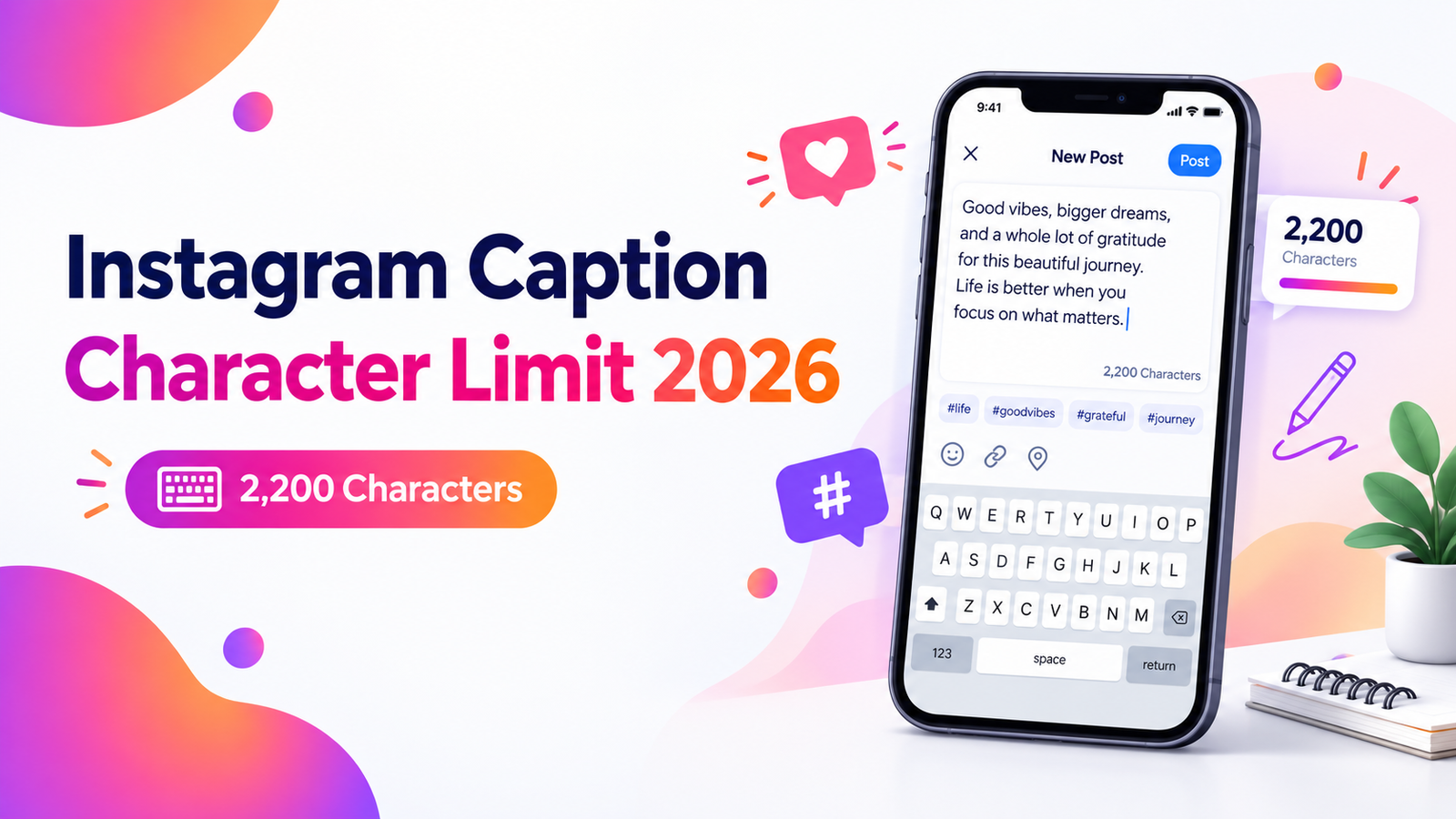
If you're wondering about the Instagram caption character limit in 2026, the maximum is 2,200 characters per caption. That gives you plenty of room, but using every available character isn't usually necessary. A good caption should be as long as the message needs it to be—and no longer.
This guide explains the current caption limit, what counts as a character, how caption length affects readability, and how to make better use of the space Instagram gives you.
What Is the Instagram Caption Character Limit in 2026?
Instagram allows up to 2,200 characters in a caption. The limit applies to captions used with regular feed posts and is also relevant when you're preparing captions for Instagram video content such as Reels.
Those 2,200 characters can include ordinary text, spaces, punctuation, emojis, hashtags and account mentions. In other words, don't think of the limit as 2,200 characters for your main message plus extra room for hashtags. Everything you place in the caption uses some of the available space.
For more details about Instagram caption length and formatting, you can read Hootsuite's Social Media Caption Guide.
The maximum is fairly generous. A 2,200-character caption can hold several paragraphs, so most everyday posts won't come close to reaching it.
Do You Need to Use All 2,200 Characters?
No. The maximum character count is a technical limit, not a recommended target.
Imagine posting a photo from a weekend trip. You probably don't need several paragraphs to explain where you went and what you enjoyed. A short caption may feel more natural. On the other hand, a photographer explaining how an image was created or a small business telling the story behind a new product may genuinely need more space.
Instead of asking, “How can I fill the available characters?” ask a better question: “How much information does someone need to understand this post?”
That simple change usually produces cleaner captions.
Why the Beginning of Your Instagram Caption Matters
People scrolling Instagram don't necessarily see your entire caption immediately. Longer captions can be shortened in the feed, requiring the reader to tap “more” to continue.
That's why your opening sentence deserves extra attention. Common observations put the visible preview at roughly the first 125 characters, although the exact display can vary depending on the device, interface and formatting.
Don't spend that valuable opening space on a slow introduction.
For example, instead of starting with:
“We have something that we have been planning for quite a while and we're finally ready to talk about it...”
You could write:
“Our weekend sale starts Friday—here's what will be included.”
The second version gives readers a reason to continue immediately.
What Counts Toward the Instagram Caption Limit?
When you're close to the maximum, remember that a caption isn't counted by words alone. Several small elements can increase its total character count.
- Letters and numbers
- Spaces between words
- Punctuation marks
- Emojis and symbols
- Hashtags
- Account mentions
- Line breaks and formatting characters
This is why a caption that appears relatively short on screen may contain more characters than you expect.
You can also check Sprout Social's Character Counter Guide for Instagram caption limits and other social media character counts.
Emoji can make captions friendlier and easier to scan, but there's no benefit in adding dozens simply to decorate a post. Use them when they support the tone or make an important point easier to notice.
How Long Should an Instagram Caption Be?
There isn't one perfect caption length for every Instagram account. The right length depends on what you're posting and what you want the reader to do next.
Short captions
Short captions work well when the visual already tells most of the story. A food photo, travel picture, outfit post, quick announcement or simple personal update may only need one or two lines.
They're quick to read and can work particularly well when the image itself is the main attraction.
Medium-length captions
A few short paragraphs give you enough room to add context without asking for much of the reader's time. This format works nicely for tips, product highlights, behind-the-scenes posts and short personal stories.
For many posts, this is a comfortable middle ground.
Long captions
Longer captions make sense when the information itself has value. Tutorials, educational posts, detailed stories, event information and thoughtful explanations may need additional space.
If you're writing a long caption, formatting becomes especially important. Break the copy into small paragraphs rather than publishing one large wall of text.
How to Write Better Instagram Captions in 2026
Knowing the limit solves only half the problem. You still need a caption that someone wants to read.
For updated Instagram posting and caption-writing tips, read Sprout Social's Instagram Posting Guide.
1. Put the useful part first
Lead with the announcement, question, benefit or interesting detail. Readers shouldn't have to work through three sentences before discovering what the post is about.
2. Keep paragraphs short
Instagram is largely consumed on phones. A paragraph that looks normal on a desktop can feel surprisingly dense on a narrow mobile screen.
Use natural line breaks between ideas. They make longer captions much easier to scan.
3. Remove sentences that repeat the same idea
Read your caption once before publishing and look for repetition. If two sentences communicate essentially the same point, keep the stronger one.
Editing isn't about making every caption tiny. It's about making every sentence earn its place.
4. Use a clear call to action when appropriate
If you want readers to do something after seeing your post, tell them clearly.
Depending on the post, that might mean asking them to share an opinion, save a useful tip, visit a page, send a message or tag a friend who would appreciate the information.
A natural call to action is generally better than forcing “comment below” onto every post.
5. Make captions easy to recognize
Your captions should sound consistent with the rest of your account. A playful personal page will naturally write differently from a professional service business.
If you're experimenting with profile styling, you can also try RandomCount's Font Generator for decorative copy-and-paste text. Keep readability in mind, especially for longer text.
Should You Use Emojis in Instagram Captions?
Emojis can be useful when they add personality, separate ideas or highlight an important detail. They shouldn't replace clear writing.
A restaurant might use a food emoji next to a new menu item. A travel account might use a location symbol before naming a destination. Those choices help readers scan the caption.
Five unrelated emojis after every sentence, however, can make a caption harder to follow.
Visual consistency matters outside captions too. If you're planning graphics to accompany your posts, RandomCount's Color Picker can help you choose and compare colors for social media designs.
What About Hashtags?
Hashtags also take up space inside a caption, so don't add them without a reason. A smaller group of closely related hashtags can look cleaner than a large block of loosely connected terms.
Think about relevance first. A hashtag should help describe the subject, audience, location, industry or theme of your post. Adding unrelated popular tags simply because they receive lots of searches can make the caption feel spammy.
If hashtags make your opening messy, place them after the main caption rather than allowing them to distract from your first sentence.
Common Instagram Caption Mistakes to Avoid
One common mistake is writing to the limit rather than writing for the reader. Having 2,200 characters available doesn't mean your caption improves when you use all of them.
Another problem is burying important information near the bottom. If a sale ends tonight, an event changes location, or registration closes soon, put that detail where people can find it quickly.
It's also worth checking captions copied from another app. Extra spaces, awkward line breaks or unusual formatting can slip into the final post without you noticing.
Finally, don't treat every post exactly the same. Some posts deserve a story. Others need six words. Variation makes an account feel more natural.
A Simple Caption Formula You Can Use
If you often stare at an empty caption box, use a three-part structure:
- Hook: Give the reader a reason to stop.
- Context: Explain the useful or interesting part of the post.
- Next step: Tell the reader what to do, when a call to action makes sense.
For example, a giveaway post could open with the prize, briefly explain how the giveaway works, and finish with the entry instructions. If you need a transparent way to make a random selection for an activity or social post, RandomCount also provides a Spin Wheel.
This structure isn't a rigid template. It's simply a useful way to prevent captions from wandering before they reach the main point.
Check Your Caption Before You Publish
Before posting, read the caption once as if you were seeing the account for the first time.
Can you understand the main message from the opening line? Are any sentences unnecessary? Is the text comfortable to read on a phone? Are the hashtags relevant? Does the call to action match the purpose of the post?
For platform-specific rules, it's also sensible to check the official Instagram Help Center and Meta Instagram Platform documentation, since platform features and publishing requirements can change over time.
Explore more useful social media tips and online tools on the RandomCount Blog.
Frequently Asked Questions
What is the Instagram caption character limit in 2026?
Instagram captions can contain up to 2,200 characters. Text, spaces, punctuation, hashtags, mentions and other characters used in the caption contribute to the available space.
Is 2,200 characters the same as 2,200 words?
No. Characters and words are different measurements. A character count includes individual letters, numbers, spaces and punctuation, so 2,200 characters is far shorter than 2,200 words.
Should Instagram captions be short or long?
Use the length that fits the post. Short captions are useful when the visual speaks for itself, while longer captions can work well for tutorials, stories, educational posts and detailed explanations.
Do hashtags count toward the Instagram caption limit?
Yes. Hashtags placed inside the caption use part of the available caption space, so choose relevant hashtags instead of filling the caption with unnecessary ones.
Why should I put important information at the beginning?
Instagram can shorten longer captions in the feed and ask users to tap “more” to continue reading. Putting the main idea or hook first gives people a reason to open the rest of the caption.
Final Thoughts on the Instagram Caption Character Limit 2026
The Instagram caption character limit in 2026 is 2,200 characters, which is more than enough for anything from a quick one-line update to a detailed story. The more useful number, however, is the amount of space your message actually needs.
Start with the strongest information, use short paragraphs when the caption gets longer, remove unnecessary repetition, and keep hashtags relevant. A clear 300-character caption can easily be more useful than a 2,000-character caption that takes too long to reach the point.
Use the limit as room to work—not as a target you have to reach.
Looking for more practical guides? Visit the RandomCount Blog for helpful tips, tools, and easy-to-follow online resources.