
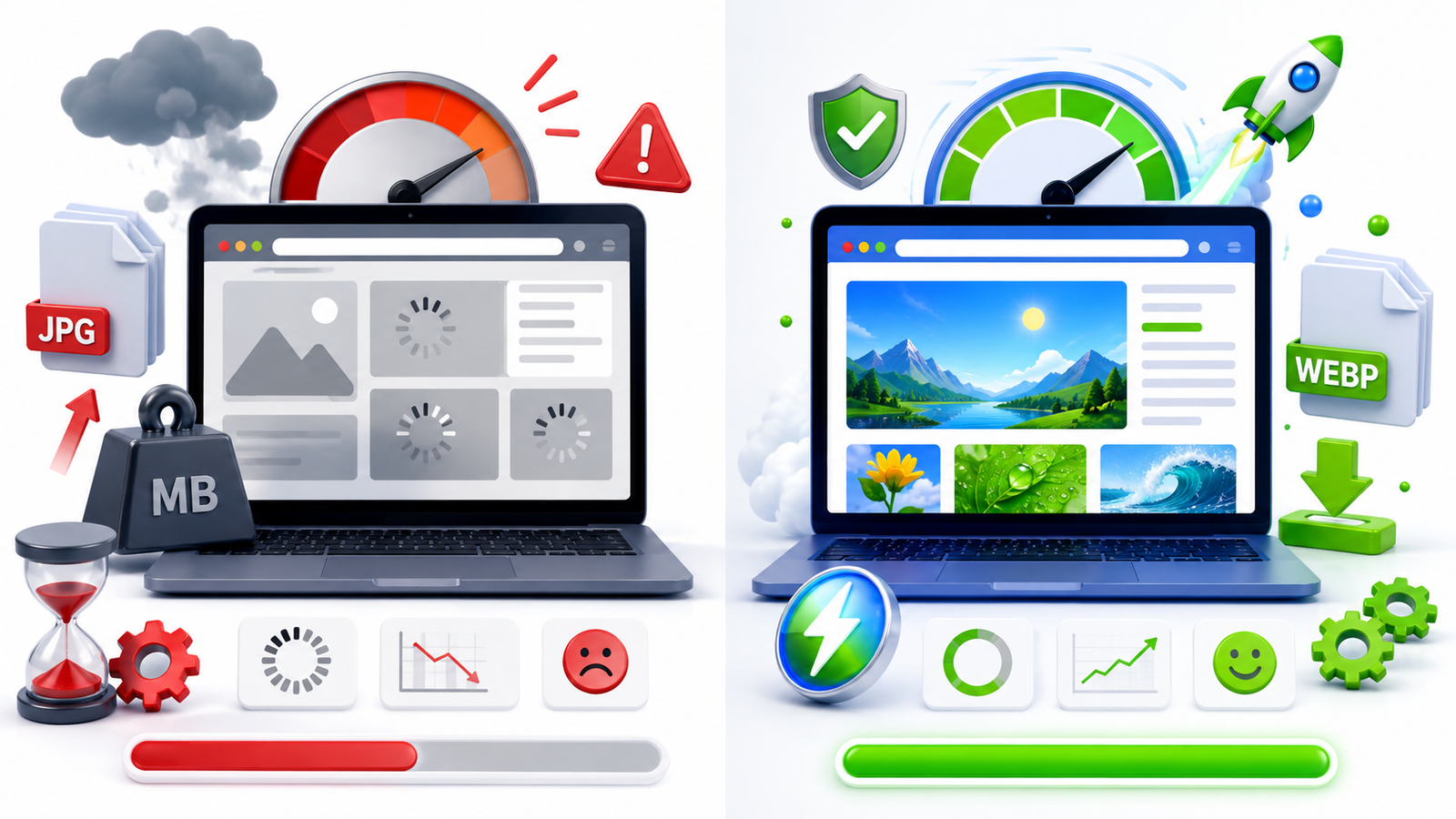
Website speed has become one of the most important factors for online success. Visitors expect web pages to load almost instantly, and search engines like Google also consider page speed when ranking websites. While developers often focus on code optimization and hosting, images are frequently overlooked even though they usually make up the largest portion of a webpage.
If your website still uses only JPG images, you could be missing an opportunity to improve loading speed, reduce bandwidth usage, and provide a better experience for your visitors. This is where WEBP comes in. As a next-generation image format developed by Google, WEBP offers excellent image quality while keeping file sizes significantly smaller.
In this article, we'll compare WEBP and JPG, explain their strengths, and help you decide which format is the right choice for your website.
To better understand the differences between modern and traditional image formats, you can explore the MDN Image File Format Guide, which provides detailed information about supported image formats, their features, and best practices for web development.
What is JPG?
JPG (or JPEG) has been one of the most widely used image formats for decades. It is popular because it balances image quality and file size, making it suitable for photographs, blog images, and product pictures.
Most cameras, smartphones, editing software, and websites support JPG without any compatibility issues. Because of its universal support, many website owners continue using JPG for nearly all images.
However, JPG uses older compression technology, which often results in larger file sizes compared to modern formats.
What is WEBP?
WEBP is a modern image format introduced by Google specifically for websites. It uses advanced compression techniques that reduce image file sizes without causing a noticeable drop in visual quality.
WEBP supports both lossy and lossless compression, transparency, and animation, making it a versatile replacement for JPG and PNG in many situations.
Today, almost all modern browsers support WEBP, making it a practical option for websites that want to improve loading performance.
WEBP vs JPG: Key Differences
1. File Size
The biggest advantage of WEBP is its smaller file size. On average, WEBP images are around 25% to 35% smaller than JPG files while maintaining similar visual quality.
Smaller files mean your website downloads less data, allowing pages to load faster even on slower internet connections.
2. Image Quality
Both formats can produce excellent-looking images. JPG has been trusted for years, but WEBP often delivers comparable quality using much less storage space.
Unless someone compares both images side by side, the difference is usually impossible to notice.
3. Transparency Support
JPG doesn't support transparent backgrounds. WEBP does, making it useful for logos, icons, and graphics that need transparent edges.
4. Browser Compatibility
JPG works on virtually every browser and device.
WEBP is supported by Chrome, Edge, Firefox, Safari, Opera, Android, and most modern browsers. Unless you're supporting very old systems, compatibility is no longer a major concern.
Choosing the right image format is only one part of website optimization. You should also resize and compress images before uploading them to reduce page load times. Check out our guide on How to Resize Images for Faster Website Loading for more optimization tips.
You can easily convert your images using our free JPG to WEBP Converter to reduce file size and improve website loading speed.
Frequently Asked Questions (FAQs)
1. Is WEBP better than JPG for websites?
Yes, WEBP is generally better for websites because it offers significantly smaller file sizes while maintaining excellent image quality. Smaller images load faster, improve user experience, and can contribute to better SEO performance. JPG is still useful for compatibility, but WEBP is the preferred choice for modern websites.
2. Does using WEBP improve SEO?
WEBP doesn't directly increase search rankings, but it helps improve website speed and Core Web Vitals, which are important ranking factors. Faster-loading pages provide a better user experience, reduce bounce rates, and support overall SEO efforts.
3. Can all browsers display WEBP images?
Most modern browsers, including Google Chrome, Mozilla Firefox, Microsoft Edge, Safari, and Opera, fully support WEBP images. If your website needs to support very old browsers, you can provide JPG as a fallback image.
4. When should I use JPG instead of WEBP?
JPG remains a good option for printed materials, email attachments, downloadable images, and situations where compatibility with older software or devices is essential. For most web pages, however, WEBP is the better choice.
5. How much smaller are WEBP images compared to JPG?
On average, WEBP images are 25% to 35% smaller than JPG images without a noticeable loss in quality. The exact reduction depends on the image content and compression settings used during optimization.
6. Can I convert existing JPG images to WEBP?
Yes. Many online tools, image editors, WordPress plugins, and website optimization services allow you to convert JPG images into WEBP. This is one of the easiest ways to improve website performance without changing your design.
7. Does WEBP support transparent backgrounds?
Yes. Unlike JPG, WEBP supports transparency, making it an excellent choice for logos, icons, graphics, and images that require transparent backgrounds while still maintaining a small file size.
8. What are the best practices for optimizing website images?
For the best performance, resize images before uploading, use WEBP whenever possible, compress images without sacrificing quality, write descriptive alt text, enable lazy loading, and serve responsive image sizes. Combining these practices helps improve loading speed and enhances the overall user experience.
Final Thoughts
Choosing between WEBP and JPG doesn't have to be complicated. While JPG remains a reliable format with broad compatibility, WEBP offers clear advantages for modern websites by delivering smaller file sizes without compromising image quality.
If your goal is to improve loading speed, enhance user experience, and support better SEO performance, WEBP is the smarter choice for most web projects. For the best results, combine WEBP with proper image optimization, responsive design, and fast hosting to create a website that performs well across all devices.
Modern websites compete not only through design but also through speed. Upgrading your image format is a simple change that can make a noticeable difference in both performance and visitor satisfaction.