
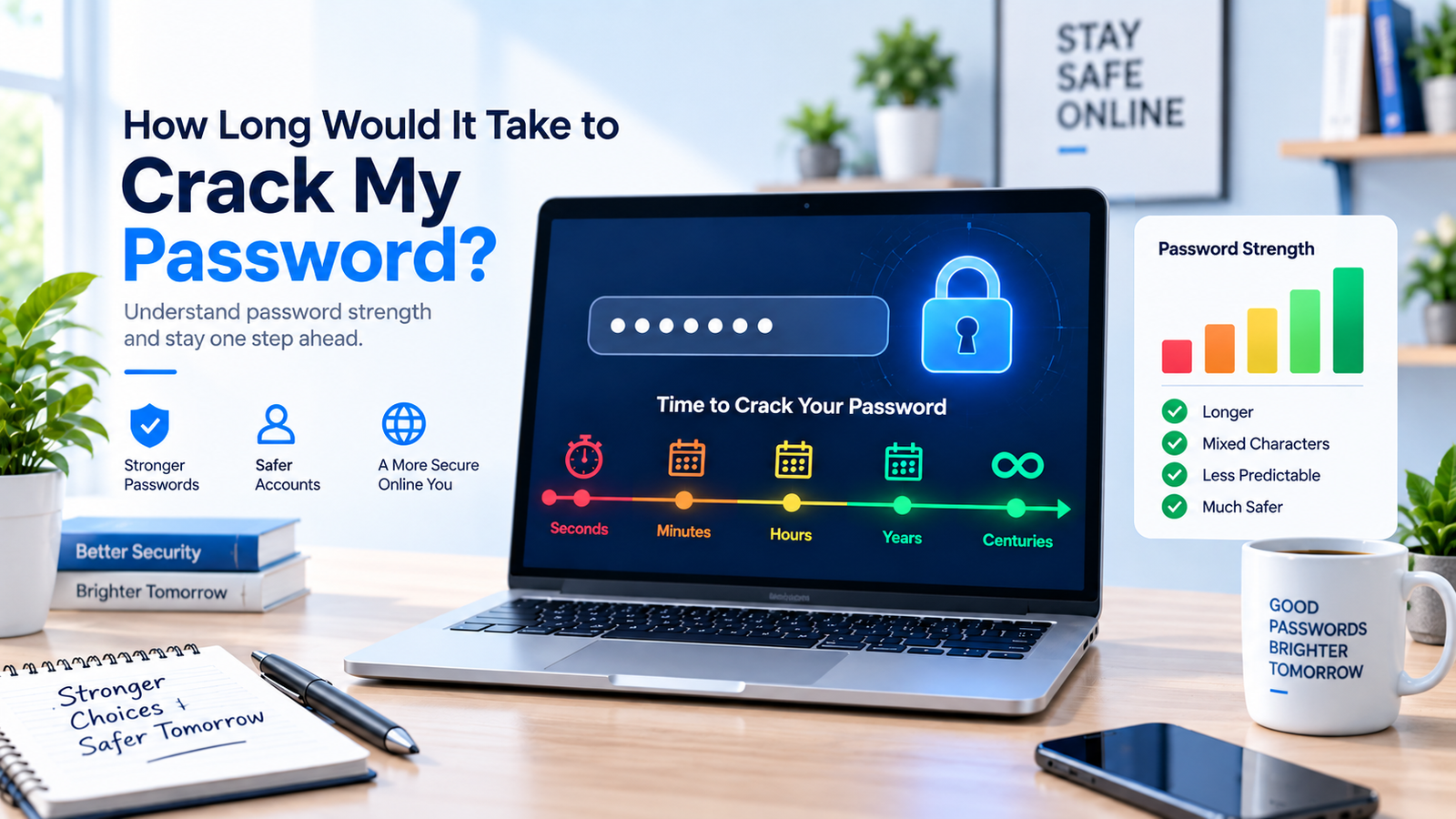
You type a password, hit sign in, and probably don't think about what happens behind the scenes. But there's an interesting question worth asking: how long would it take to crack my password?
The answer might be a few moments, many years, or an impractically long time. The difference often comes down to length, randomness, uniqueness, and how the website protects stored passwords. A short password based on a familiar word is very different from a long, randomly generated one.
This guide explains password cracking time in plain English and includes a simple chart to show why adding length can make such a big difference.
How Long Would It Take to Crack My Password?
There isn't one universal cracking time for every password. An attacker may try common passwords first, use words found in leaked password lists, test predictable variations, or attempt huge numbers of possible combinations.
A truly random password forces an attacker to search a much larger set of possibilities. Each extra character can dramatically expand that search space. That's why a long password can be considerably stronger than a short password that merely replaces an “a” with “@” or adds “123” at the end.
Current NIST guidance places strong emphasis on password length and recommends a minimum of 15 characters when a password is used as a single authentication factor. Passwords used only as part of multifactor authentication can have different minimum requirements. Whatever the minimum, longer and less predictable passwords generally provide a larger guessing space. If you need a new unpredictable password, you can use RandomCount's Random Password Generator instead of creating another predictable variation yourself.
Password Cracking Time and Search Space
For a randomly generated password, the basic search space can be estimated by raising the number of possible characters to the password length. For example, a 6-digit password has 106 possible combinations, while an 8-character password using 26 lowercase letters has 268 possibilities. These are theoretical search-space figures, not guaranteed attack times.
The chart below is a simple educational comparison. It assumes passwords are randomly chosen rather than common words, names, dates, keyboard patterns, or passwords already found in breach lists.
| Password Type | Length | Possible Combinations |
|---|---|---|
| Numbers only | 6 characters | 1,000,000 |
| Lowercase letters (a–z) | 8 characters | 208,827,064,576 |
| Uppercase + lowercase | 10 characters | 144,555,105,949,057,024 |
| Letters + numbers | 12 characters | 3,226,266,762,397,899,821,056 |
| Random mixed characters | 15 characters | Depends on the character set |
| Random mixed characters | 20 characters | Depends on the character set |
These numbers represent the size of the possible search space, not the amount of time an attacker is guaranteed to need. For a randomly generated password, each additional character multiplies the number of possible combinations. In real attacks, the result can be very different because attackers may use leaked passwords, predictable patterns, specialized hardware, or weaknesses in the way a service stores passwords.
Why Password Length Makes Such a Difference
Think of a three-digit lock. There are only so many combinations to try. Add more positions and the number of possibilities grows quickly. Passwords follow the same basic idea.
When each position can contain characters from the same possible set, adding one more character multiplies the number of combinations rather than simply adding a few extra guesses. For a randomly generated password, this is why increasing length can make the search space grow so quickly.
For example, an 8-character password made only from lowercase letters has 268, or 208,827,064,576, possible combinations. Increasing the length to 12 characters raises that to 2612, or 95,428,956,661,682,176 possible combinations. These figures show why adding genuinely random characters can make the search space grow so quickly.
This is one reason length deserves more attention than tricks such as changing “password” to “P@ssword1”. To a person, the second version looks more complicated. To password-cracking software designed to test common substitutions and patterns, it may still be predictable.
What Makes a Password Easy to Crack?
Password length isn't the whole story. Human habits matter too. We like passwords we can remember, so we naturally create patterns. Unfortunately, attackers know those patterns.
Names, birthdays, phone numbers, sports teams, movie characters and simple keyboard sequences are poor building blocks. The same applies to obvious variations of familiar words. Adding a year or an exclamation mark doesn't magically turn a predictable password into a random one.
For example, changing Summer2026 to Summer2026! may look like a meaningful improvement, but it still follows an obvious pattern. A password generated without personal words, dates, or familiar substitutions is much harder to predict. The difference is not how complicated the password looks to a person; it is how predictable it is to an attacker.
Password reuse creates another problem. An attacker may not need to crack your password at all. If credentials from one service are exposed, the same login details can be tested against other services. This is why every important account should have its own password.
Brute Force Isn't the Only Way Passwords Are Stolen
When people hear “password cracking,” they often picture a computer testing every possible combination from beginning to end. Real attacks aren't always that straightforward.
Dictionary and common-password attacks
Attackers can start with frequently used passwords, dictionary words and known patterns. If your password resembles something people commonly choose, it may be tested long before a purely random combination.
Credential stuffing
Reusing a password can turn one exposed account into several compromised accounts. Attackers can take previously leaked username-password combinations and try them on other services.
Phishing
Sometimes there is nothing to crack. A convincing fake login page can trick someone into entering the correct password voluntarily. A 20-character password doesn't help if you hand it directly to a scammer.
That distinction matters: a strong password protects against guessing, but good account security needs more than password strength alone.
How to Make Your Password Much Harder to Crack
Start with length. Current NIST password guidance recommends at least 15 characters. For passwords you don't need to memorize, random generation makes it easier to avoid familiar words and personal patterns.
Next, make every password unique. Your email, shopping account, social profile and work login shouldn't share one master password. If one service is compromised, unique credentials help contain the damage.
For simple advice on creating longer and more secure passwords, check Google's guide to creating strong passwords.
A password manager can handle the memory problem. It can store separate credentials for your accounts so you don't have to memorize dozens of long random strings. CISA also recommends long, random and unique passwords and encourages password-manager use.
Finally, turn on multifactor authentication (MFA) when a service offers it. MFA adds another verification requirement, which can help protect an account even if its password is exposed. You can read more in CISA's Secure Our World guidance.
Random Password vs. Memorable Password
A memorable password isn't automatically weak, and a messy-looking password isn't automatically strong. What matters is how predictable the choice is.
If you need to remember a password yourself, a long passphrase made from unrelated words can be more practical than a short password packed with predictable symbols. If a password manager is available, however, you can let it generate and store a long random password so memorising it is no longer necessary.
RandomCount's free password generator lets you choose password length and character types. The goal isn't to create something that merely looks complicated. It's to avoid predictable choices.
Should You Change Your Password Every Few Months?
Changing a strong password on an arbitrary schedule isn't the main goal. Current NIST guidance does not recommend forcing periodic password changes without a reason. A change makes sense when there is evidence or suspicion that the credential has been compromised.
For example, replace a password if a service reports a relevant breach, you accidentally shared it, you entered it on a suspicious page, or you discover that you've reused it elsewhere. When replacing it, create a genuinely new password rather than changing one digit at the end.
Don't Treat a Password Crack-Time Estimate as a Guarantee
A password strength chart is useful for understanding scale, but don't read “millions of years” as a promise that an account is safe for millions of years.
Real security depends on how the service stores passwords, whether credentials have leaked before, whether the password follows a recognizable pattern, the attacker's resources and whether another attack method is easier.
To understand why password storage affects cracking difficulty, see the OWASP Password Storage Cheat Sheet.
Use cracking-time estimates as a lesson rather than a countdown clock: longer, unpredictable and unique passwords create a much harder guessing problem.
Frequently Asked Questions
How long does it take to crack a password?
It can range from very quickly to an impractically long time. The result depends on password length, randomness, predictability, hashing method, attacker hardware and attack technique. There is no single cracking speed that applies to every account.
Is a 15-character password strong?
A 15-character password can provide strong resistance to guessing when it is unique and difficult to predict. Longer passwords can provide an even larger search space when they are generated randomly and supported by the service.
Do symbols make a password harder to crack?
Symbols can increase the possible character set in a randomly generated password, but length and unpredictability are especially important. Adding a predictable symbol to a common word doesn't necessarily make that password strong.
Can hackers crack a 20-character password?
A randomly generated 20-character password can create an extremely large search space, making straightforward brute-force guessing much harder. However, password length cannot protect against every attack. Phishing, malware, credential theft, data breaches, or other security weaknesses can expose an account without an attacker having to guess the password.
What is the best way to create a strong password?
Choose a long, unique and unpredictable password for each account. A password generator and password manager can make this practical. Add multifactor authentication to important accounts for another layer of protection.
Final Thoughts
So, how long would it take to crack my password? There's no honest single answer without knowing the password structure and attack conditions. What we can say is that short and predictable credentials give attackers a much easier job, while long and randomly chosen passwords dramatically increase the number of possibilities they must consider.
Before you move on, use this simple checklist for important accounts:
- Use a long password whenever the service allows it.
- Make the password unique to that account.
- Avoid names, birthdays, common words, and predictable patterns.
- Use a password manager to generate and store random passwords.
- Enable multifactor authentication (MFA) when available.
Explore more useful guides, tools, and practical tips on the RandomCount Blog.