
If you've ever written a long Discord announcement only to discover that it won't send as expected, you've probably run into Discord's character limits. The tricky part is that there isn't one single limit for everything. Messages, profile bios, and embeds all have their own rules.
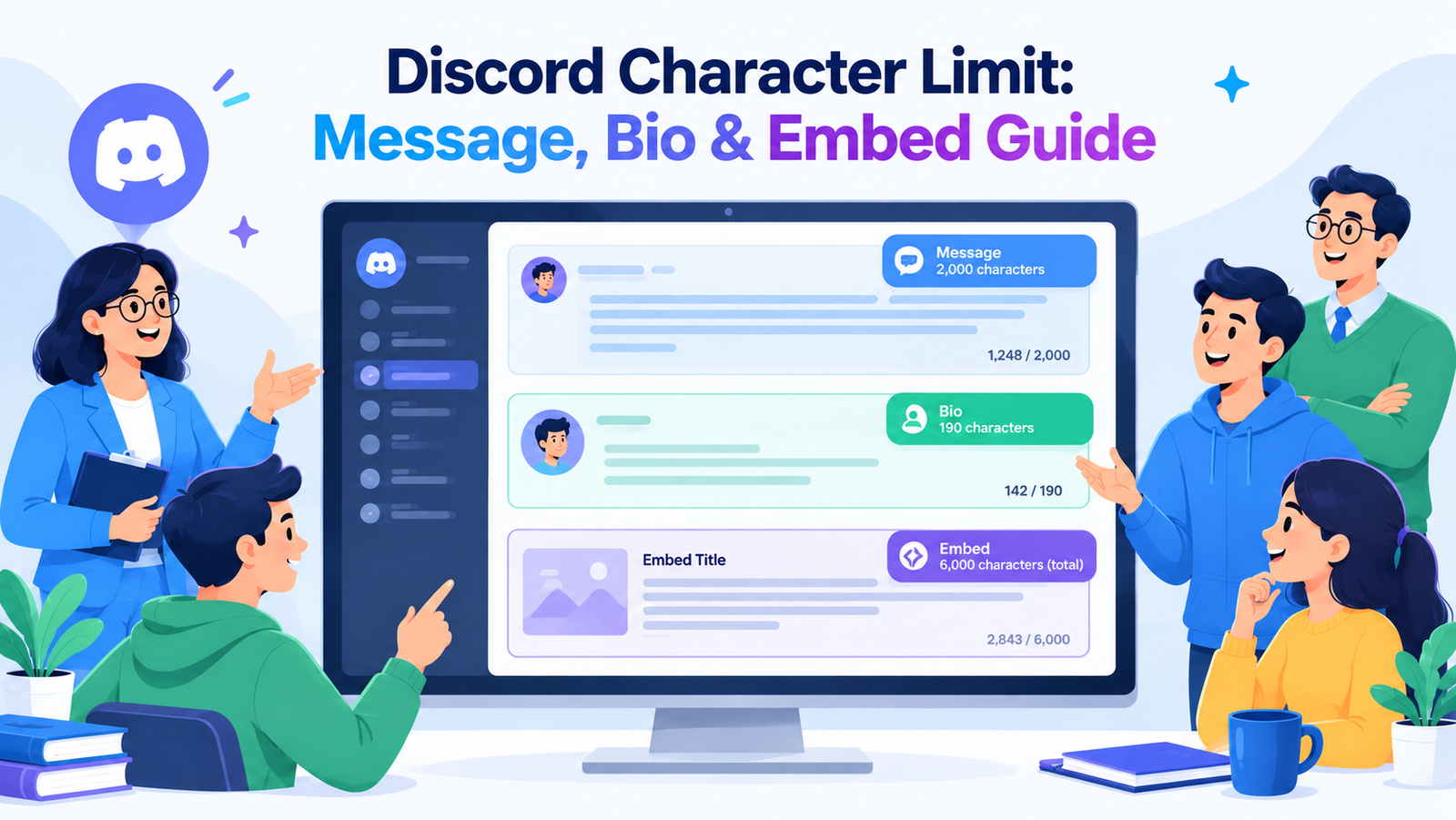
As currently documented by Discord, a standard message can contain up to 2,000 characters, while Nitro raises the message limit to 4,000. The profile About Me section allows up to 190 characters, and embeds have a 6,000-character total limit across their supported text fields.
Knowing those numbers before you start writing can save a surprising amount of time. Here's a practical breakdown of the Discord character limit for the areas people use most.
Discord Message Character Limit
For ordinary Discord messages, the character cap is 2,000 characters. This applies to the text you type into a normal message, whether you're chatting with friends, posting an announcement, or replying in a server.
Discord also documents a higher limit for Nitro subscribers. With Nitro, the maximum message length increases to 4,000 characters. That extra space can be useful for longer explanations, guides, stories, server information, or detailed replies.
There is an important practical difference between knowing the limit and actually writing within it. A message can feel short while you're composing it, especially when it contains several paragraphs, links, emojis, or formatting. If you're close to the boundary, checking the character count before sending is a simple way to avoid last-minute editing.
Discord's own support documentation also notes that messages over the applicable limit are handled as text files rather than remaining as a normal message. If keeping your content directly visible in the chat matters, staying within the message limit is the safer approach.
For the official details, you can check Discord's message and character limit guide.
Discord Bio Character Limit: About Me
Your Discord profile has a much smaller writing space. The About Me section allows up to 190 characters. Discord says that this count includes emojis, Markdown text, and links.
That makes the bio limit quite different from the message limit. You can't treat a Discord bio like a mini introduction paragraph. Every character matters, so a good bio usually works better when it focuses on one or two memorable details.
For example, instead of writing a long description about your hobbies, you could mention your main interest, current game, creative work, or a short personal line. The goal isn't to explain everything about yourself. It's to give visitors a quick idea of who you are.
Links also deserve some thought. Discord supports links in the About Me section, but they still take up space within the character allowance. If you're already near 190 characters, adding a URL may mean removing useful wording elsewhere.
Discord's official Custom Profiles documentation confirms the 190-character About Me limit and explains the supported formatting options.
Discord Embed Character Limit
Embeds work differently because the text is divided into separate components. This is especially relevant if you manage a Discord bot, webhook, moderation system, or automated announcement.
For a practical developer-focused explanation, see the discord.js guide to message embeds.
Discord's documented embed limit is 6,000 characters in total. That total covers the text used across the embed rather than giving you 6,000 characters for every individual section.
There are also smaller limits for individual embed components. An embed title can contain up to 256 characters, while the description can contain up to 2,048 characters. Field names have a 256-character limit, and field values can contain up to 1,024 characters. The footer text and author name have their own limits as well.
This is where developers sometimes make a simple mistake: they look only at the description limit and forget that the entire embed has a combined ceiling. A large description plus several long fields can push the embed beyond the total allowance even when each individual component looks valid.
Discord also allows up to 25 fields in an embed.
For technical implementation, Discord's webhooks and embeds documentation is a useful reference for the individual limits.
Discord Character Limits at a Glance
| Where you’re typing | Maximum characters | What you can use it for |
|---|---|---|
| Regular Discord message | 2,000 | Everyday chats, replies, updates, and server posts |
| Discord Nitro message | 4,000 | Detailed replies, longer announcements, and extended posts |
| About Me profile | 190 | Short introductions, interests, links, or personal bios |
| Embed title | 256 | A clear heading for an embed or automated message |
| Embed description | 2,048 | Main information displayed inside an embed |
| Embed field name | 256 | Small headings used to organize embed sections |
| Embed field value | 1,024 | Details, explanations, or supporting information |
| Complete embed | 6,000 | The combined text allowed across the embed content |
How to Stay Under the Discord Character Limit
The easiest way to stay within a limit is to write the message normally first, then trim it. Trying to write while constantly counting every character usually makes the text feel stiff.
1. Remove repeated information
If two sentences make the same point, keep the clearer one. This is particularly helpful for announcements where the same instruction may accidentally appear in the introduction and conclusion.
2. Shorten long introductions
Get to the useful information faster. A sentence such as “We just wanted to let everyone know that...” can often become “Here’s the update:” without losing meaning.
3. Break large messages into sections
For longer Discord posts, headings, bullets, and short paragraphs make information easier to scan. If a message still doesn't fit, splitting it into two logical posts is often better than removing important details.
4. Keep embeds focused
An embed doesn't need to use every available character. Short fields with clear labels are usually easier to read than one huge block of text. Think about what a server member needs to know first, then put secondary details underneath.
5. Check your text before publishing
A character counter can quickly tell you whether a message or bio fits. This is especially useful when you're working with a strict 190-character profile bio or a carefully structured embed.
If you want to check the length of your text before posting it, you can use the RandomCount character counter to quickly count your characters and words.
If you enjoy experimenting with profile text and Unicode styles, you can also try the RandomCount Font Generator. Just remember that decorative characters can affect readability, so check the final result on Discord before using it in an important profile or message.
Does Formatting Count Toward the Limit?
For Discord's About Me section, Discord specifically states that the 190-character allowance includes Markdown text, emojis, and links. In other areas, the exact accounting can depend on the type of content you're creating, so it's better not to assume that visual formatting is completely “free.”
When you're close to a limit, the safest method is simple: keep the wording concise and test the actual content in the field where it will be used. That approach is more reliable than trying to estimate how Discord will count a complicated combination of formatting, symbols, and links.
Why Character Limits Matter
Character limits can feel annoying when you have more to say, but they also encourage clearer communication. A message limit encourages you to remove filler. An embed limit makes you organize information instead of throwing everything into one large block.
For server owners and developers, these limits are even more useful to understand because automated messages can fail or become difficult to maintain when content is generated dynamically. Building your bot or webhook with the limits in mind makes those problems easier to avoid.
Frequently Asked Questions
What is the Discord character limit for a normal message?
A standard Discord message can contain up to 2,000 characters. Discord documents a 4,000-character message limit for Nitro subscribers.
How many characters can a Discord bio have?
The Discord About Me profile section allows up to 190 characters, including emojis, Markdown text, and links.
What is the maximum Discord embed size?
The combined text in a Discord embed can contain up to 6,000 characters. Individual sections such as the title, description, and fields have smaller limits.
Can Discord Nitro send longer messages?
Yes. Discord's current support documentation lists a 4,000-character message limit for Nitro compared with 2,000 characters for the standard limit.
What should I do if my Discord message is too long?
Remove repeated wording, shorten the introduction, use headings or bullets, or divide the content into multiple messages. For bot and webhook content, consider restructuring the information into separate embed fields.
Final Thoughts
The Discord character limit depends on where you're writing. Regular messages allow 2,000 characters, while Nitro messages can reach 4,000. A Discord About Me bio is limited to 190 characters, and an embed can contain up to 6,000 characters across its supported text components.
Once you know which limit applies, the solution is straightforward: write clearly, cut repetition, divide information into useful sections, and check the final character count before publishing. A little preparation can save you from rewriting a nearly finished Discord post at the last second.