
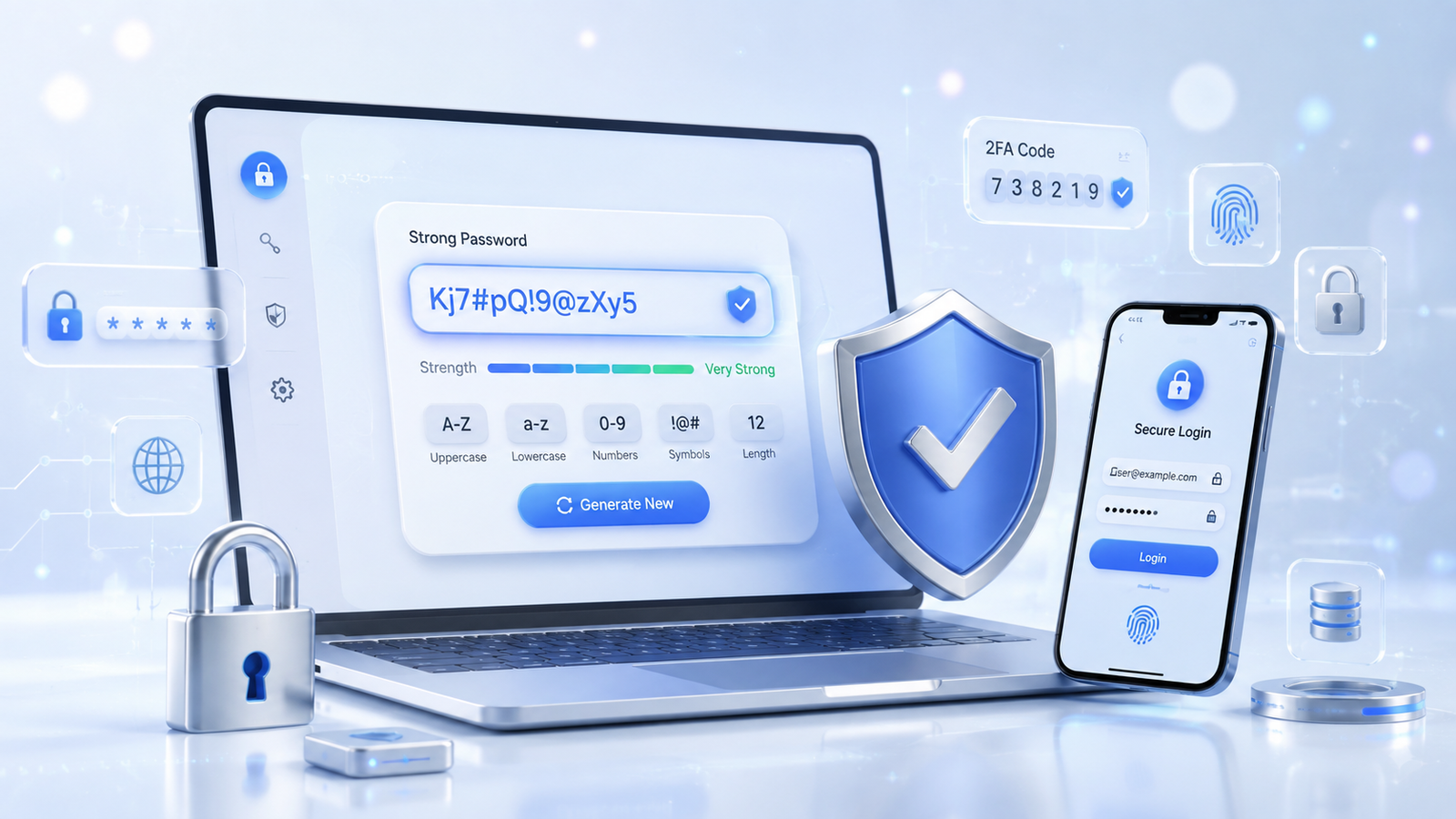
Passwords are the first line of defense for almost every online account you own. Whether you are logging into your email, social media, online banking, shopping websites, or work accounts, a strong password helps keep your personal information safe. Unfortunately, many people still use simple passwords like "123456", "password", or their birth date, making it easier for cybercriminals to gain unauthorized access.
A Random Password Generator is one of the simplest and most effective tools for improving your online security. Instead of trying to think of a complicated password yourself, this tool instantly creates a secure combination of uppercase letters, lowercase letters, numbers, and special symbols that are difficult to guess.
Strong passwords significantly reduce the chances of hacking attempts, brute-force attacks, and credential theft. By generating unique passwords for every account, you create an extra layer of protection that keeps your digital life secure.
What Is a Random Password Generator?
A Random Password Generator is an online tool that automatically creates unique and unpredictable passwords. Rather than relying on common words or personal information, it generates combinations that are extremely difficult for attackers to predict.
These passwords often include:
- Uppercase letters (A–Z)
- Lowercase letters (a–z)
- Numbers (0–9)
- Special symbols (!, @, #, $, %, &, *)
The randomness makes each password far more secure than passwords created manually.
Why Strong Passwords Matter
Cyberattacks happen every day, targeting individuals and businesses alike. Weak passwords remain one of the leading causes of compromised accounts. Attackers often use automated software capable of testing millions of password combinations within minutes.
If your password is short, predictable, or based on personal details, it becomes much easier for hackers to guess.
Using a random password greatly improves security because it removes predictable patterns and creates combinations that are nearly impossible to remember—but also nearly impossible to crack.
Benefits of Using a Random Password Generator
1. Better Security
Randomly generated passwords are much stronger than manually created passwords because they contain unpredictable combinations of characters.
2. Unique Passwords for Every Account
Reusing passwords across multiple websites increases security risks. If one account is compromised, attackers may try the same password elsewhere. A password generator encourages using different passwords for every account.
3. Saves Time
Instead of spending time creating a password yourself, the generator produces a secure one instantly.
4. Reduces Human Error
People naturally choose passwords they can remember, but those passwords are often easier to guess. Automated generation removes this weakness.
5. Supports Modern Security Standards
Many websites now recommend passwords with at least 12–16 characters that include letters, numbers, and symbols. Password generators easily meet these recommendations.
If you need a quick and reliable way to create secure passwords, try our Random Password Generator. It instantly creates strong, unique passwords with a combination of uppercase and lowercase letters, numbers, and special characters to help keep your online accounts safe.
How Does a Random Password Generator Work?
Most password generators rely on algorithms that produce unpredictable character sequences. The generated password can often be customized based on your preferences.
Typical customization options include:
- Password length
- Include uppercase letters
- Include lowercase letters
- Include numbers
- Include symbols
- Avoid similar-looking characters
- Create multiple passwords at once
Within seconds, the tool generates a password that is both secure and unique.
Characteristics of a Strong Password
A strong password generally has several important characteristics:
- At least 12 to 16 characters long
- Contains uppercase and lowercase letters
- Includes numbers
- Uses special symbols
- Does not contain dictionary words
- Avoids names or birthdays
- Completely unique for each account
Following recognized cybersecurity guidelines can help you create passwords that are harder to crack and safer to use. For more expert recommendations, read NIST's official password security recommendations.
The stronger your password, the more difficult it becomes for attackers to guess or crack using automated tools.
Common Password Mistakes to Avoid
Even today, millions of users continue making the same password mistakes.
- Using "123456"
- Using "password"
- Using your mobile number
- Using your name
- Using your birthday
- Reusing passwords across websites
- Creating short passwords with fewer than eight characters
A random password generator helps eliminate all of these common mistakes automatically.
Besides using secure passwords, you can also explore more useful online utilities available on Random Count Tools for everyday productivity.
Password Security Best Practices
Creating a strong password is only the first step. The way you manage and use your passwords is just as important. Even the strongest password can become vulnerable if it is shared, reused, or stored carelessly. Following a few simple practices can greatly improve your online security.
Use a Different Password for Every Account
One of the biggest mistakes people make is using the same password across multiple websites. If a single website experiences a data breach, attackers may try that same password on your email, banking, shopping, or social media accounts. This technique is known as credential stuffing.
By generating a unique password for each account, you reduce the risk of multiple accounts being compromised at the same time.
Choose a Longer Password
Password length plays an important role in security. A password with 14 to 20 random characters is generally much stronger than a short password, even if the shorter one contains symbols and numbers.
Many security experts recommend using passwords that are at least 12 characters long. If the website allows it, choosing 16 or more characters provides even better protection.
Include Multiple Character Types
A strong password should contain a mix of:
- Uppercase letters
- Lowercase letters
- Numbers
- Special characters
This combination increases the number of possible password variations, making brute-force attacks significantly more difficult.
How Password Managers Help
Many users avoid creating unique passwords because remembering dozens of complex passwords seems impossible. This is where password managers become useful.
A password manager securely stores your login credentials in an encrypted vault. Instead of remembering every password, you only need to remember one strong master password.
Many password managers can also generate random passwords automatically whenever you create a new online account, saving time while improving security.
Enable Two-Factor Authentication (2FA)
A strong password becomes even more effective when combined with two-factor authentication (2FA). This additional security step requires another form of verification before allowing access to your account.
Examples include:
- A one-time verification code sent to your phone
- An authentication app
- A hardware security key
- Biometric verification such as fingerprint or face recognition
Even if someone manages to discover your password, they still cannot access your account without the second verification step.
How Hackers Try to Crack Passwords
Understanding common attack methods helps explain why randomly generated passwords are so important.
Brute-Force Attacks
Attackers use automated software to test millions of password combinations until they find the correct one. Longer and more complex passwords dramatically increase the time required for these attacks.
Dictionary Attacks
Simple passwords based on dictionary words are especially vulnerable.
Credential Stuffing
When login information is leaked from one website, attackers often try the same username and password combination on hundreds of other websites.
Phishing Attacks
Sometimes attackers don't crack passwords—they trick users into revealing them through fake emails or websites that look genuine. Always verify the website address before entering your login details.
When Should You Change Your Password?
While there is no need to change strong passwords frequently without reason, you should update them immediately if:
- You suspect someone knows your password.
- A website announces a security breach.
- You accidentally shared your password.
- Your account shows suspicious activity.
- You used the same password on multiple websites.
Whenever you create a replacement password, use a fresh random password instead of making small changes to the old one.
Common Myths About Password Security
Myth 1: Short Passwords Are Fine If They Have Symbols
Symbols help, but password length is equally important. A longer password with a random mix of characters provides much stronger protection.
Myth 2: One Strong Password Is Enough
Even the strongest password should never be reused. Every online account deserves its own unique password.
Myth 3: My Account Isn't Important
Every online account contains valuable information. Even a shopping or gaming account can be used for fraud, identity theft, or unauthorized purchases if it falls into the wrong hands.
Make Password Security a Daily Habit
Good password habits don't require much effort once they become part of your routine. Use a password generator whenever you create a new account, store passwords securely, and enable two-factor authentication whenever it's available.
These simple steps can significantly reduce the risk of unauthorized access while giving you greater confidence when using online services.
Explore More Useful Online Tools
If you regularly work with numbers, text, or everyday calculations, explore the collection of free utilities available on Random Count. From generators and converters to counting tools, the platform offers practical solutions designed to save time and improve productivity.
To learn more about password security recommendations and common cybersecurity risks, you can also refer to the OWASP Top 10 Security Project, which provides valuable information on protecting online accounts and applications.
Frequently Asked Questions (FAQs)
1. What is a Random Password Generator?
A Random Password Generator is an online tool that creates secure, unpredictable passwords using a combination of letters, numbers, and special characters. It helps users create stronger passwords than they would typically make on their own.
2. Why should I use a random password instead of creating one myself?
Random passwords are much harder to guess because they don't follow predictable patterns. They provide better protection against brute-force attacks, dictionary attacks, and credential theft.
3. What is the ideal password length?
Most cybersecurity experts recommend using passwords that are at least 12 characters long. For even better protection, passwords with 16 or more characters are preferred whenever supported.
4. Can I use the same password for multiple accounts?
No. Every online account should have a unique password. Reusing passwords increases the risk that multiple accounts could be compromised if one website experiences a data breach.
5. Are passwords with symbols more secure?
Yes. Including uppercase letters, lowercase letters, numbers, and special characters creates a larger number of possible combinations, making passwords more difficult to crack.
6. Should I enable two-factor authentication (2FA)?
Absolutely. Two-factor authentication adds an extra layer of security by requiring a second verification step in addition to your password, making unauthorized access much more difficult.
7. Is an online Random Password Generator safe to use?
A trustworthy password generator that creates passwords locally in your browser without storing them can be a safe and convenient way to generate secure passwords.
Final Thoughts
In today's digital world, protecting your online accounts starts with choosing strong passwords. A Random Password Generator makes this process simple by creating secure, unique, and unpredictable passwords in seconds. Whether you're signing up for a new service or updating an existing account, using randomly generated passwords is one of the easiest ways to improve your online security.
Remember that password security is not just about complexity—it's also about good habits. Use a different password for every account, enable two-factor authentication whenever possible, and avoid sharing your passwords with others. Small changes like these can make a significant difference in keeping your personal and professional information safe.
If you're looking for a quick and reliable way to generate secure passwords, a Random Password Generator is an excellent tool to include in your daily online routine. Combined with smart security practices, it helps protect your digital identity and gives you greater peace of mind while browsing, shopping, working, and communicating online.
Explore more free online utilities on Random Count to simplify everyday tasks with easy-to-use tools.